
Knowledge Base
A knowledge base is like giving the AI its own reference book: you put your documents, notes and web pages into it, and later, during chats, the AI looks things up in that book to answer your questions.
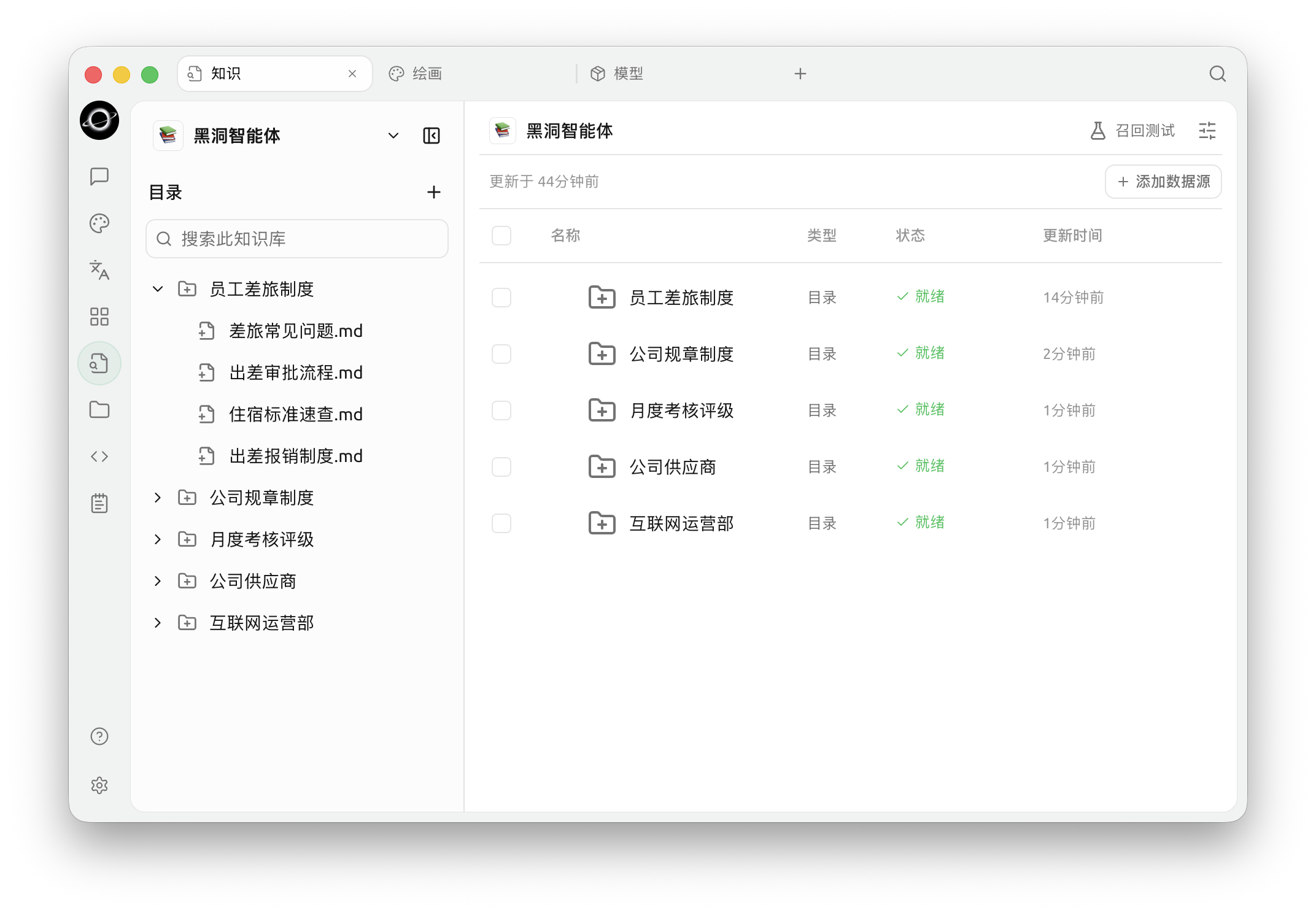
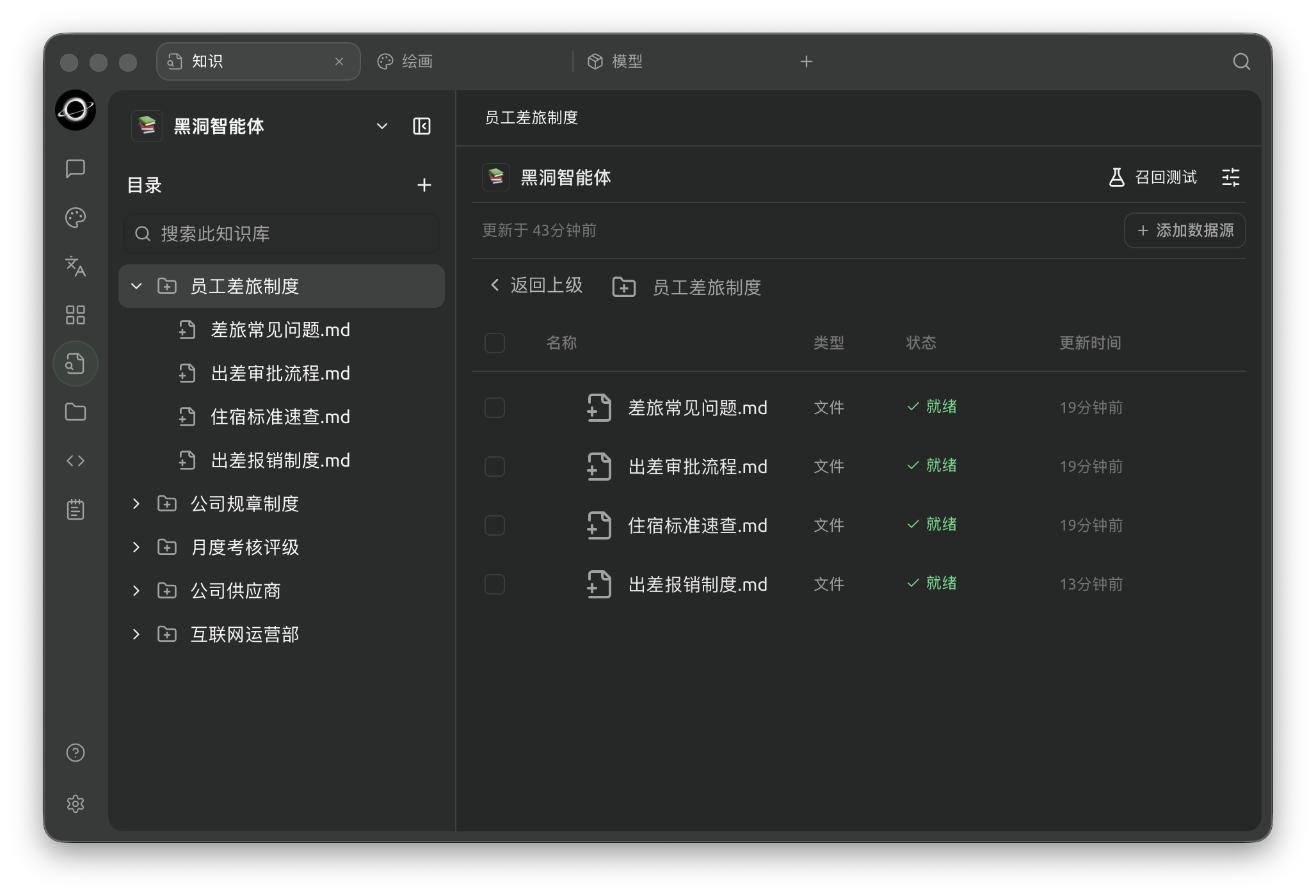
Knowledge workspace: organize folders on the left and inspect sources and processing status on the right (Chinese interface).
What Can You Do With a Knowledge Base?
Use it for material you need to consult repeatedly, such as product manuals, internal policies, project notes or study materials. See Getting Started with Knowledge Bases for the complete workflow and examples.
Why Use a Knowledge Base Instead of Just Sending Files to the AI?
For a one-off attachment, using chat directly may be simpler. A knowledge base is useful when you need a reusable collection of sources. It retrieves relevant passages; check those passages with a recall test before relying on the answers.
How to Use It
- First time: start with Getting Started with Knowledge Bases.
- Adding images or scanned PDFs: see Document Preprocessing.
- Choosing how to search: see Model and Retrieval Settings. Embedding models are optional; local models are one option when you need embeddings.
- Checking storage and data handling: see Knowledge Base Data.
Combining With Other Features
- For a question grounded in your sources, follow Using in Chat.
- For multi-step work, follow Using with Agent. The Agent overview explains the wider workflow.
- Once the Agent works as expected, see Channels for messaging integrations.
The Advanced Capability Map explains how these features fit together.
Get Help and Submit Feedback
If you have any questions, bugs, or feature suggestions during configuration or use, please use the official channels listed in Feedback and Suggestions.