
Application Cases
These cases demonstrate how to combine conversations, Agents, knowledge bases, notes, image generation, translation, channels, scheduled tasks, and multi-window workflows into processes that deliver real results. The configurations in these cases are starting points; adjust them based on data sensitivity, usage volume, and team policies.
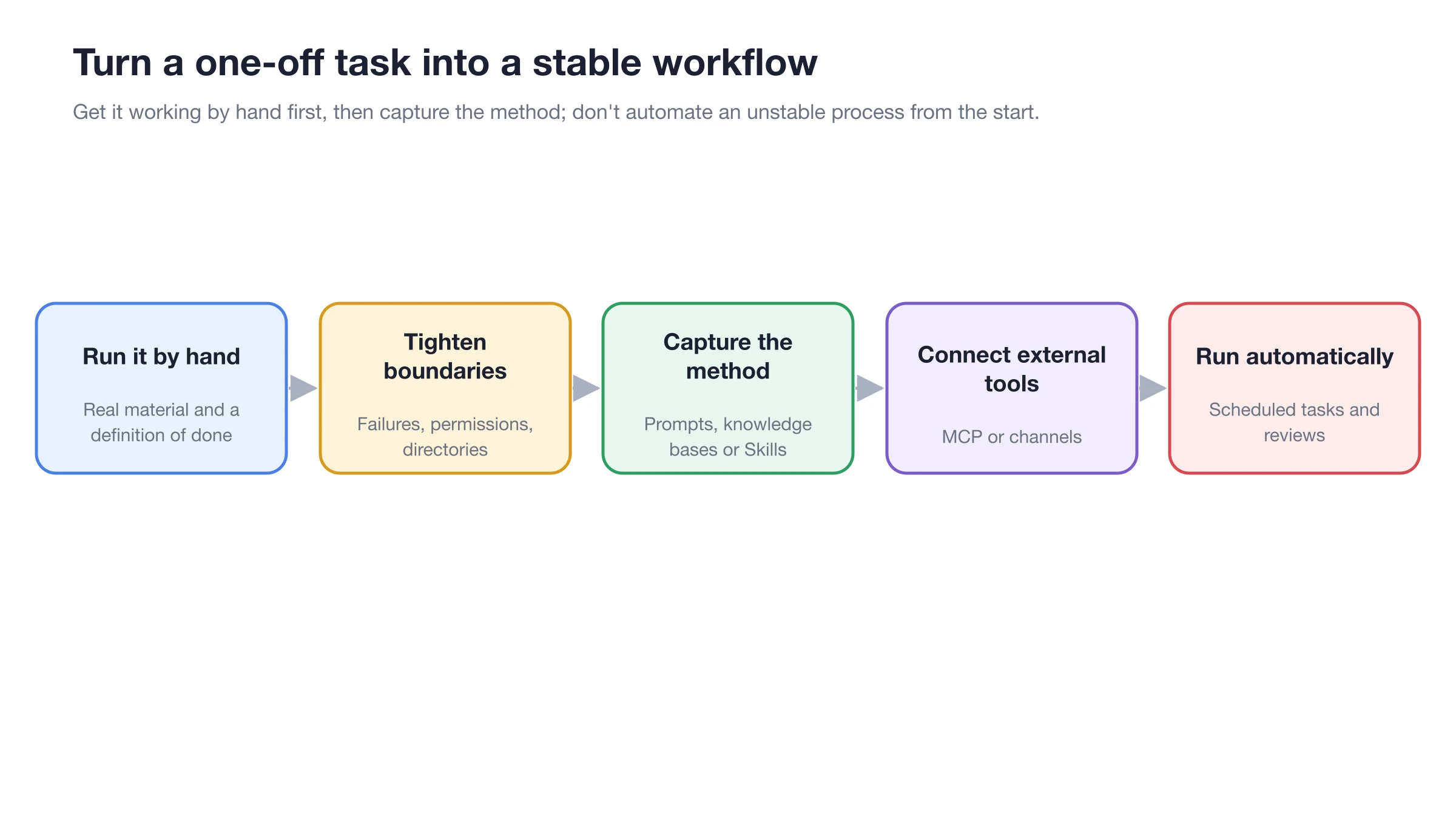
First, run the process manually with real materials, then gradually add knowledge bases, skills, MCP, channels, and scheduled tasks.
Selecting a Case
General Setup Order
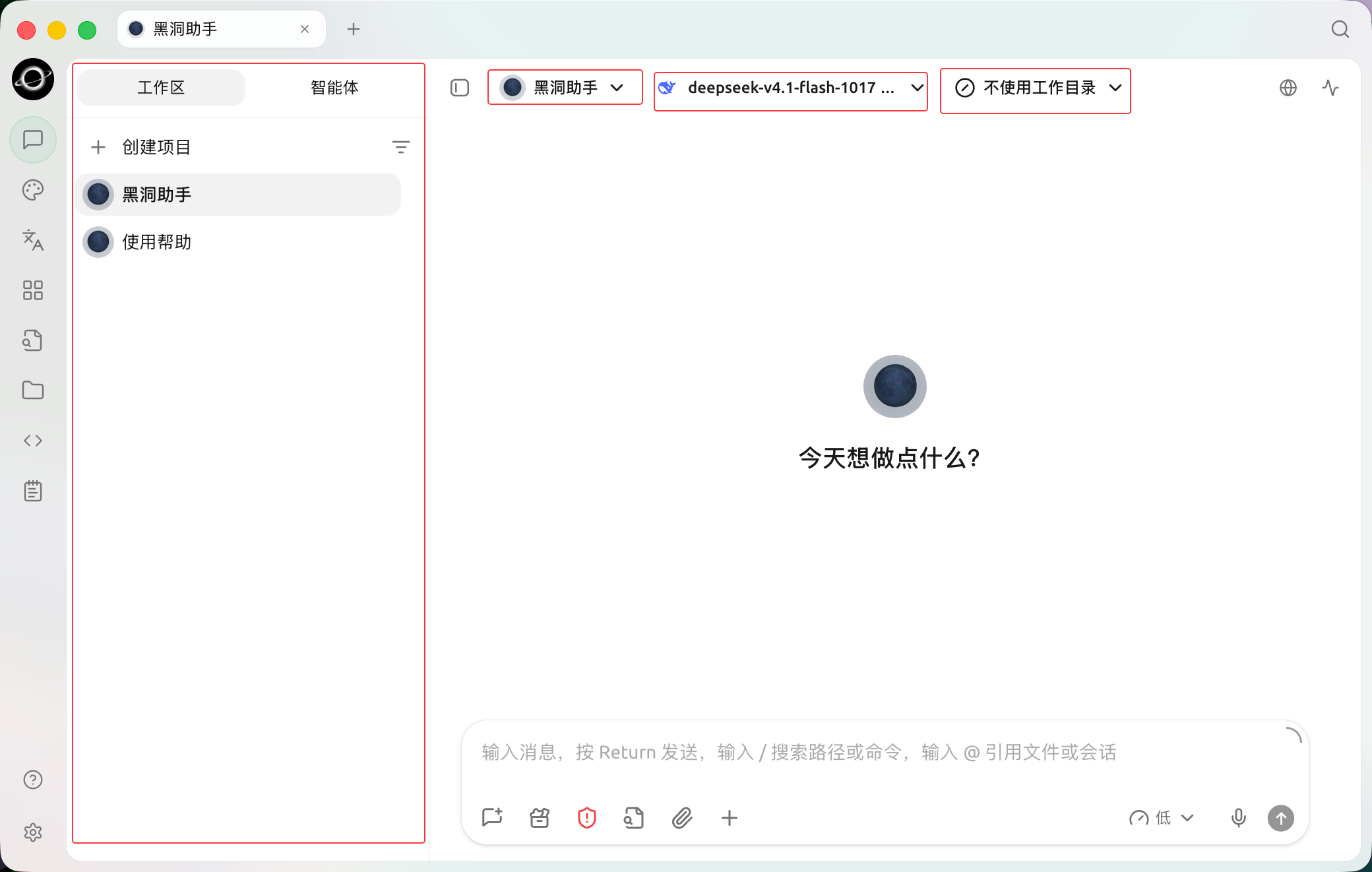
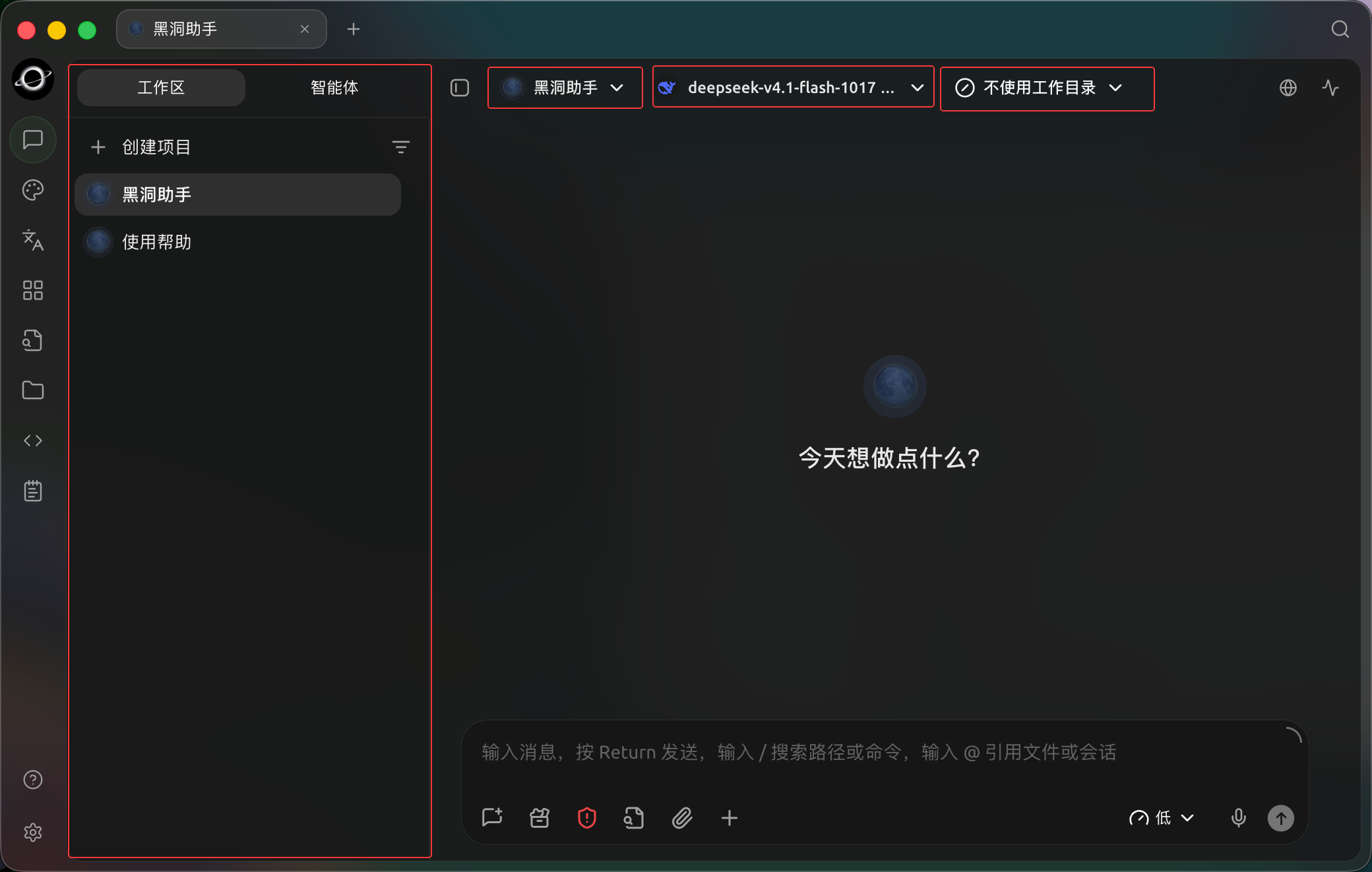
Choose an Agent, model and working directory in Work before starting; no working directory is selected in this example. (Chinese interface.)
Choosing a Case by Task
| Your Task | Recommended Case | Key Capabilities |
|---|---|---|
| Compare perspectives and preserve the research process | [Multi-Model Research Review] | Conversations, notes |
| Deliver project documents and artifacts | [Agent Project File Delivery] | Agent, state, files |
| Generate a set of stylistically consistent images | [Brand Image Kit] | Agent image generation, image templates |
| Answer only based on internal materials | [Private Knowledge Base QA] | Knowledge base, retrieval testing, Agent |
| Organize weekly reports from scattered notes | [Notes to Weekly Report] | Notes, Agent, files |
| Organize multilingual files | [Multilingual Material Organization] | Translation, Agent, working directory |
| Monitor materials and long-running tasks simultaneously | [Multi-Window Research Workbench] | Tabs, multi-window, global search |
1. Define the Deliverable
Specify the final file, table, image, or message required, and define the criteria for completion.
2. Run Manually in [Work]
Verify that the model, prompts, working directory, and materials are sufficient. Check each operation that requires approval.
3. Solidify Only Stable Parts
Turn repeated steps into skills, store long-term materials in the knowledge base, and keep temporary requirements in task prompts.
4. Add External Connections and Automation Last
After completing one manual acceptance test, integrate MCP, channels, or scheduled tasks, and retain a manual fallback entry for failures.