
Knowledge and Content Workflow
Knowledge bases, notes, painting, and translation are not isolated tools. They handle organizing materials, refining content, creating visual assets, and processing multilingual files, respectively, and all can be passed to an Agent for further use.
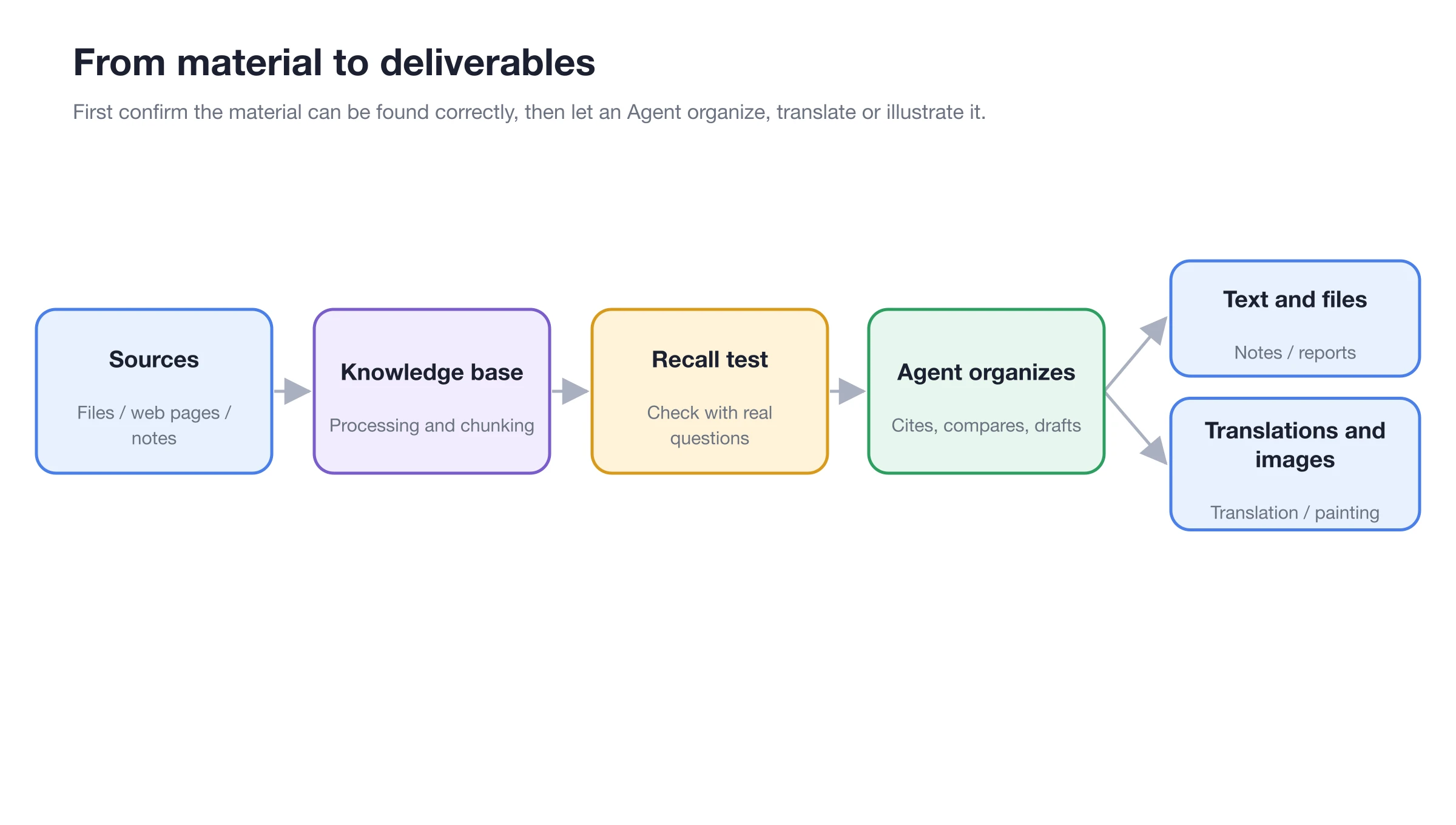
Start by running recall tests with real questions, then have the Agent create reports, translations, or images based on the materials.
How the Four Entry Points Divide the Work
| Entry Point | Best For | Common Next Steps |
|---|---|---|
| [Knowledge Base] | Making materials retrievable by question | Bind to a chat assistant or Agent |
| [Notes] | Writing, organizing, and maintaining Markdown content long-term | Export documents or add to a knowledge base |
| [Painting] | Generating, editing, merging, and enhancing images | Download, or use in content tasks |
| [Translation] | Processing text, images, and documents | Save results, reuse history, or continue editing |
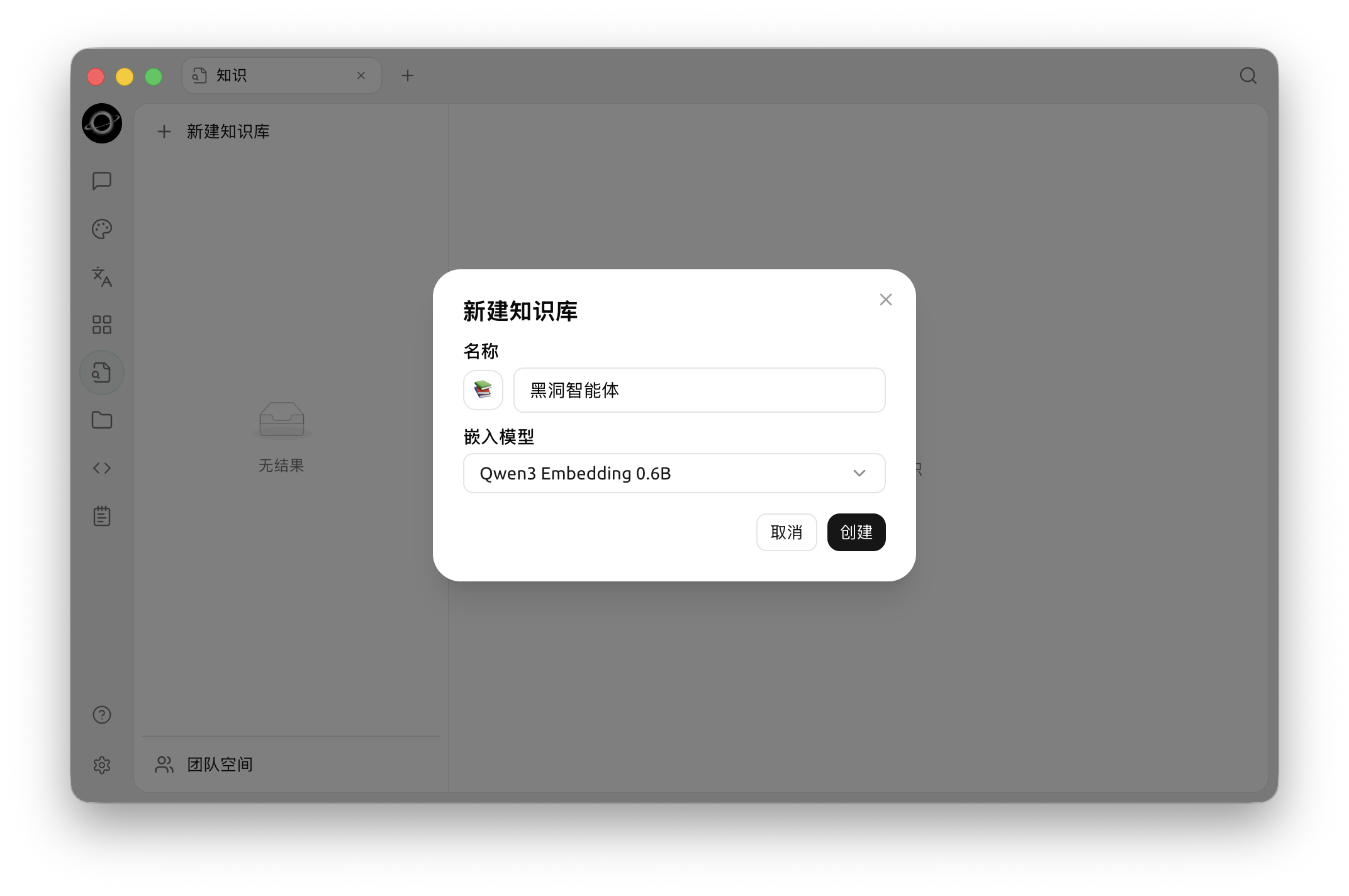
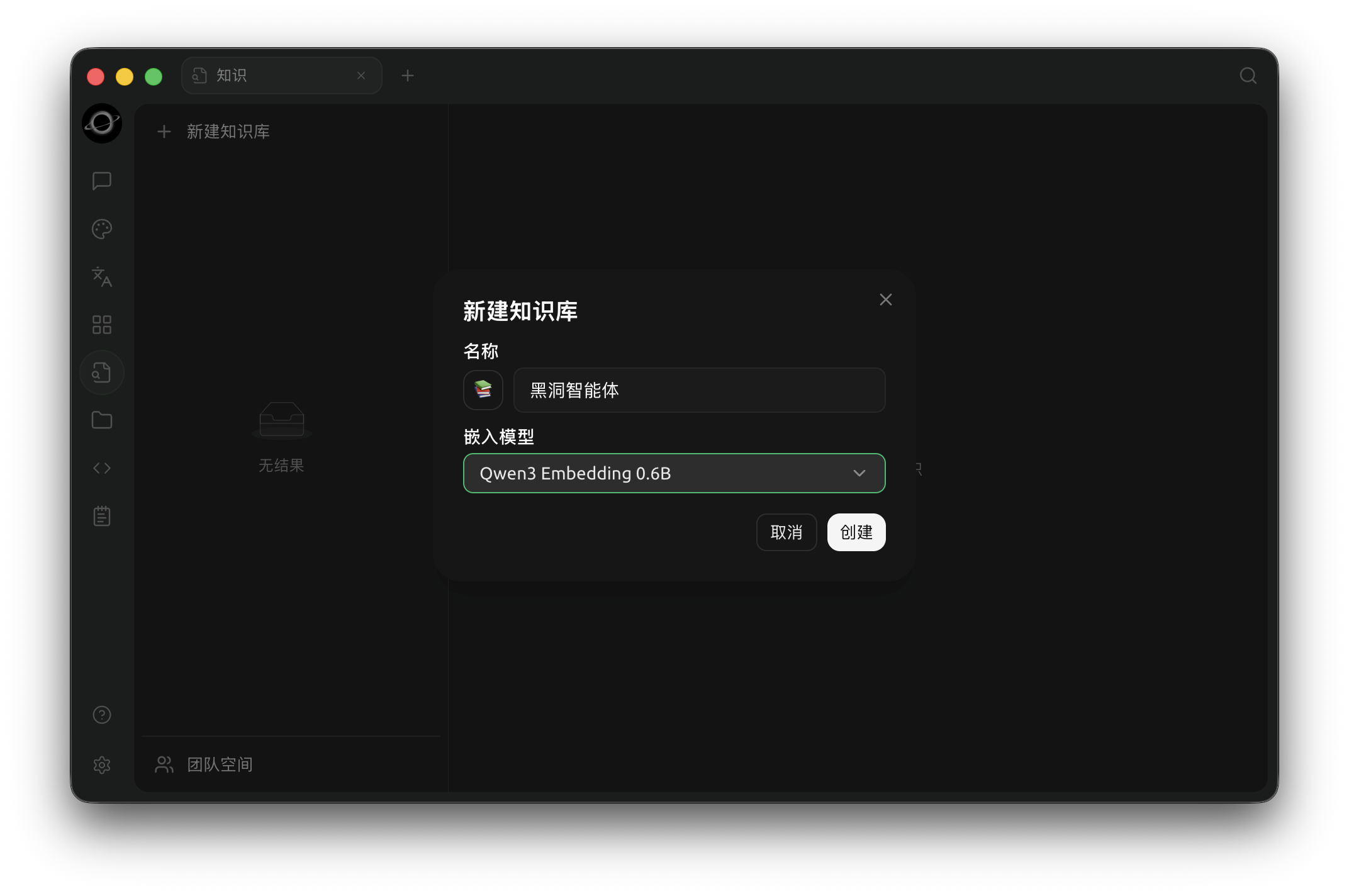
Create a knowledge base by entering a name and selecting an embedding model (Chinese interface).
From Materials to Deliverables
1. Organize Sources First
Add long-term reference materials to the knowledge base, and keep drafts being edited in Notes or the Work directory. Do not import all unconfirmed temporary chats into the knowledge base.
2. Verify Key Information Retrieval
Use recall tests in the knowledge base to ensure real questions find the correct snippets. If retrieval fails, fix the materials and settings first; do not let the Agent guess.
3. Create Text, Translations, and Images
Have the Agent draft content based on the materials; refine images and translations in [Painting] and [Translation], respectively. Finally, a human should check facts and expression.