
Extending Agent Capabilities
Agents come with built-in tools for files, search, images, memory, workflows, and scheduled tasks. Add skills when you need fixed working methods, and add MCP when you need to connect to external systems. They solve different problems, so you don't need to install everything just to have "more features."
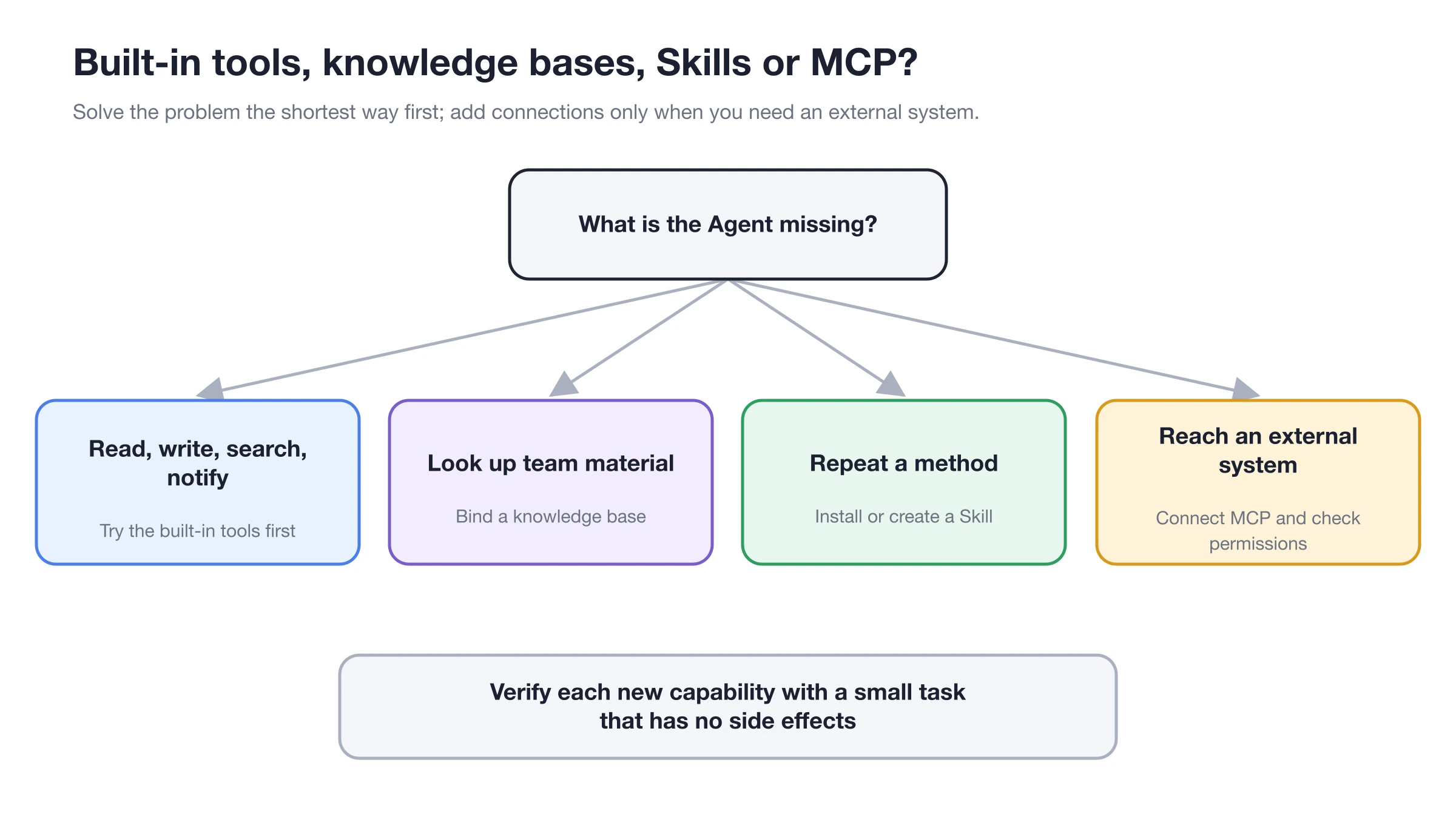
Prefer the shortest path; only add MCP when the Agent genuinely needs to access external systems.
Determine What You Need First
| Requirement | Choice |
|---|---|
| Fixed steps, templates, or checklists | Skills |
| Querying databases, browsers, or third-party systems | MCP |
| Retrieving your own documentation | Knowledge Base |
| Reading/writing current project files, generating images, or sending notifications | Agent built-in tools |
Final Step After Installation
A global installation or successful connection does not mean every Agent can use it. Open [Work] → Agent menu → [Edit], and select from [Skills], [MCP], or [Knowledge Base] respectively. Configuration takes effect from the next message.
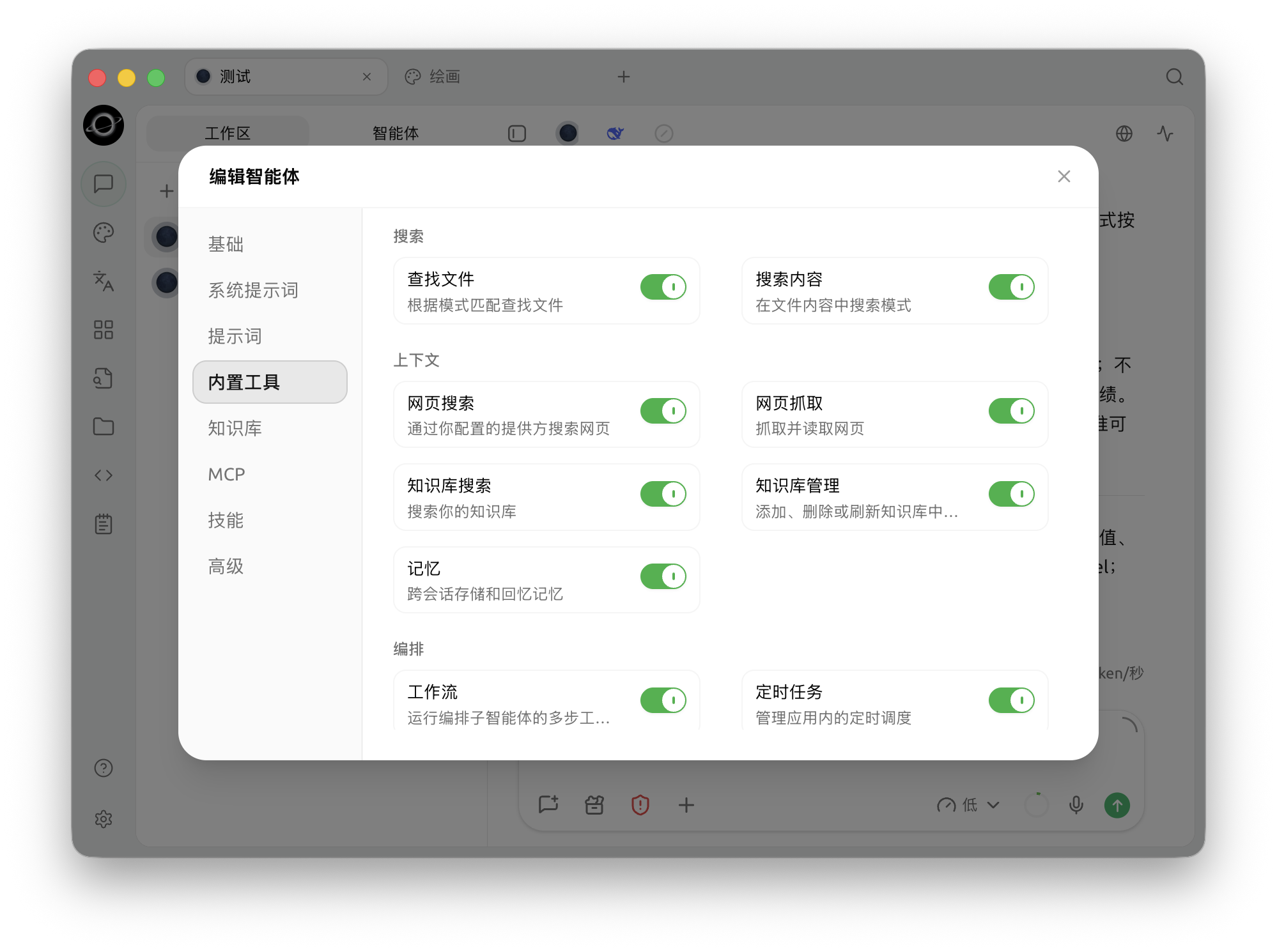
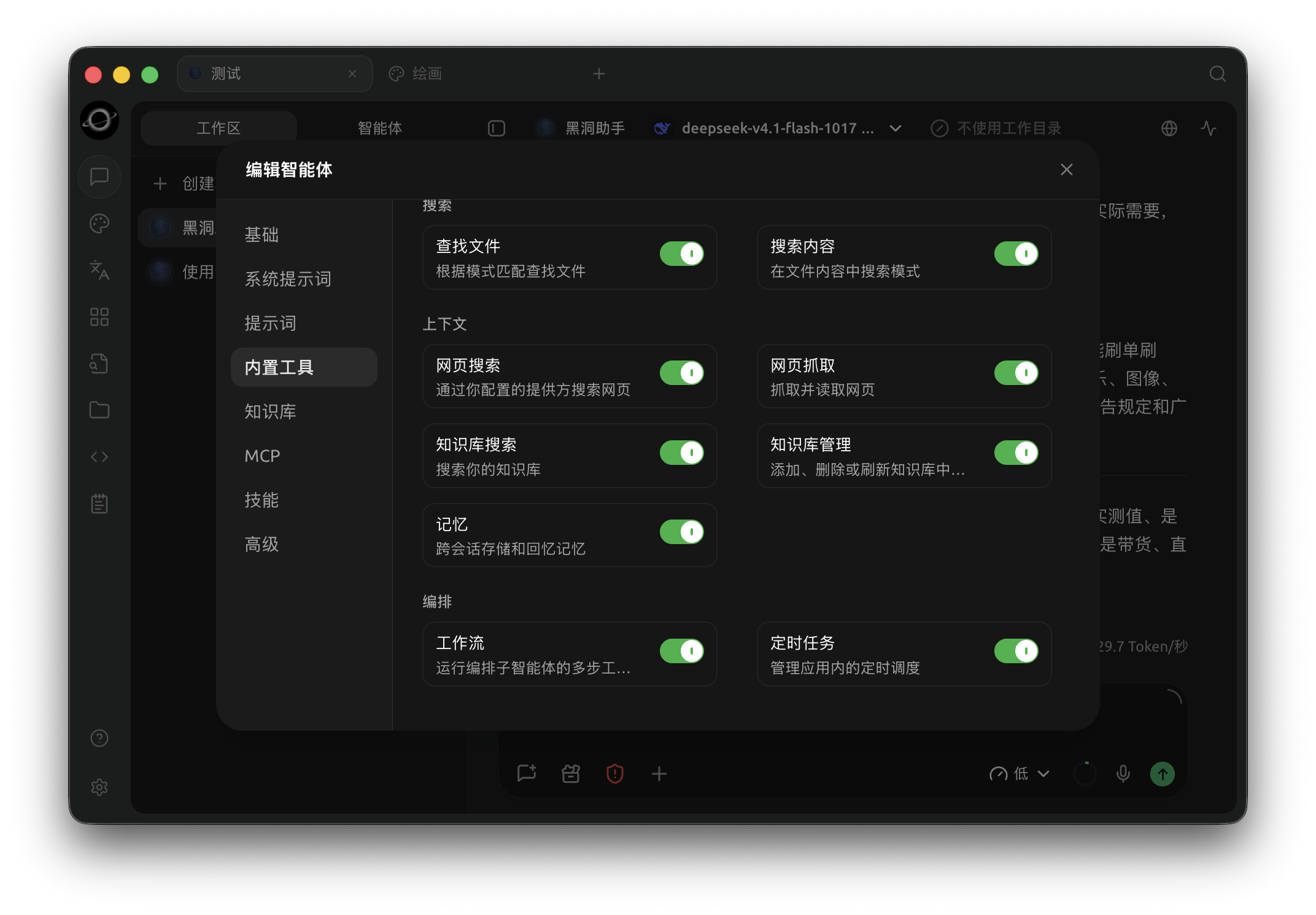
The Agent configuration lists built-in tools; enable knowledge retrieval and other capabilities required by the task. (Chinese interface.)