
BLACK HOLE Documentation
First time here?
Install, connect a model, and send your first message.
Have a task in mind?
Find guides for chat, knowledge bases, images, and translation.
Something went wrong?
Start with common issues and troubleshooting.
Getting started
Download and install · Quick Start · Upgrade or downgrade
Everyday tasks
Chat with an assistant · Ask questions about your sources · Create and edit images · Translate files and long text · More task examples
Agents & automation
Create an agent · Work with tasks and files · Skills and MCP · Channels and scheduled tasks
Configuration & data
Connect a model provider · App settings · Back up and manage data
Troubleshooting
Common Issues · Knowledge base troubleshooting · MCP troubleshooting · Report a problem
Developers & contribution
API gateway and diagnostics · Contribute code · Improve the documentation


BLACK HOLE is an all-in-one AI assistant platform integrating multi-model conversations, knowledge base management, AI painting, translation, and more. BLACK HOLE's highly customizable design, powerful extensibility, and user-friendly experience make it an ideal choice for professional users and AI enthusiasts. Whether you are a beginner or a developer, you can find suitable AI functions in BLACK HOLE to improve work efficiency and creativity.
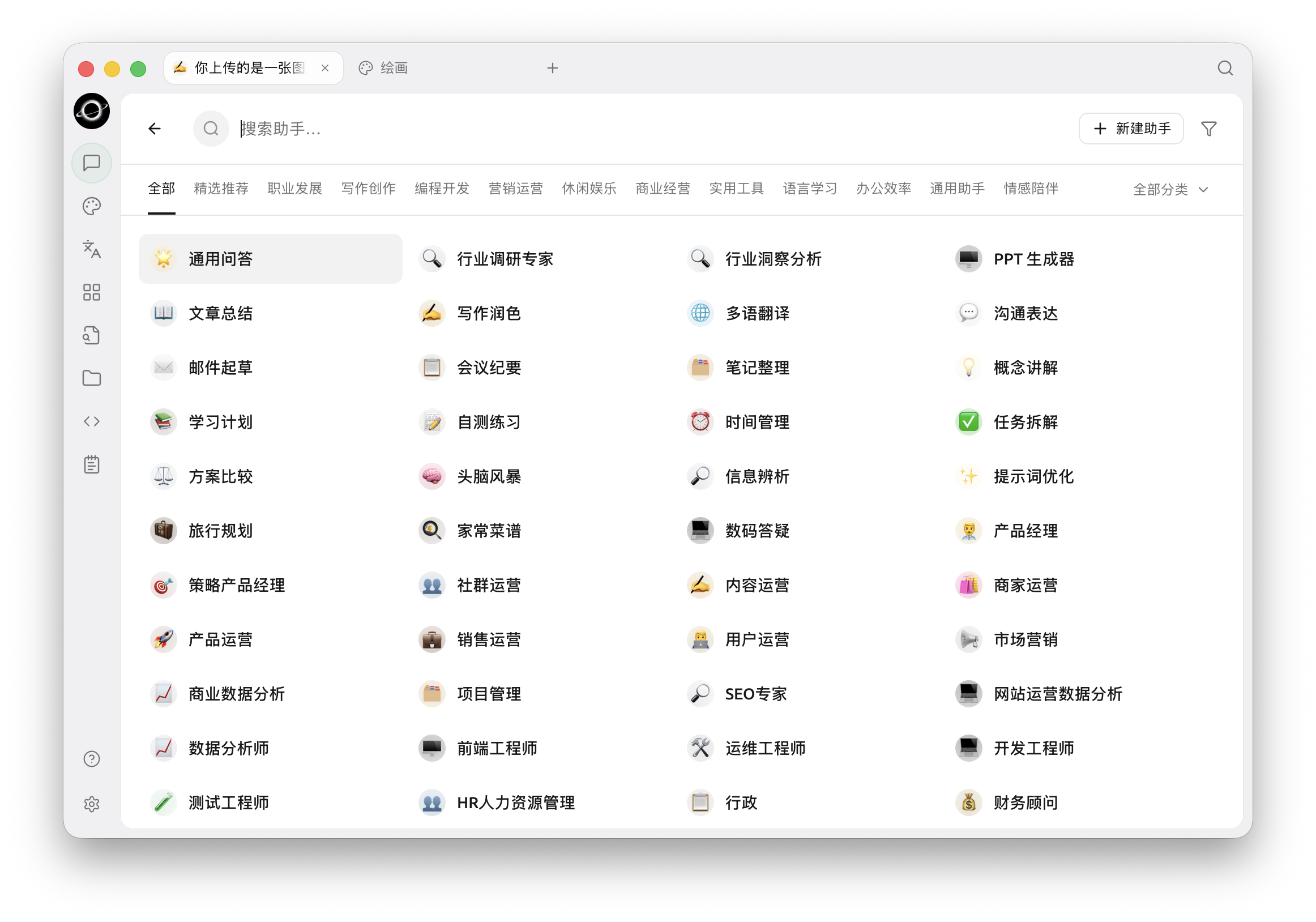
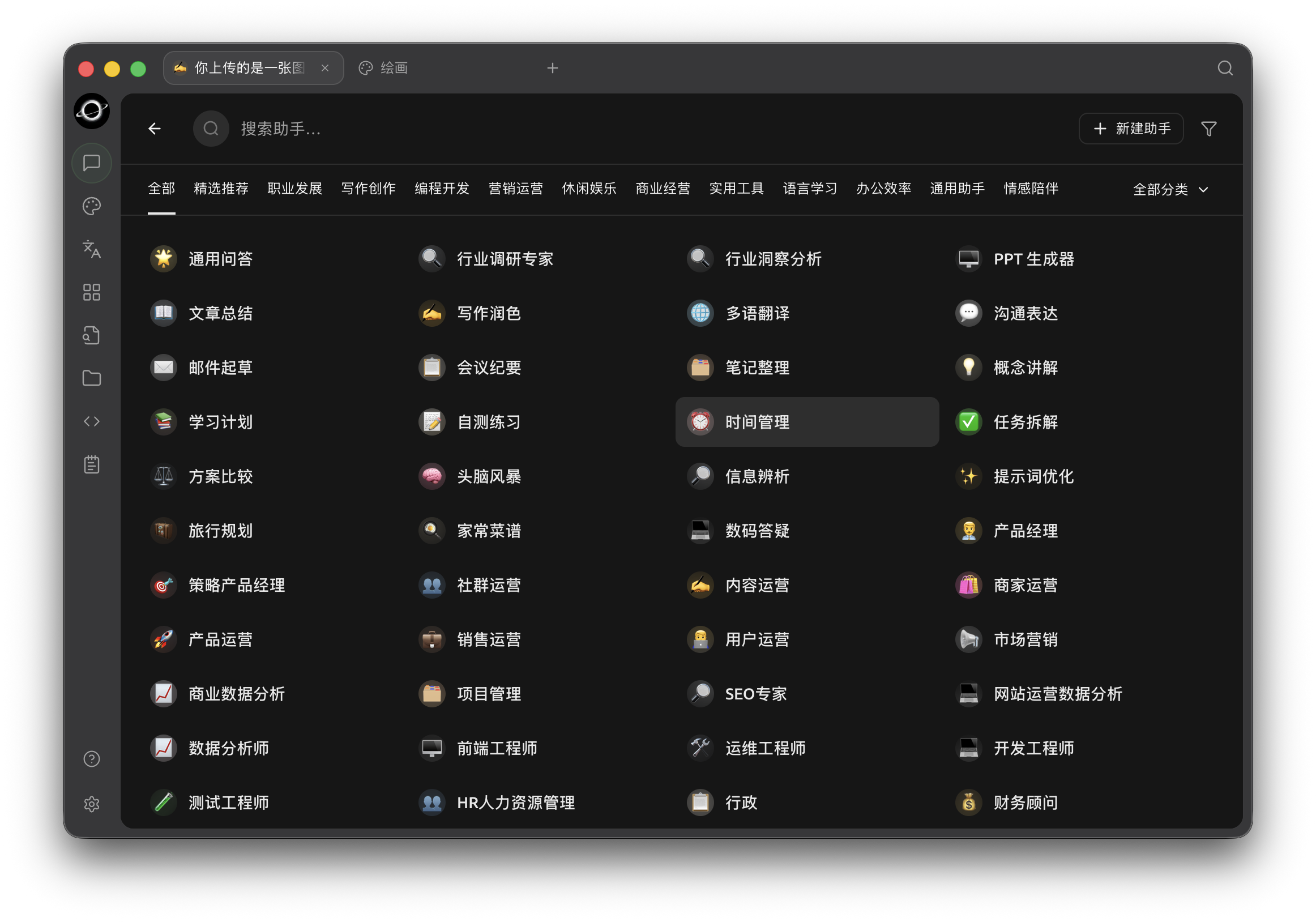
AI assistant presets organized by category (Chinese interface).
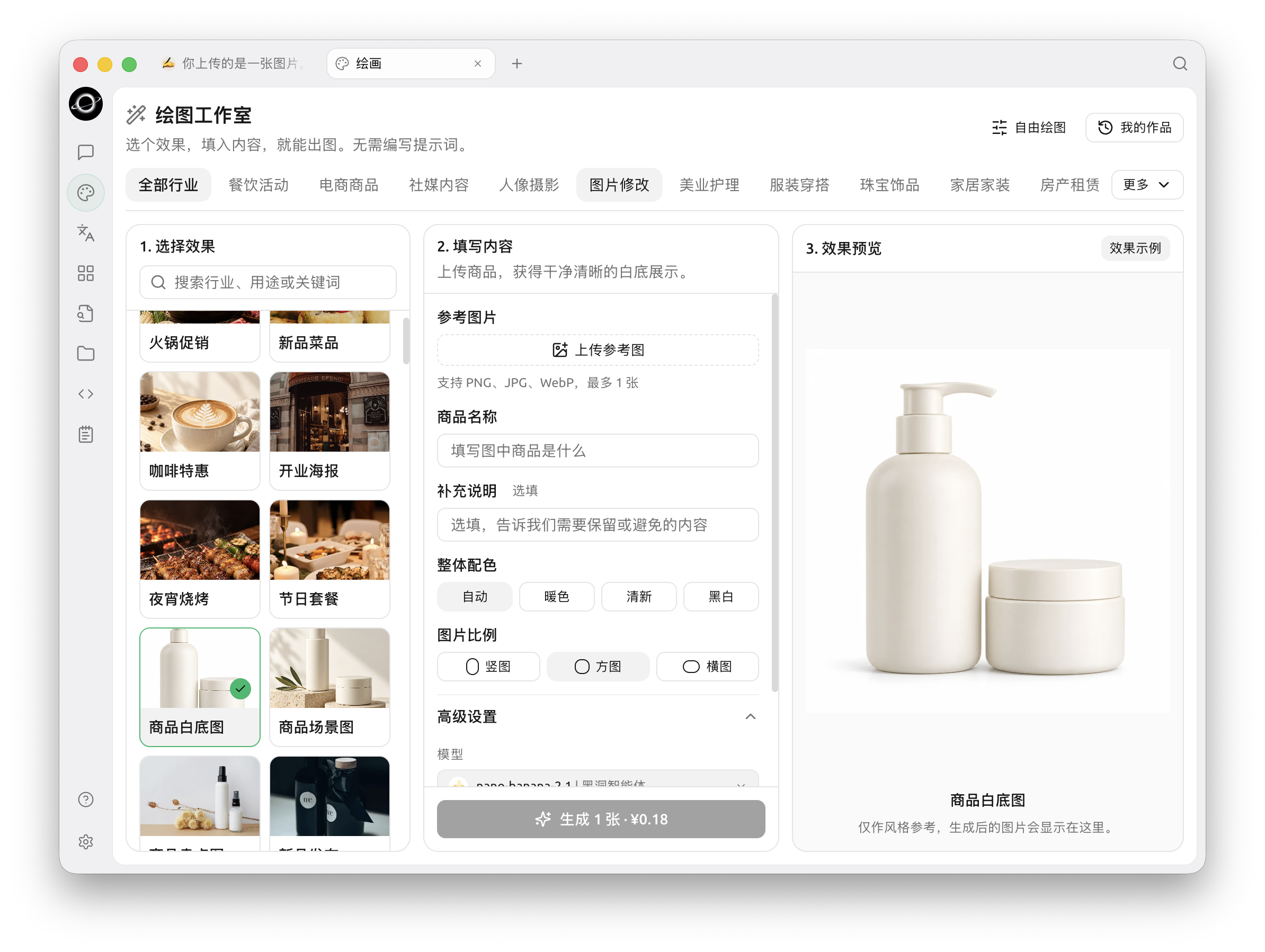
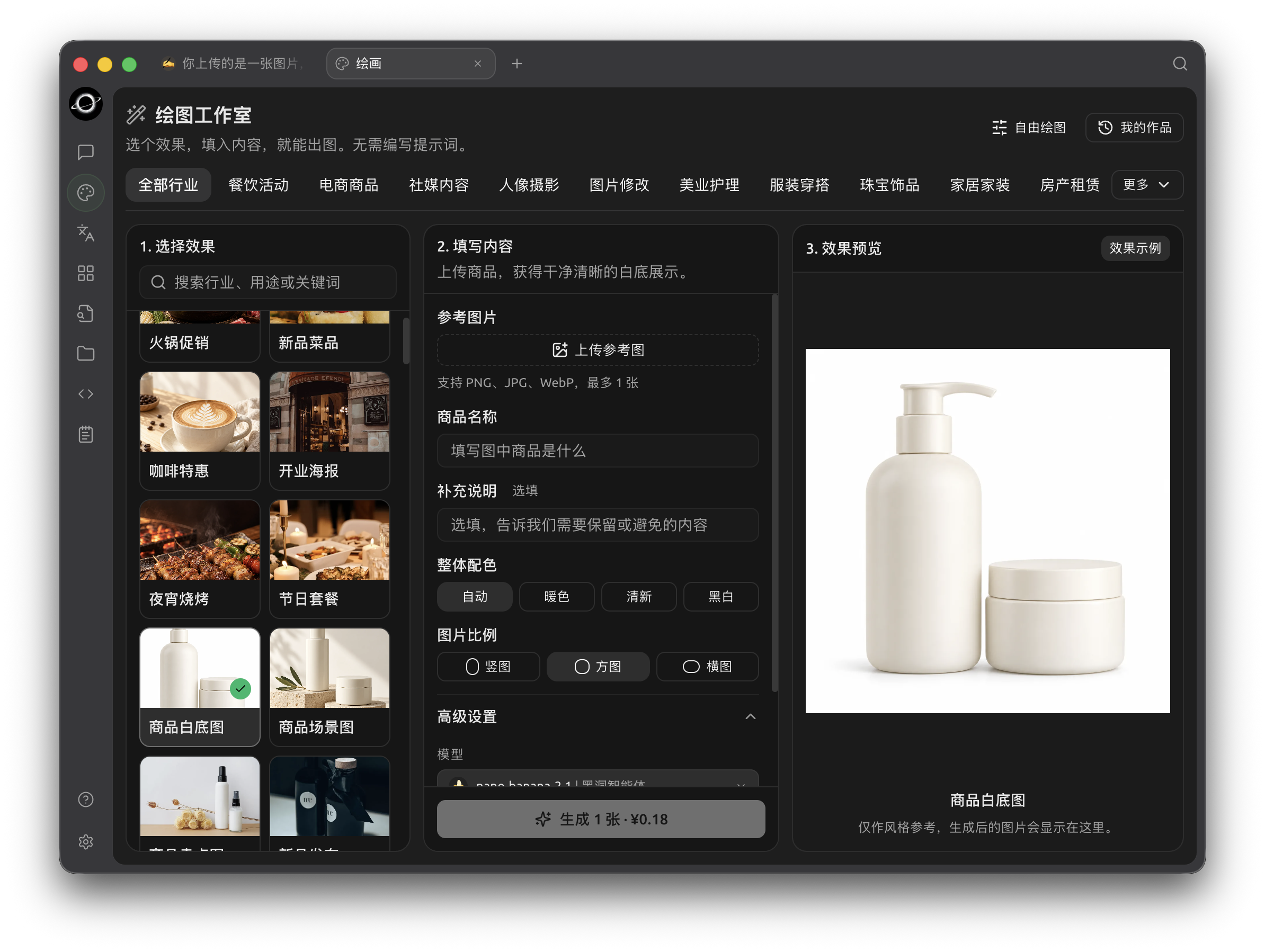
AI Drawing: choose an effect, fill in the details and view the result (Chinese interface).
Core Features and Highlights
1. Basic Conversation Features
- Multi-response for one question: Supports generating responses from multiple models simultaneously for the same question, allowing users to compare the performance of different models. See Conversation Interface for details.
- Automatic Grouping: Conversation records for each assistant are automatically grouped for easy access to historical conversations.
- Conversation Export: Supports exporting complete or partial conversations in various formats (e.g., Markdown, Word) for convenient storage and sharing.
- Highly Customizable Parameters: In addition to basic parameter adjustments, users can fill in custom parameters to meet personalized needs.
- Assistant Marketplace: Built-in thousands of industry-specific assistants covering translation, programming, writing, and other fields. Users can also customize their own assistants.
- Multi-format Rendering: Supports Markdown rendering, formula rendering, real-time HTML preview, and other functions to enhance content display.
2. Integration of Diverse Features
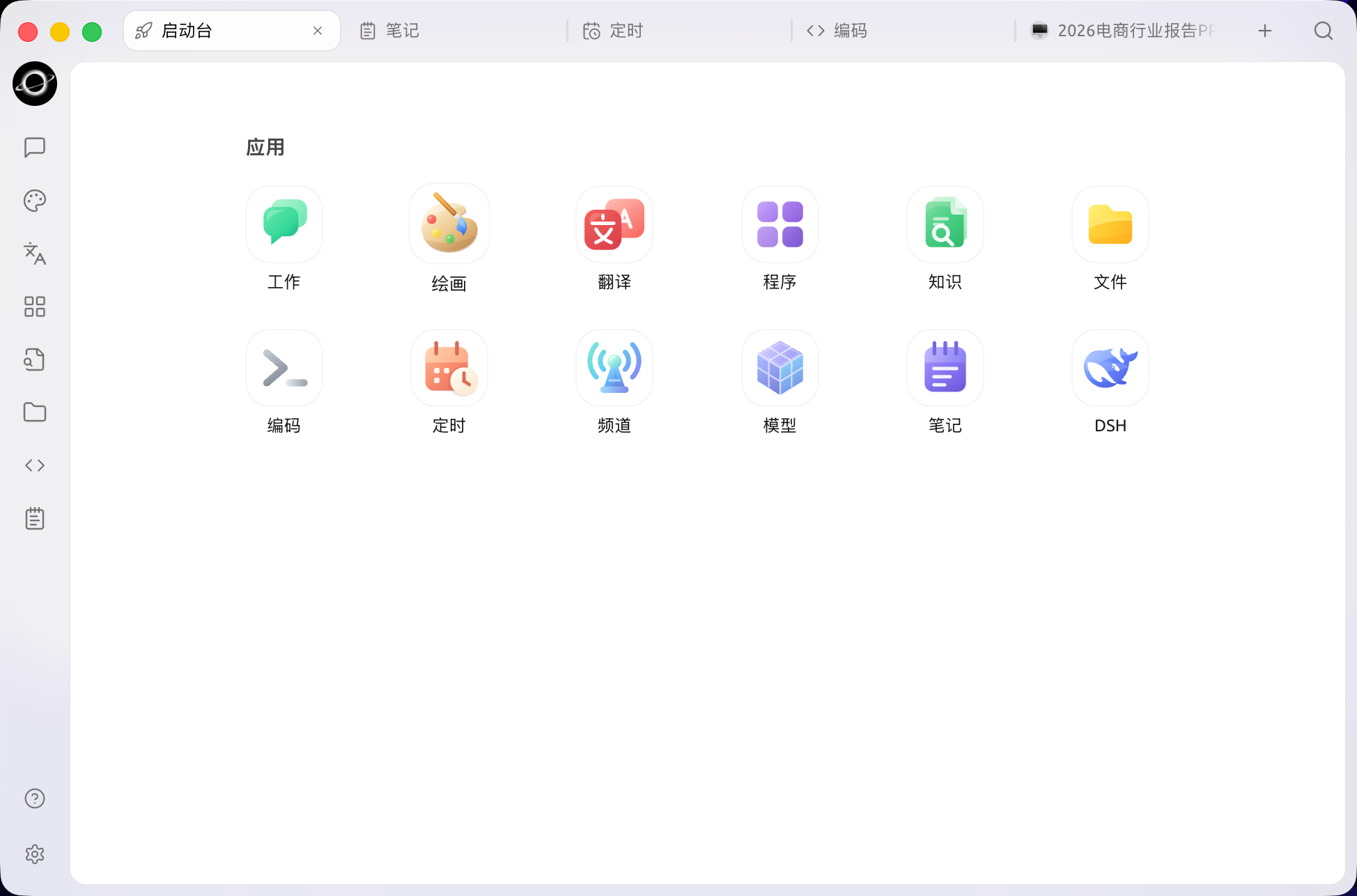
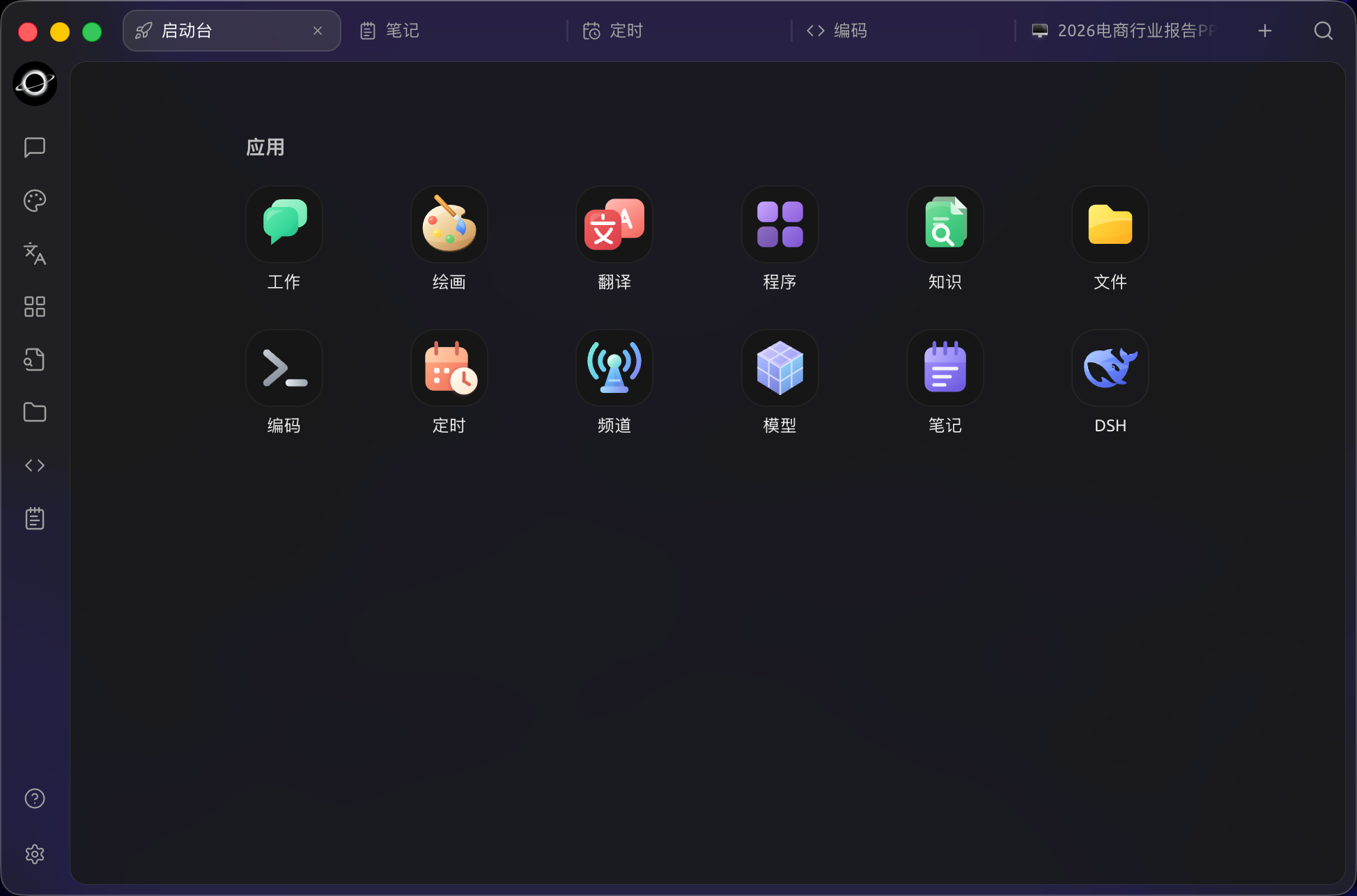
- AI Painting: Provides a dedicated drawing panel where users can generate high-quality images through natural language descriptions.
- AI Mini-programs: Integrates various free web-based AI tools, allowing direct use without switching browsers.
- Translation Function: Supports dedicated translation panels, conversation translation, prompt translation, and other translation scenarios.
- File Management: Files from conversations, paintings, and knowledge bases are uniformly categorized and managed to avoid tedious searching.
- Global Search: Supports quickly locating historical records and knowledge base content, improving work efficiency.
3. Unified Management Mechanism for Multiple Providers
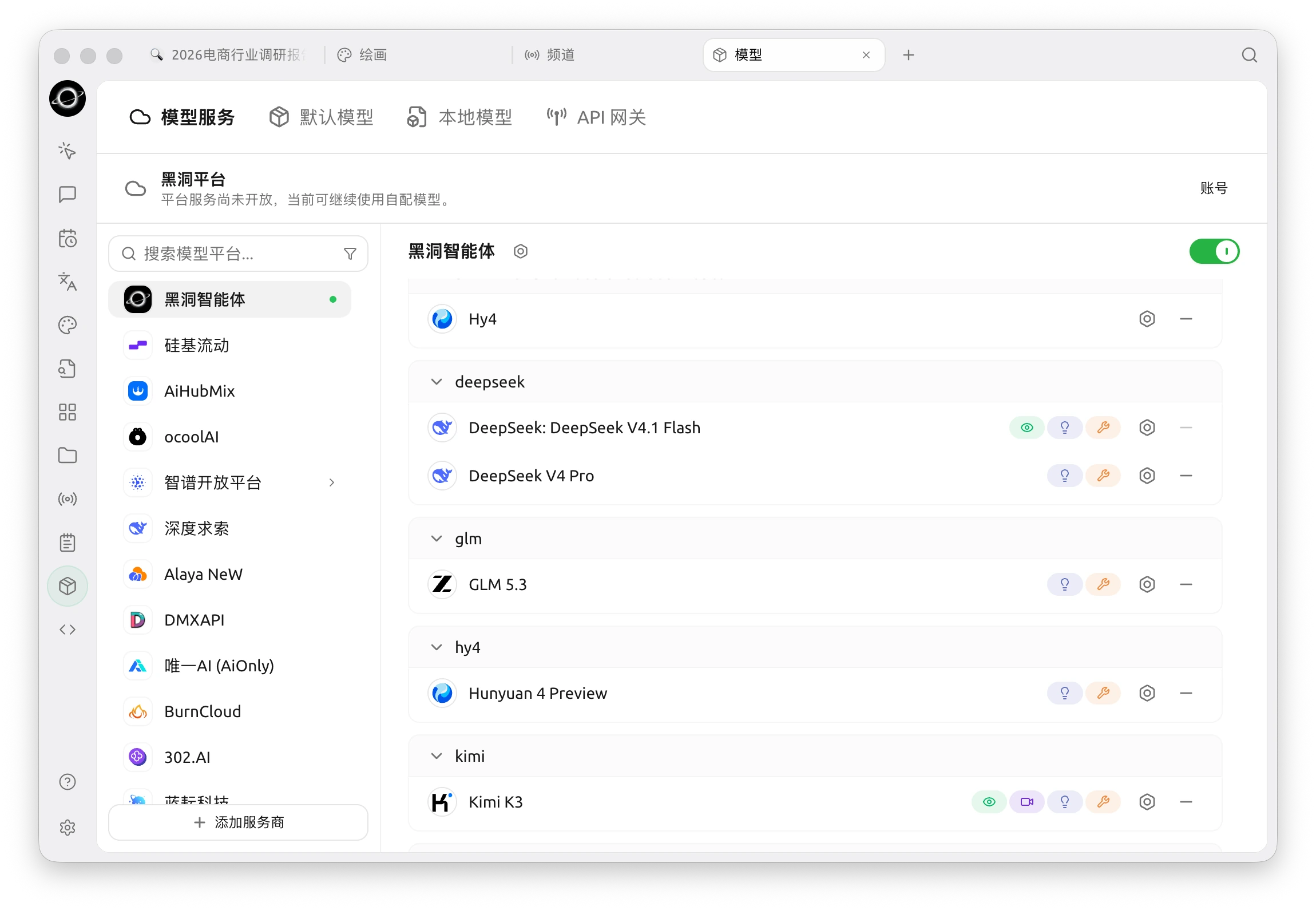
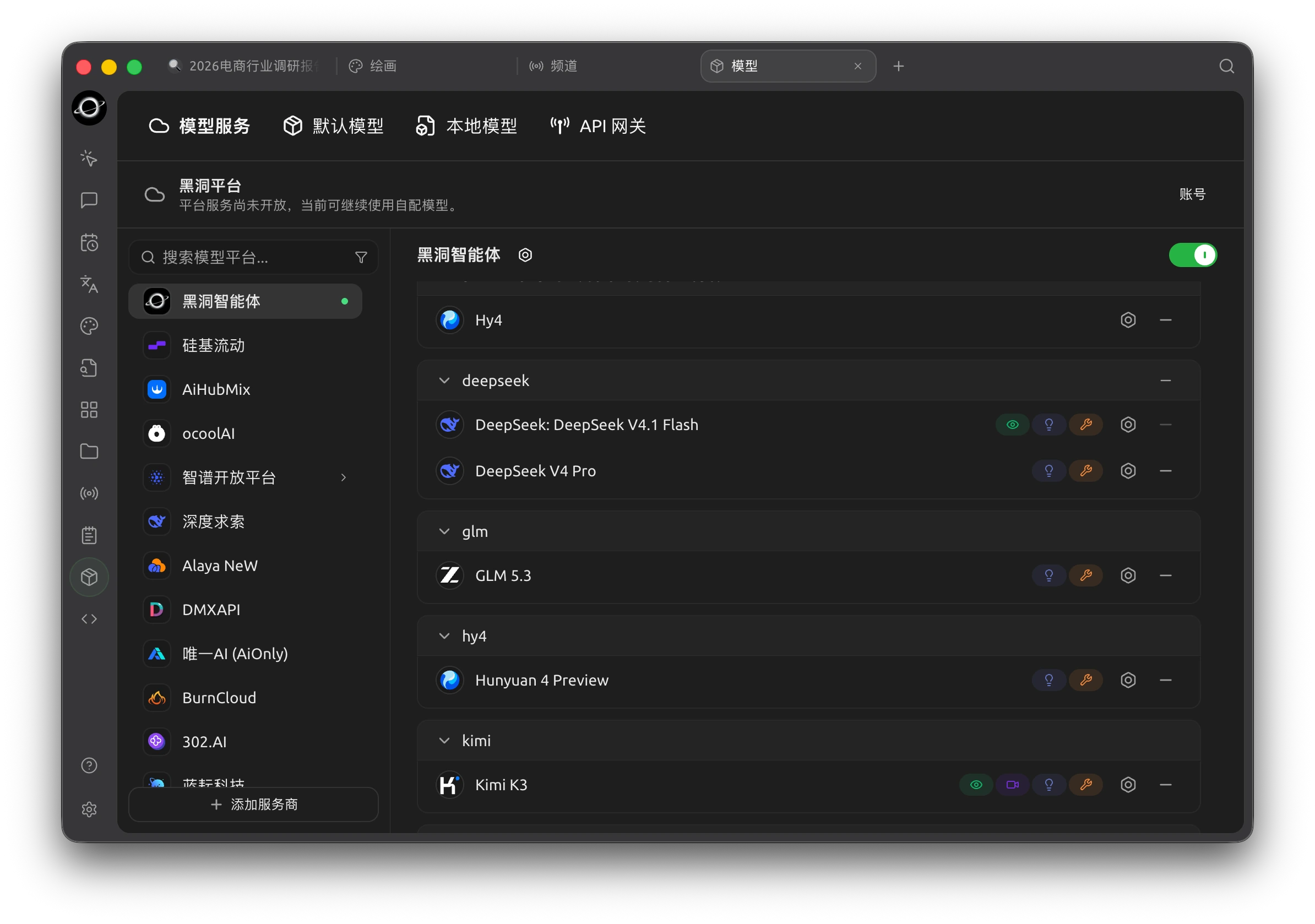
- Provider Model Aggregation: Supports unified calling of models from mainstream providers such as OpenAI, Gemini, Anthropic, Azure.
- Automatic Model Retrieval: One-click to get a complete list of models, no manual configuration required.
- Multi-key Rotation: Supports rotating multiple API keys to avoid rate limit issues.
- Accurate Avatar Matching: Automatically matches exclusive avatars for each model, enhancing recognition.
- Custom Providers: Supports integration with third-party providers that comply with OpenAI, Gemini, Anthropic, and other specifications, ensuring strong compatibility.
4. Highly Customizable Interface and Layout
- Custom CSS: Supports global style customization to create an exclusive interface style.
- Custom Conversation Layout: Supports list or bubble style layouts, and allows customizing message styles (e.g., code snippet style).
- Custom Avatars: Supports setting personalized avatars for the software and assistants.
- Custom Sidebar Menu: Users can hide or reorder sidebar functions according to their needs to optimize the user experience.
5. Local Knowledge Base System
- Multiple Format Support: Supports importing various file formats such as PDF, DOCX, PPTX, XLSX, TXT, MD.
- Multiple Data Source Support: Supports local files, URLs, sitemaps, and even manual input content as knowledge base sources.
- Knowledge Base Export: Supports exporting processed knowledge bases and sharing them with others.
- Search Verification Support: After importing the knowledge base, users can perform real-time search tests to check processing results and segmentation effects.
6. Featured Focus Functions
- Quick Q&A: Call up the quick assistant in any scenario (e.g., browser, email) to get answers quickly.
- Quick Translation: Supports quick translation of words or text in other scenarios.
- Content Summarization: Quickly summarizes long text content, improving information extraction efficiency.
- Explanation: Explains confusing questions with one click, no complex prompts required.
7. Data Security
- Multiple Backup Solutions: Supports local backup, WebDAV backup, and scheduled backups to ensure data security.
- Data Safety: Supports full local use scenarios, combined with local large models, to avoid data leakage risks.
Project Advantages
- Beginner-Friendly: BLACK HOLE is committed to lowering technical barriers, allowing even beginners to get started quickly and focus on work, study, or creation.
- Comprehensive Documentation: Provides detailed user documentation and a manual for common issues to help users quickly solve problems.
- Continuous Iteration: The project team actively responds to user feedback and continuously optimizes functions to ensure healthy project development.
- Open Source and Extensibility: Supports users in customizing and extending through open-source code to meet personalized needs.
Applicable Scenarios
- Knowledge Management and Query: Build and query exclusive knowledge bases quickly through the local knowledge base function, suitable for research, education, and other fields.
- Multi-model Conversation and Creation: Supports multi-model simultaneous conversations, helping users quickly obtain information or generate content.
- Translation and Office Automation: Built-in translation assistant and file processing functions, suitable for users who need cross-language communication or document processing.
- AI Painting and Design: Generates images through natural language descriptions to meet creative design needs.