
Advanced Chat
Chat is designed for organizing thoughts while you interact. Beyond single-model Q&A, you can compare multiple models side-by-side, manage long conversation contexts, and continue using files, images, code, and citations from replies as artifacts.
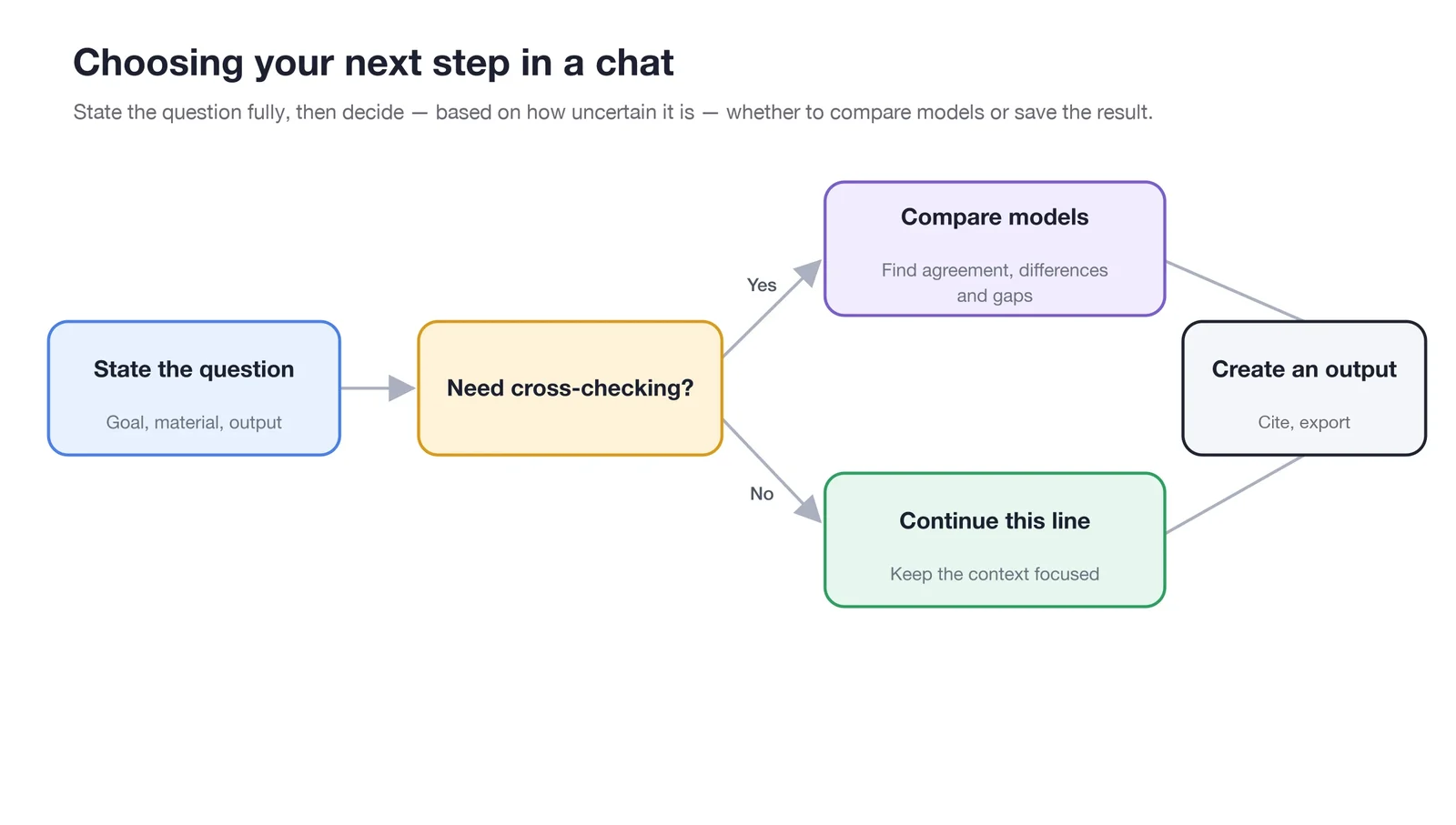
Write your question and output requirements completely first; add model comparison or message branches only when cross-validation is needed.
Choose Capabilities by Goal
| Goal | Recommended Approach |
|---|---|
| Compare perspectives from different models | Select multiple models in the input area and send the same question |
| Continue a very long discussion | Check context usage; summarize and start a new topic if necessary |
| Queue the next question for later | Use the message queue to avoid interrupting the current reply |
| Continue processing files or code in a reply | Open the artifact preview, then download, copy, or continue in a new task |
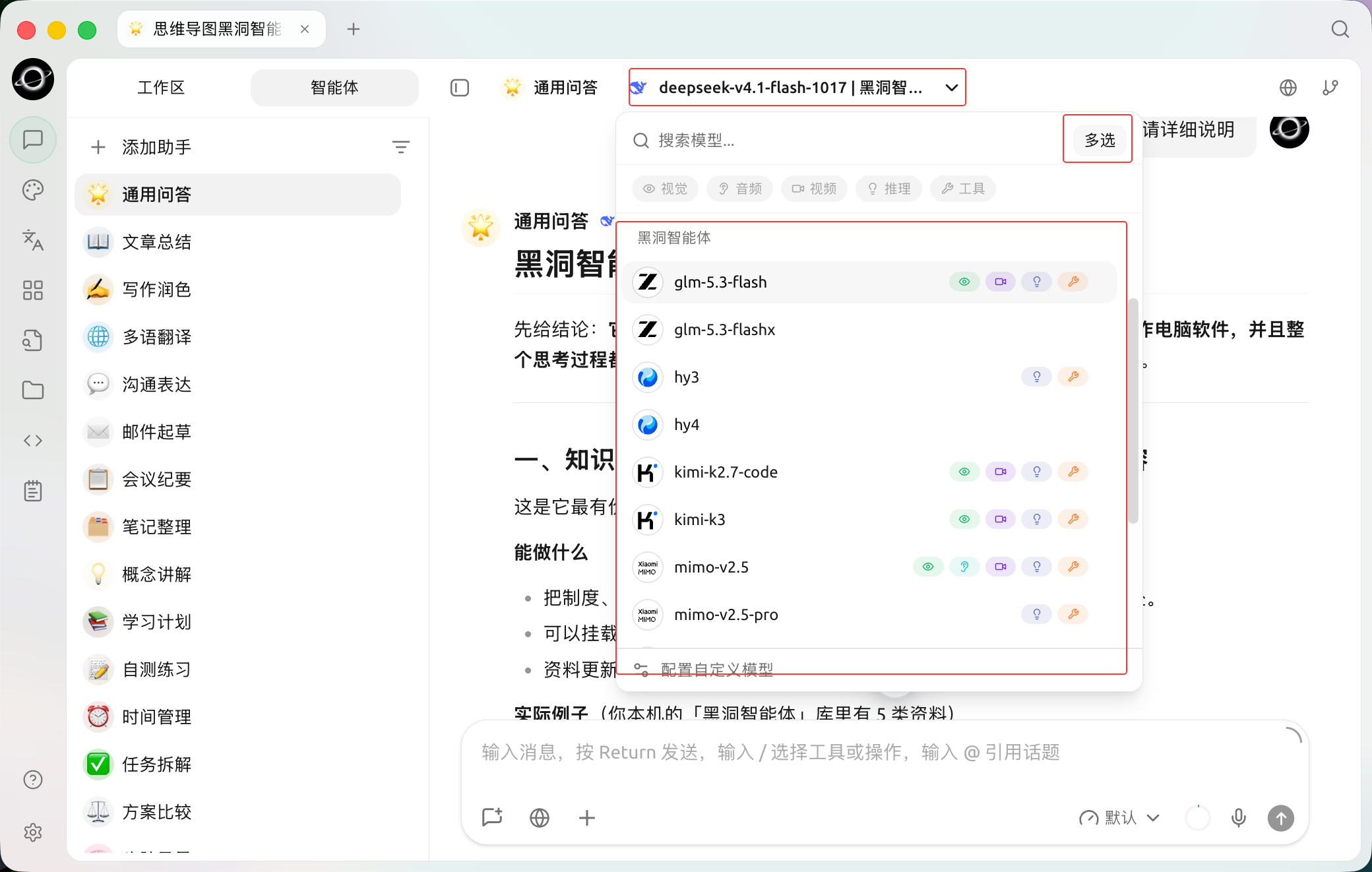
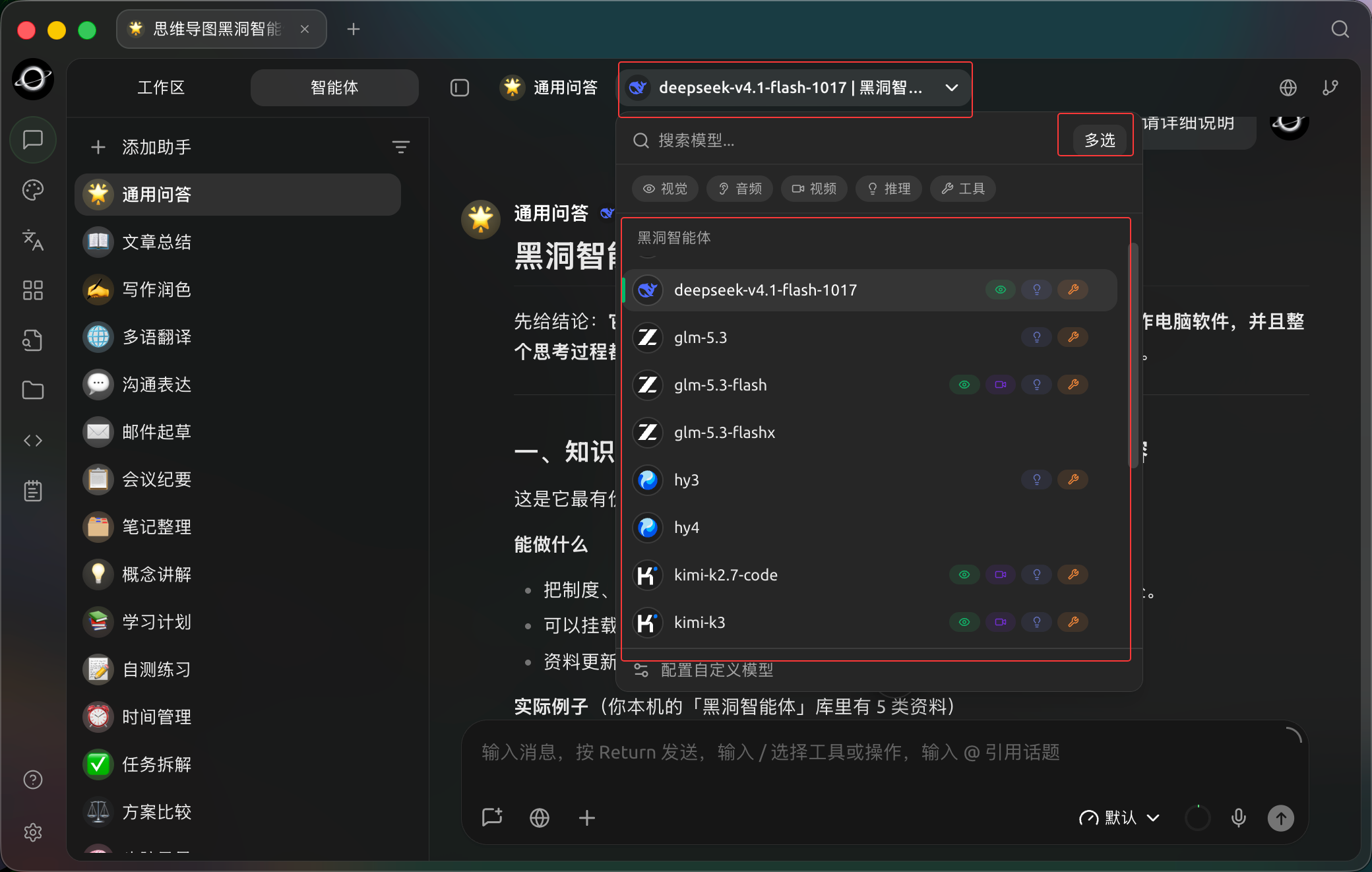
The assistant model selector offers Multi-select for sending the same question to multiple models. (Chinese interface.)
Recommended Order
1. Write the Question Completely
Specify the goal, materials, constraints, and desired output format. Multiple models only amplify differences in the original question; they do not automatically fill in missing information.
2. Decide Whether Comparison Is Needed
Select multiple models only when you need different perspectives. For daily Q&A, stick to a single model for a clearer interface and easier usage control.
3. Consolidate Valid Conclusions
Save reusable materials to notes or the knowledge base; hand off work that requires further execution to the Agent, attaching the confirmed conclusions.