
Automation and External Triggers
BLACK HOLE's automation is not a standalone set of "bot settings." The Agent handles the work, channels manage sending and receiving messages from external platforms, scheduled tasks start the Agent at specified times, and heartbeats allow the Agent to periodically check its ongoing work.
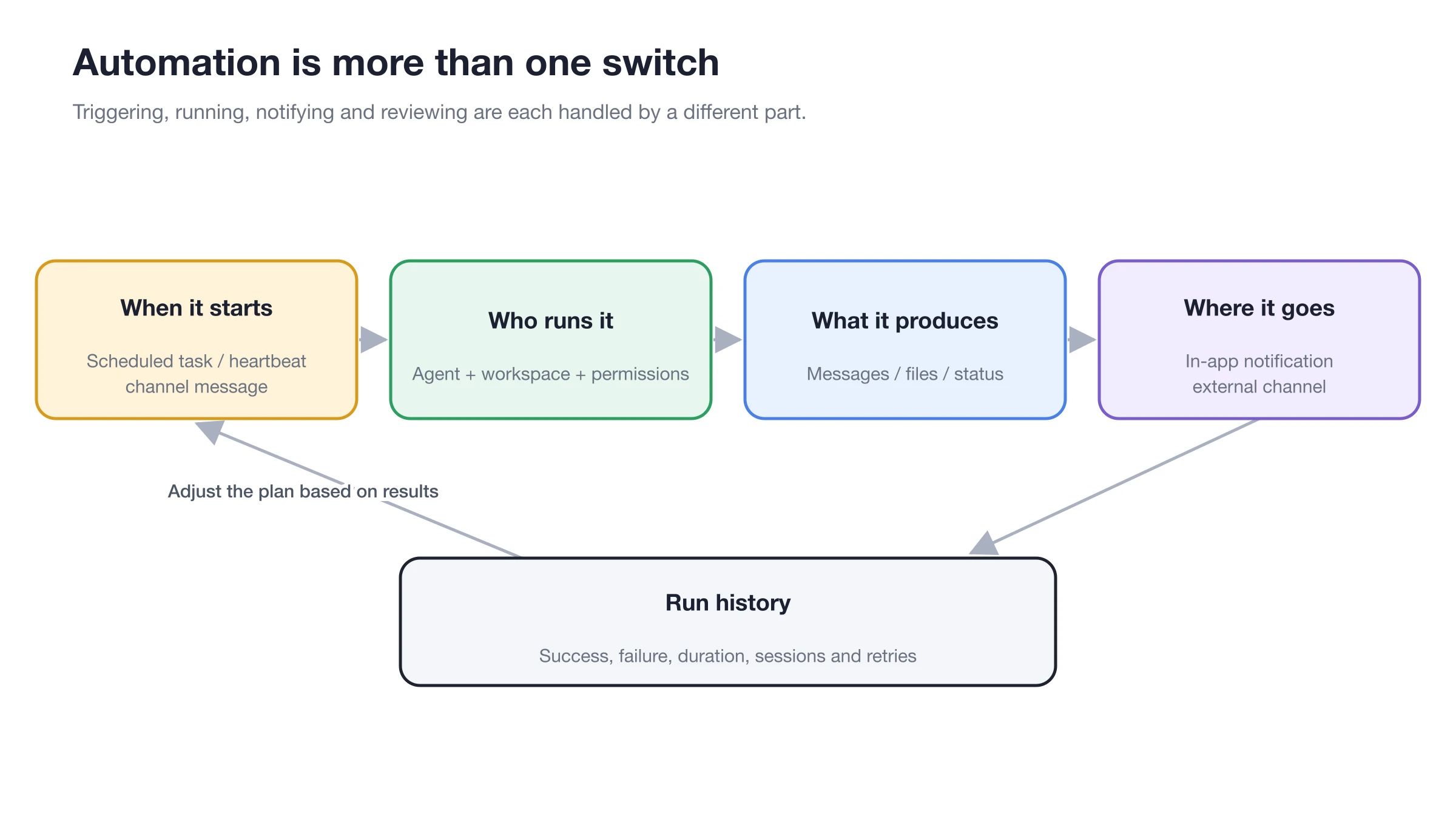
Triggering, execution, notification, and run history are distinct stages; first run the Agent manually, then integrate components step by step.
How the Four Components Work Together
| Capability | Responsibility | Typical Use Cases |
|---|---|---|
| Agent | Executes tasks and generates results | Summarization, checking, writing, file processing |
| Channel | Receives external messages and sends notifications | Slack channel bot, Telegram private chat |
| Scheduled Task | Runs the Agent at specific times | Daily reports, weekly reports, one-time reminders |
| Heartbeat | Agent checks ongoing work at intervals | Monitoring long processes, checking pending items |
Correct Configuration Order
1. First, Run the Task in [Work]
Ensure the Agent's model, prompts, working directory, and tools can stably produce the expected results.
2. Then, Let the Agent Guide Channel Configuration
In the Agent conversation, specify the platform and purpose, for example, "Connect this Agent to a Slack channel to receive daily report requests." Prepare bot permissions and credentials as prompted.
3. Verify Status via Manual Settings
Open [Settings] → [Channels], check credentials, bound Agent, workspace, allowed session scope, and channel permission mode, then send a test message.
4. Finally, Create the Scheduled Task
You can let the Agent create it directly, or open [Settings] → [Scheduled Tasks] → [New]. Select the verified Agent, workspace, time, and notification channel.
Pre-Deployment Checklist
- Channels allow only required session or channel IDs;
- External entry points use [Inherit Agent Settings] or stricter permissions;
- Scheduled task prompts do not contain variable keys or paths;
- Manually [Run] once and review the run log;
- If it fails, locate the corresponding task in BLACK HOLE to avoid misinterpreting "not sent" as "not executed."
User Case: Weekday Operations Daily Report
The "Operations Daily Report" Agent reads data from the working directory and generates the daily report based on team skills. The Slack channel delivers the results to the specified Slack channel, and the scheduled task runs every weekday morning. Before going live, execute it manually, then send a message to the bot in Slack to establish the receiving target, and finally enable the schedule.
What is the difference between heartbeats and scheduled tasks?
Heartbeats allow the Agent to check ongoing work at intervals, suitable for "are there any new developments"; scheduled tasks have explicit execution plans and run logs, suitable for "what to do at what time every day." Use scheduled tasks for fixed daily reports.