
Local Models
Local models are small, built-in models in BLACK HOLE that run offline after download: they do not use any provider API and do not require an API Key. They are lightweight, run on your own computer, and are designed to cover basic capabilities that are not worth configuring a separate cloud model for.
Open Model → Local Models to manage them:
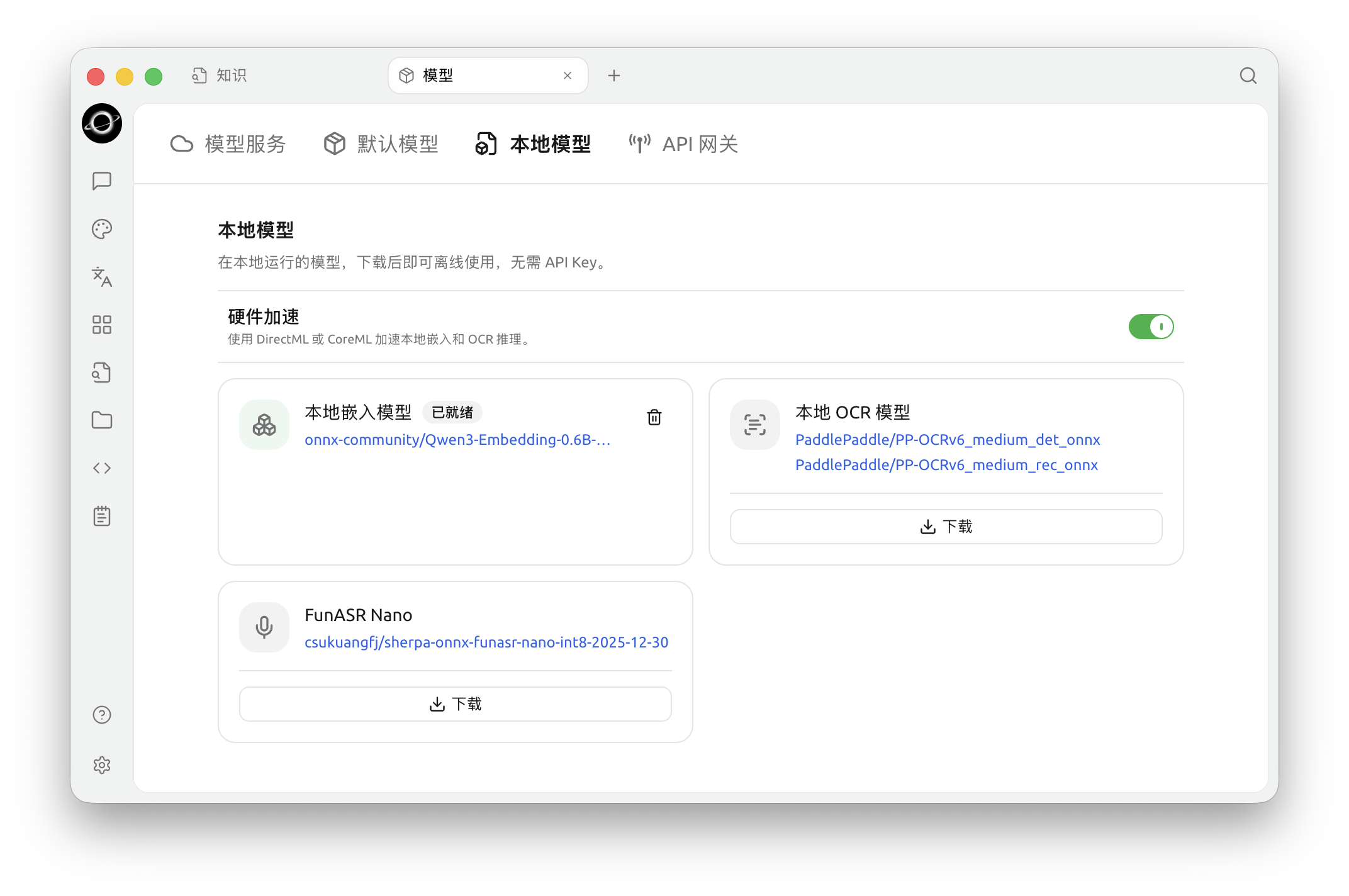
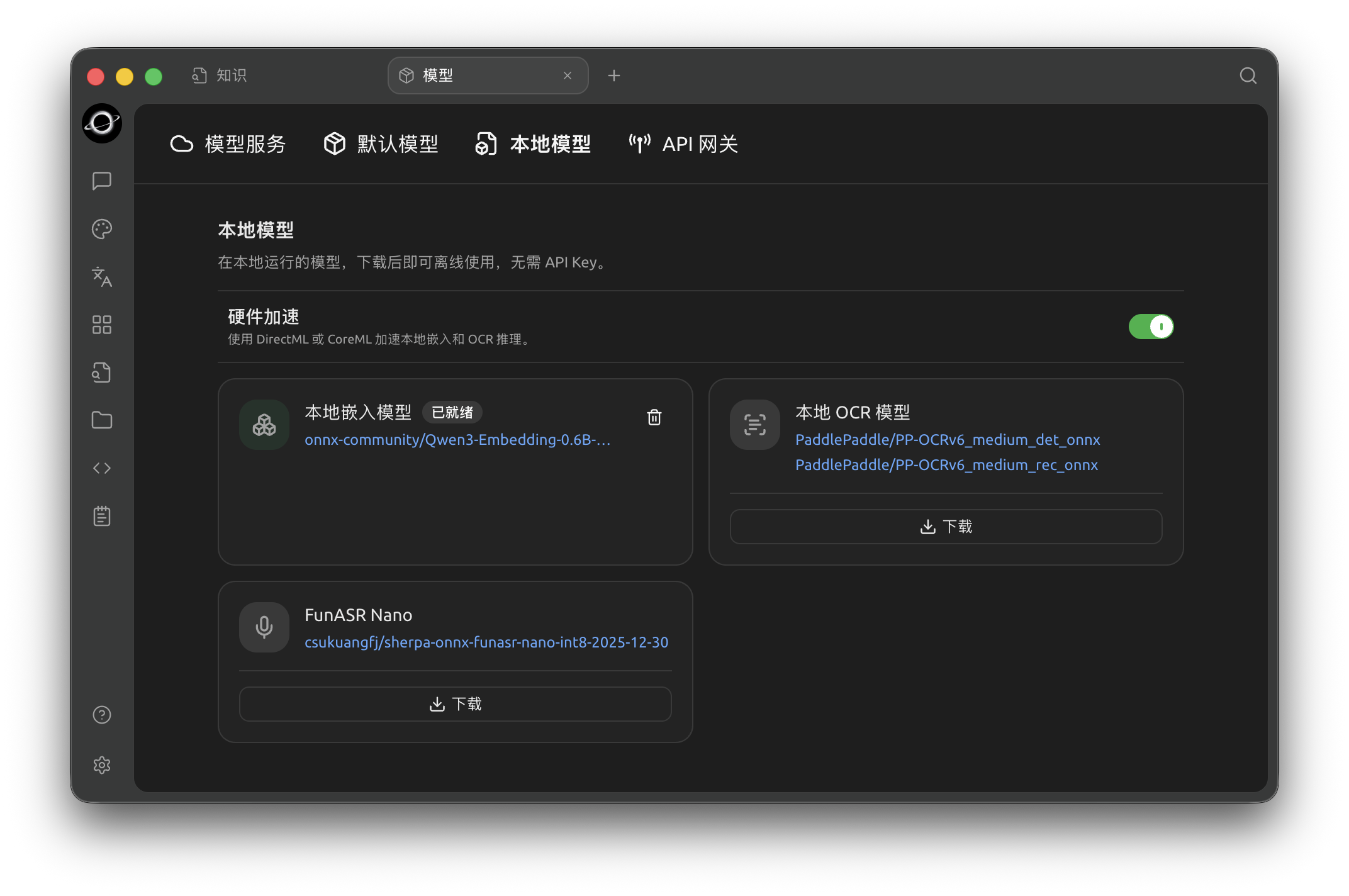
Model → Local Models manages local embedding, OCR and speech models; check each card for its download and readiness state. (Chinese interface.)
Two types of local models are currently built in:
| Local Model | Underlying Model | Size | Use Case |
|---|---|---|---|
| Local Embedding Model | Qwen3 Embedding 0.6B | ~614 MB | Converts text into vectors for Knowledge Base retrieval, recall, and similar scenarios |
| Local OCR Model | PaddleOCR PP-OCRv6 | ~140 MB | Offline recognition of text in images/scans, used by the OCR feature |
Download and Status
- A status badge appears next to the model name: cards that have not been downloaded have a full-width Download button at the bottom; click it to start the download. Once complete, the badge changes to Ready.
- Ready models can be removed by clicking the Delete icon on the right to free up disk space; you can download them again if needed. (If the embedding model is still in use by the Knowledge Base, deletion will be rejected and the weights will be retained.)
- On some platforms/architectures that do not support local inference, the panel will display "Current platform does not support local models", and no download option will be provided.
If one mirror is unavailable during download, BLACK HOLE will automatically try other download sources. After download, the local embedding model runs inference on your machine without an internet connection.
When to Use Local Models
- No cloud embedding model / do not want to pay separately for the Knowledge Base: Download the local embedding model to enable indexing and retrieval in the Knowledge Base while fully offline.
- Need offline OCR: In scenarios without network access or where you do not want images uploaded to third parties, download the local OCR model and select "Local PaddleOCR" in OCR Settings.
- Privacy first: All computation is performed locally, and content does not leave your computer.
Get Help and Submit Feedback
If you have any questions, bugs, or feature improvement suggestions while configuring or using the feature, please refer to the official channels provided in Feedback and Suggestions.