
Cherry Studio Mobile (upstream reference)
This section retains reference guides and phone screenshots for the upstream Cherry Studio mobile app. It is a separate product, not a BLACK HOLE mobile app. The store links and packages below belong to that upstream project.
Use the BLACK HOLE download page for our official releases. This section does not establish that BLACK HOLE is listed on Google Play or the App Store.
- First time here? Follow Quick start to connect a model and send your first message.
- Have a task in mind? Browse Everyday tasks for chats, images, files, and sharing.
- Something went wrong? Start with Troubleshooting.
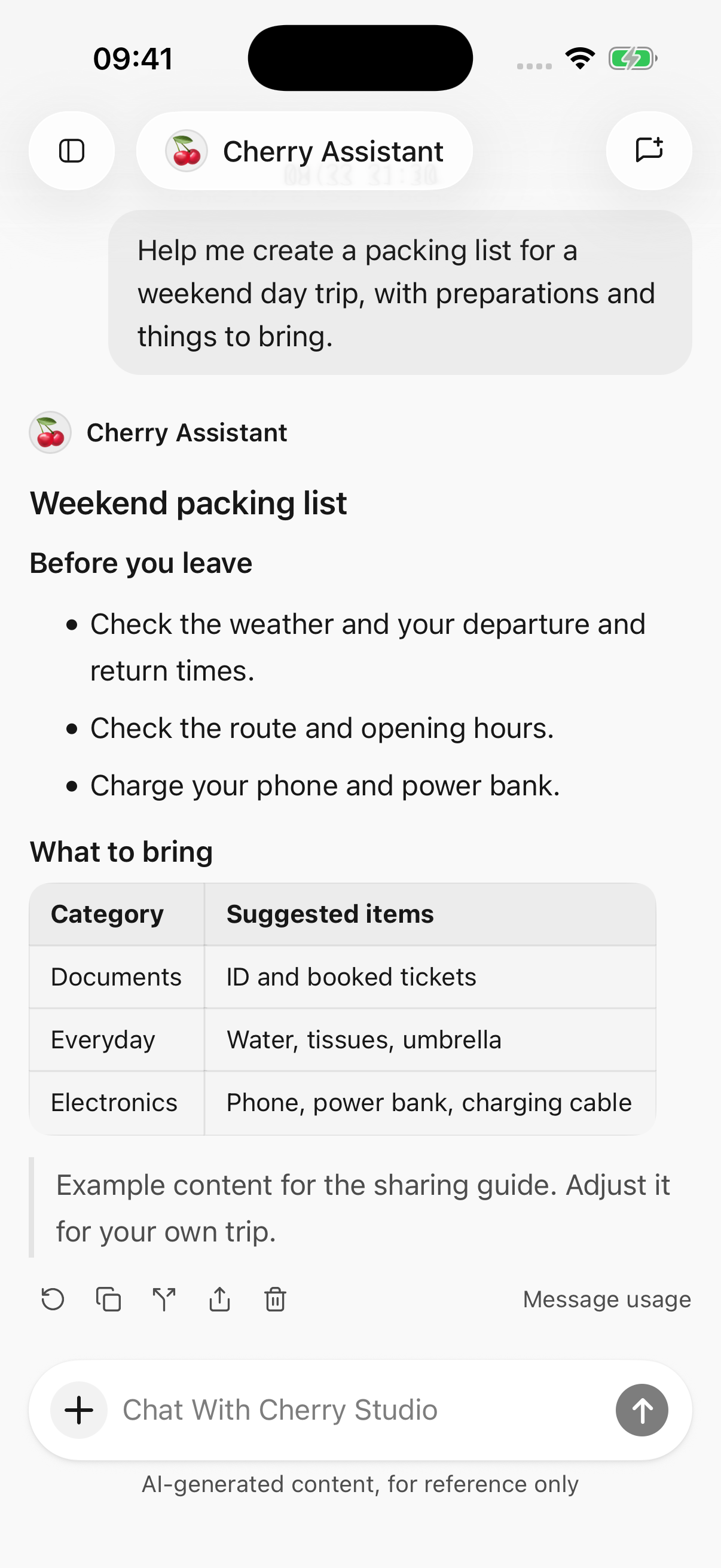
iPhone · Full conversation and message actions; select to view full size
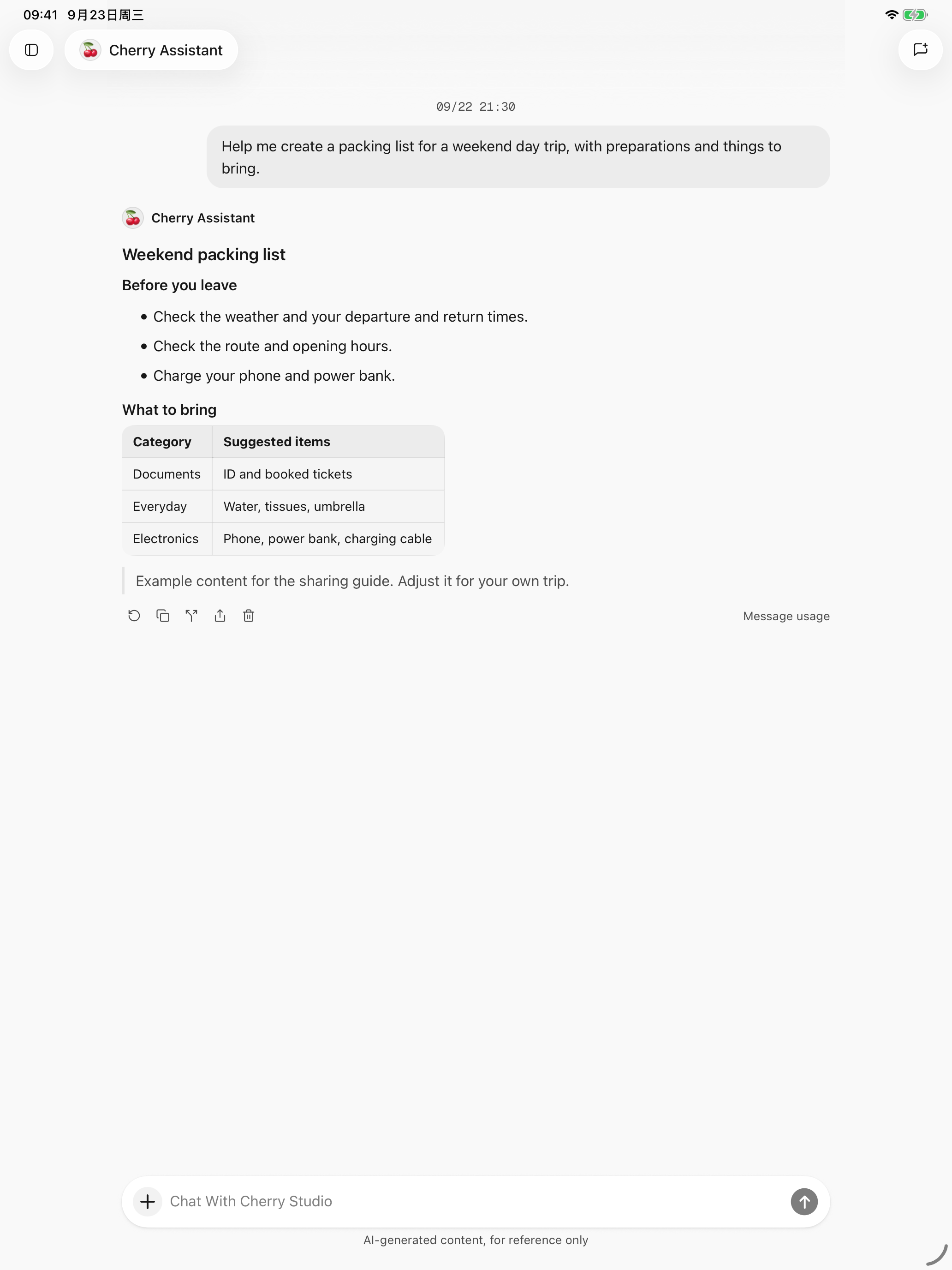
iPad · The conversation expands for the available tablet space
Upstream project links
These links belong to Cherry Studio. Consult its official pages for release status, device requirements, and regional availability:
See the upstream installation reference. BLACK HOLE Desktop provides device pairing under Settings → Device connections; compatibility with a mobile client must be verified with the actual versions on both devices.
Find the guide for your task
Getting started
Download and install · Quick start · Import from desktop
Everyday tasks
Chat and files · Web search and page reading · Image generation · Create and edit files · HTML to image and PPT · Sharing and export
Agents & automation
Agents and tools · Let AI use tools · Calendar and reminders · Location and health records · Plugins and external tools
Configuration & data
Providers and models · Model management · Model information and list updates · Settings, usage, and background replies · Data, privacy, and permissions
Troubleshooting
Troubleshooting · Ask an effective question · Report a problem
Developers & contribution
Mobile documentation contributions and issue reports
These guides describe the upstream mobile product and retain its original interface screenshots. Available features, entries, and models depend on that product’s installed version.
Cherry Studio does not include model credits. Connected platforms determine their own charges and availability.