
Brand Image Kit
Content teams often need to create landscape, square, and portrait images for the same campaign while maintaining consistency in subject, color tone, and brand guidelines. Establishing a key visual first and then expanding to different sizes is easier for maintaining uniformity than generating each image from scratch.
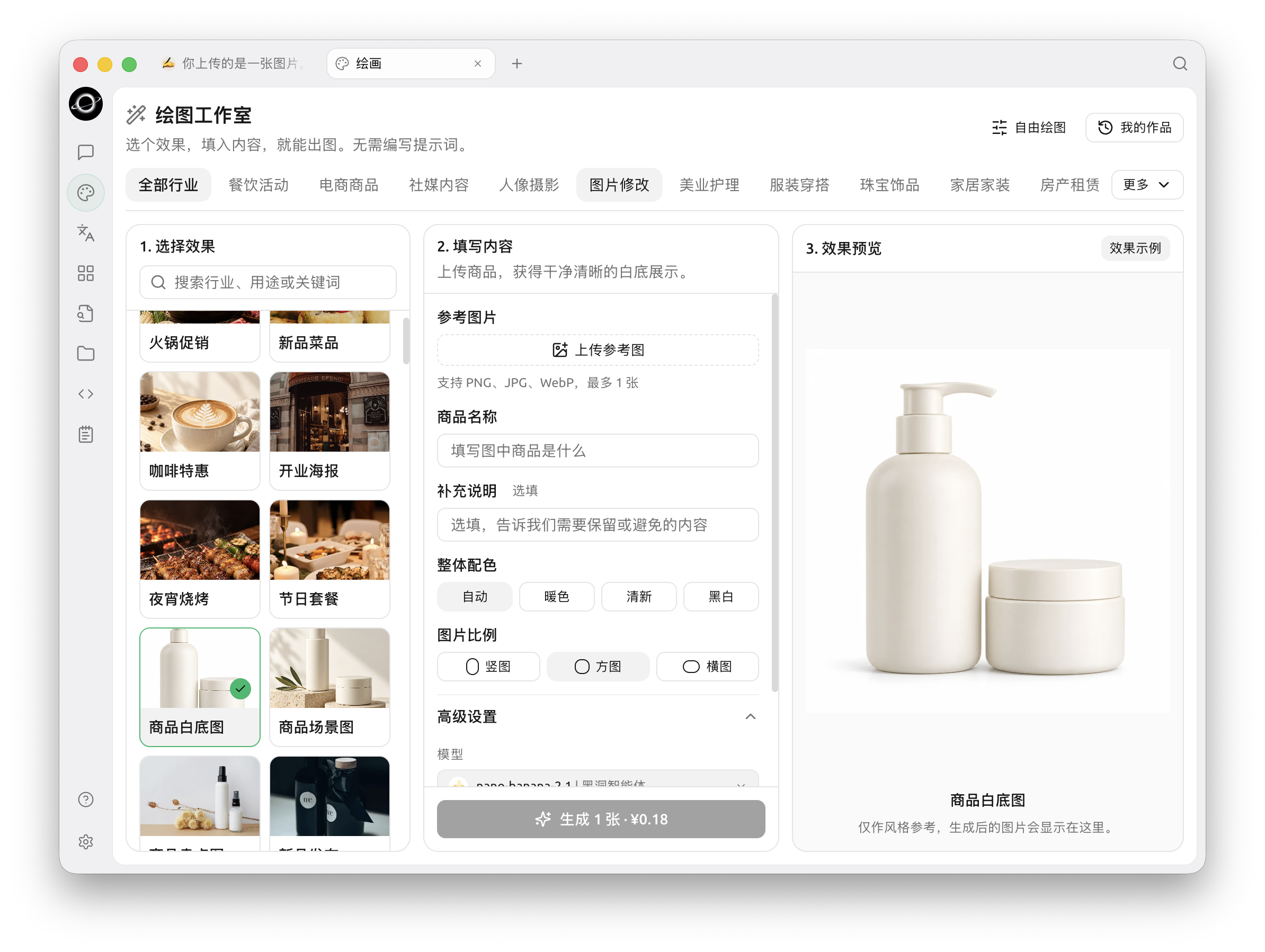
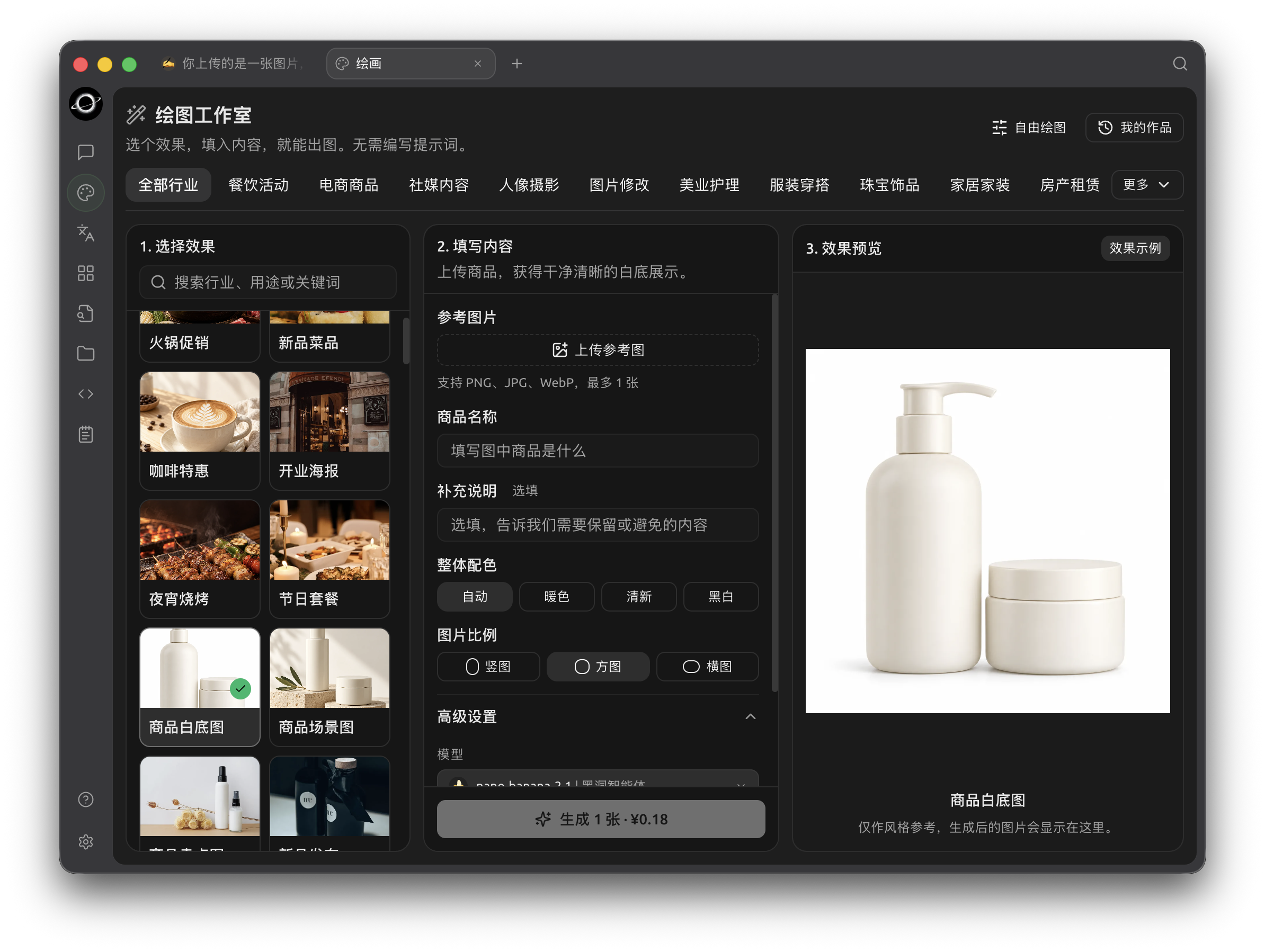
A template style example in Drawing Studio; fill in the details and generate your own result (Chinese interface).
Preparation
- Content theme and target platforms;
- Approved brand colors and reference images;
- Prohibited text, logos, and elements;
- Required image aspect ratios and whitespace specifications.
Workflow
1. Have the Agent Refine the Visual Direction
Place the article or campaign description in the working directory. Ask the Agent to output only suggestions for subject, scene, color tone, camera angle, and whitespace. Do not generate images yet.
2. Verify the Key Visual in [Drawing]
Choose a template in Drawing Studio and Nano Banana 2.1 in Advanced Settings, upload a reference image, fill in the requirements, and generate one landscape sample. Check product appearance, character details, and brand risks.
3. Expand Sizes Using Reference Images
Once the key visual is selected, use it as a reference to generate square and portrait versions. For each generation, specify which elements must be retained and which compositional aspects can be adjusted.
4. Local Corrections and Enhancement
Use the selected result as a reference image and describe what to preserve and change. Masking and enhancement depend on the chosen model and available controls. Include the purpose and aspect ratio in filenames to avoid confusion.
Result Check
- Consistent color tone and subject across all three images;
- No incorrect text generated by the model;
- No unintended brand logos, characters, or sensitive information;
- Dimensions meet the publishing platform's requirements;
- Usage of reference images is licensed.
Recommended Setup and Completion Criteria
| Item | Recommended Practice |
|---|---|
| Drawing Model | Use the Agent to generate a sample image to verify the connection, then save the drawing template |
| Input Materials | Place brand colors, fonts, dimensions, reference images, and prohibited elements in the same project directory |
| Batch Method | Confirm one image first, then generate the rest of the series |
| Completion Criteria | Correct dimensions, readable text, consistent brand elements, no extra logos, and original reference images retained |
Suitable for article covers, social media images, and campaign assets. For final posters requiring precise layout, it is recommended to perform final proofing in a design tool.