
Agent Project File Delivery
Operations colleagues need to organize scattered materials into an index, summaries, and delivery files. To prevent accidental modification of originals, clearly define the Agent's working directory, editable scope, and acceptance criteria in advance.
Suitable Tasks
- Organize scattered materials into a table of contents and index;
- Generate multiple documents based on templates;
- Modify code and leave change logs;
- Batch rename, convert, or check files.
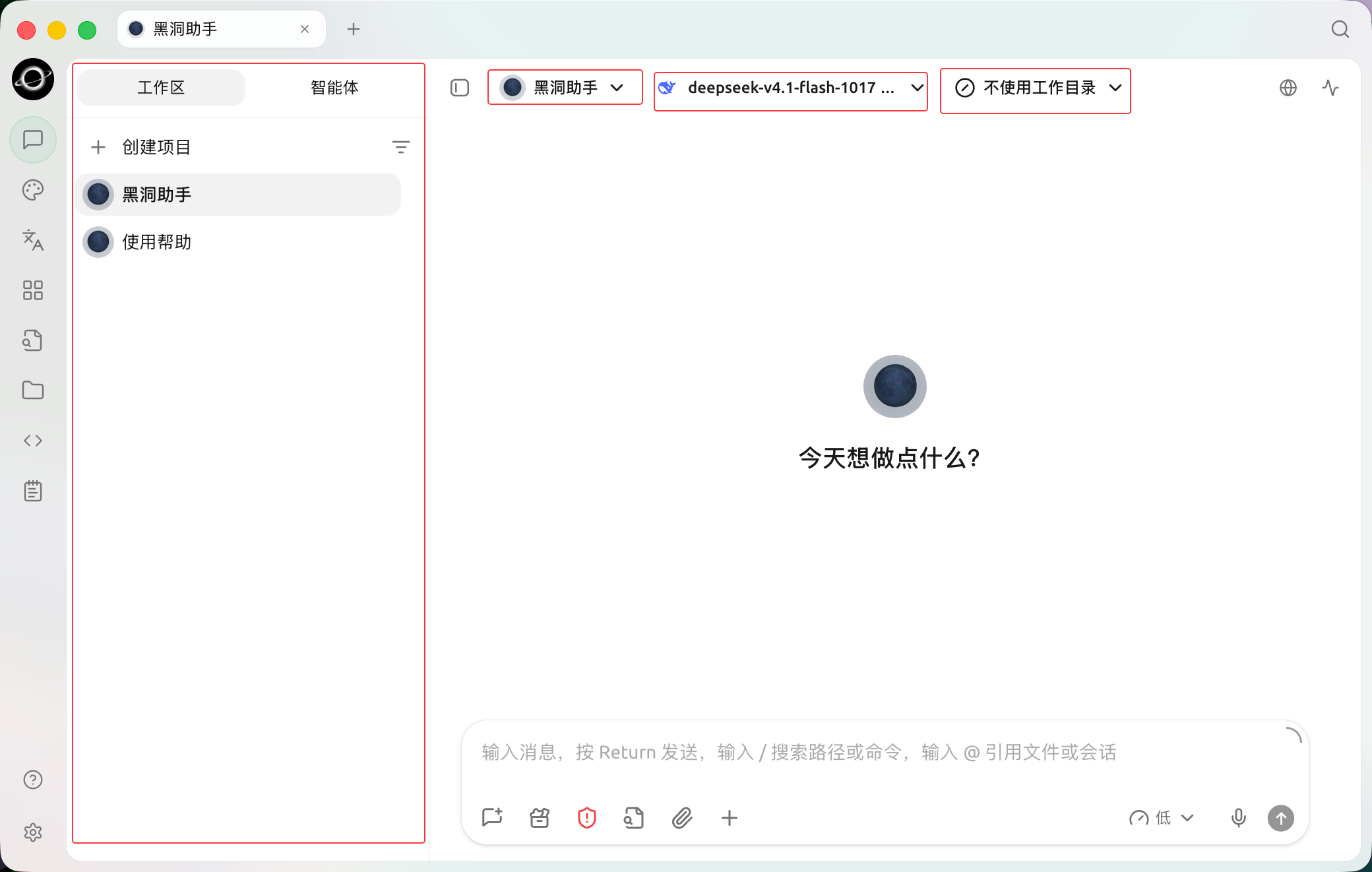
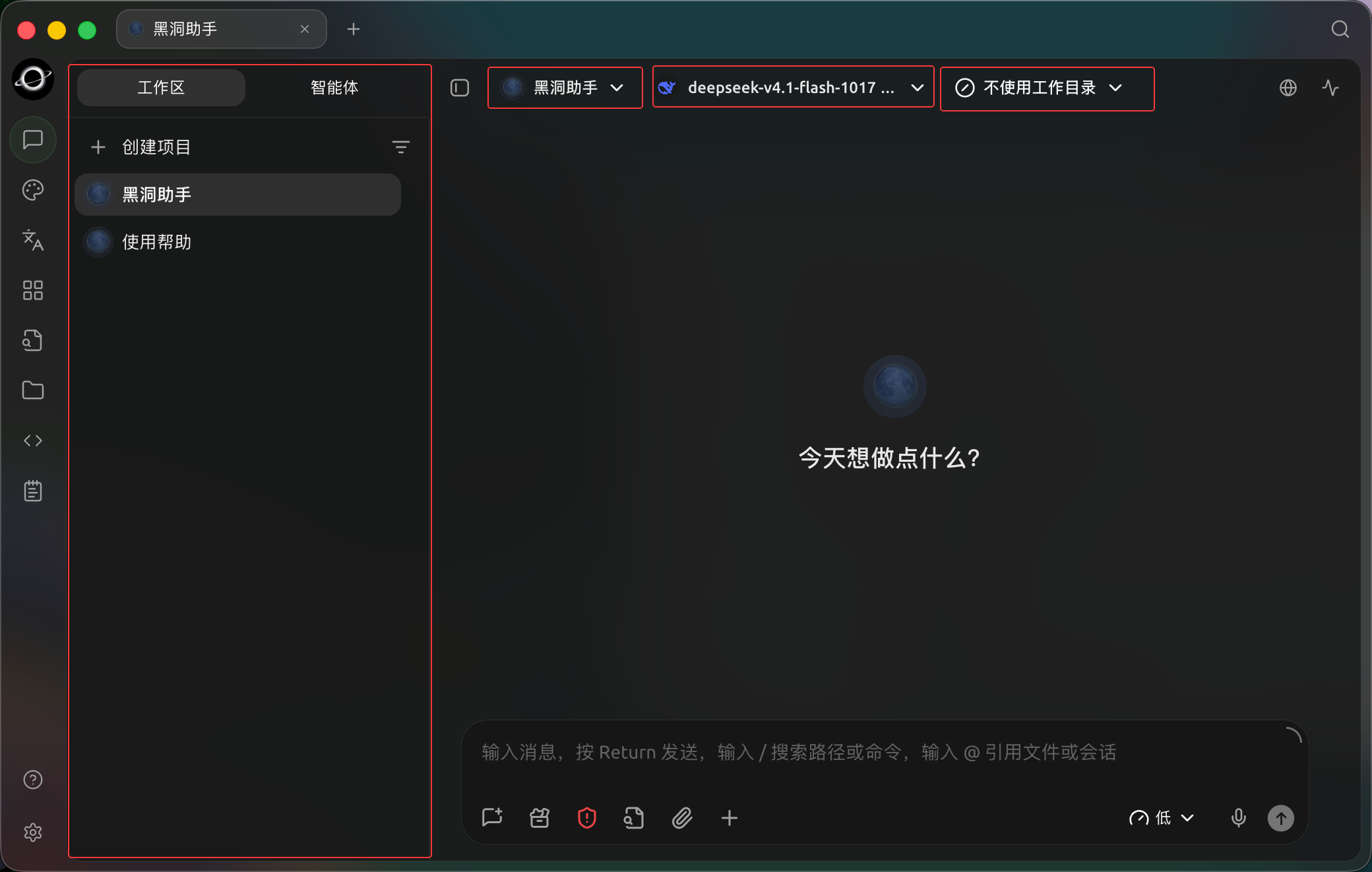
Choose an Agent, model and working directory in Work before starting; no working directory is selected in this example. (Chinese interface.)
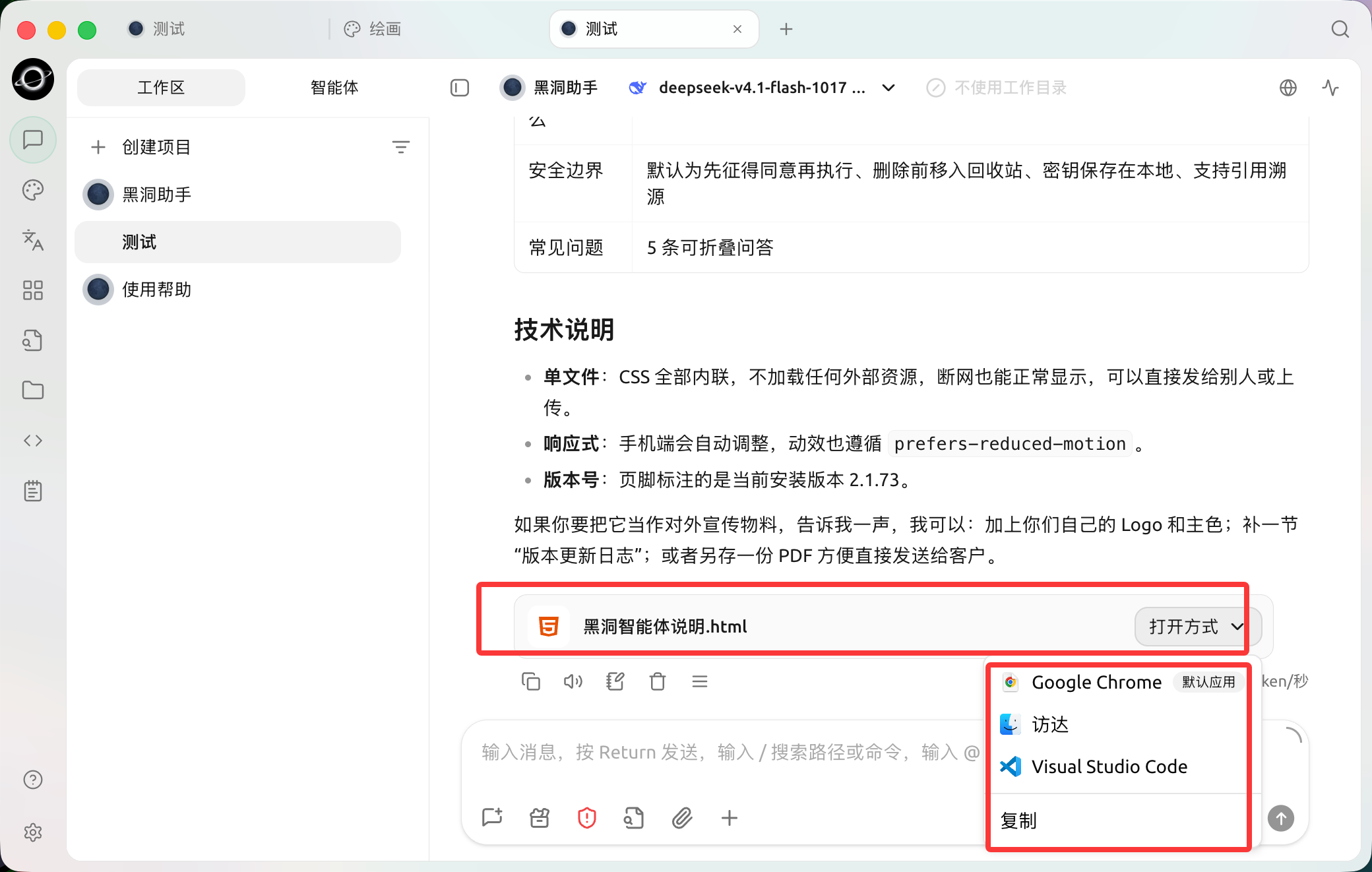
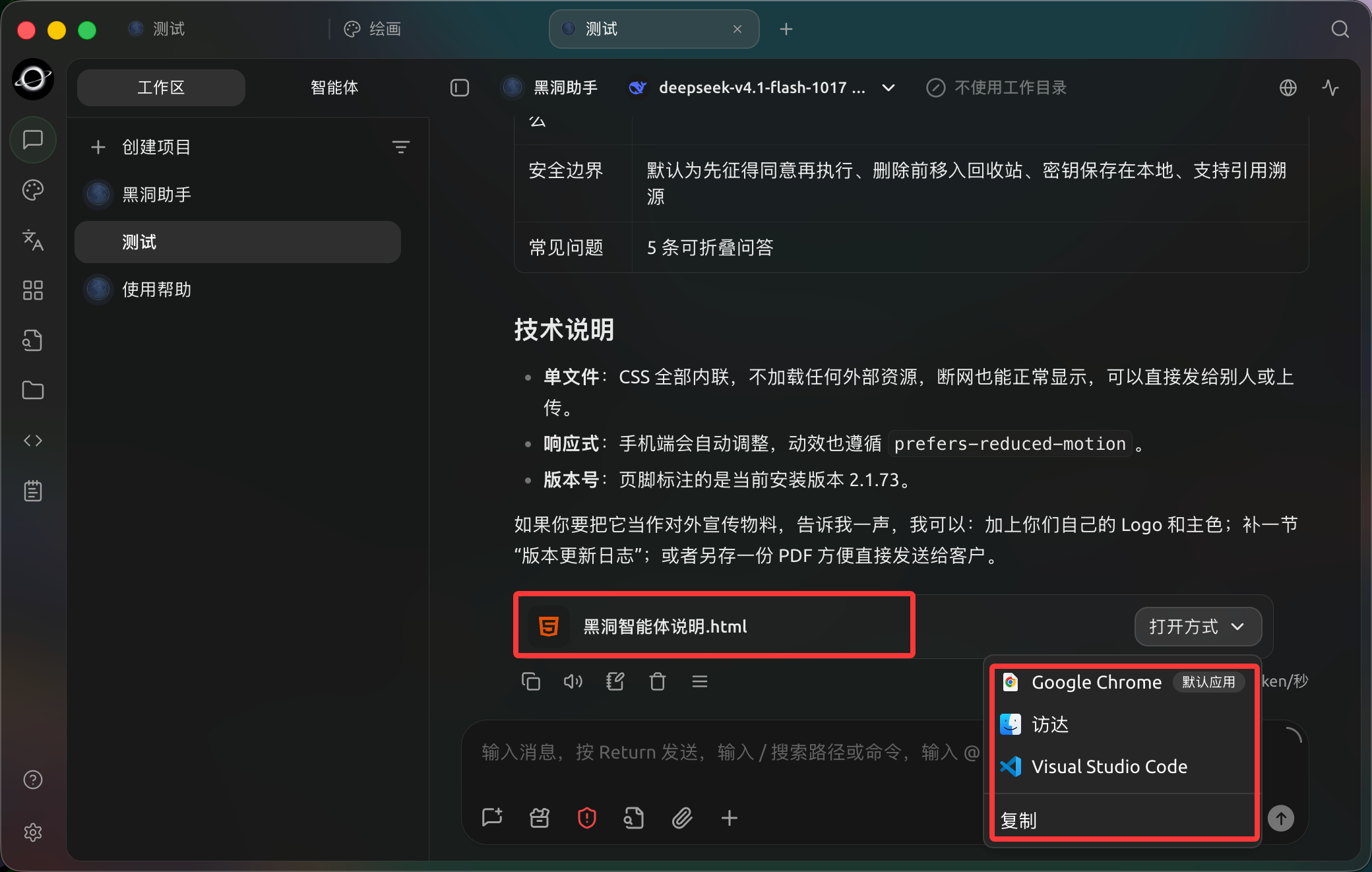
The generated HTML file appears in the reply. Use Open with to inspect it in a browser or editor. (Chinese interface.)
Workflow
1. Select the Minimal Working Directory
Select only the current project directory. Ensure important files have backups or version history, and start permissions with [Ask Before Acting].
2. Define Editable and Read-Only Scope
Clearly specify which files are read-only, where outputs are stored, which operations require prior confirmation, and the completion criteria.
3. Have the Agent List a Plan First
For high-risk tasks, use [Plan Only]. After confirming the file list and steps, switch to an editing-enabled mode to execute.
4. Check Status and Files on the Right
For long-running tasks, first check [Status] to see if it is waiting for approval. After outputs are generated, preview them in [Files]. Confirm accuracy before handover; do not substitute "task ended" for acceptance.
Example Task
Organize the current directory. Files in raw/ are read-only; create an index, summary, and list of missing materials under deliverables/. Obtain confirmation before any deletion, overwriting, or bulk renaming. Finally, list all newly added and modified files.Recommended Configuration
| Capability | Suggested Usage | Why |
|---|---|---|
| Working Directory | Use a separate directory for each project | Clear file boundaries and delivery locations |
| Permissions | Keep [Ask Before Acting] for file modifications | Helps detect accidental deletions, overwrites, and out-of-scope writes |
| Status Panel | Check outputs and failed steps before finishing | Do not rely solely on "Agent says it's done" |
| New Task | Start a new task for new phases or clients | Prevents historical requirements from affecting current delivery |