
Multi-Model Research Review
A product team is preparing for a quarterly review: internal materials are complete, but public information needs to be supplemented, and perspectives from different models must be compared. The final deliverable is a research report that allows verification against sources and clearly distinguishes facts from judgments.
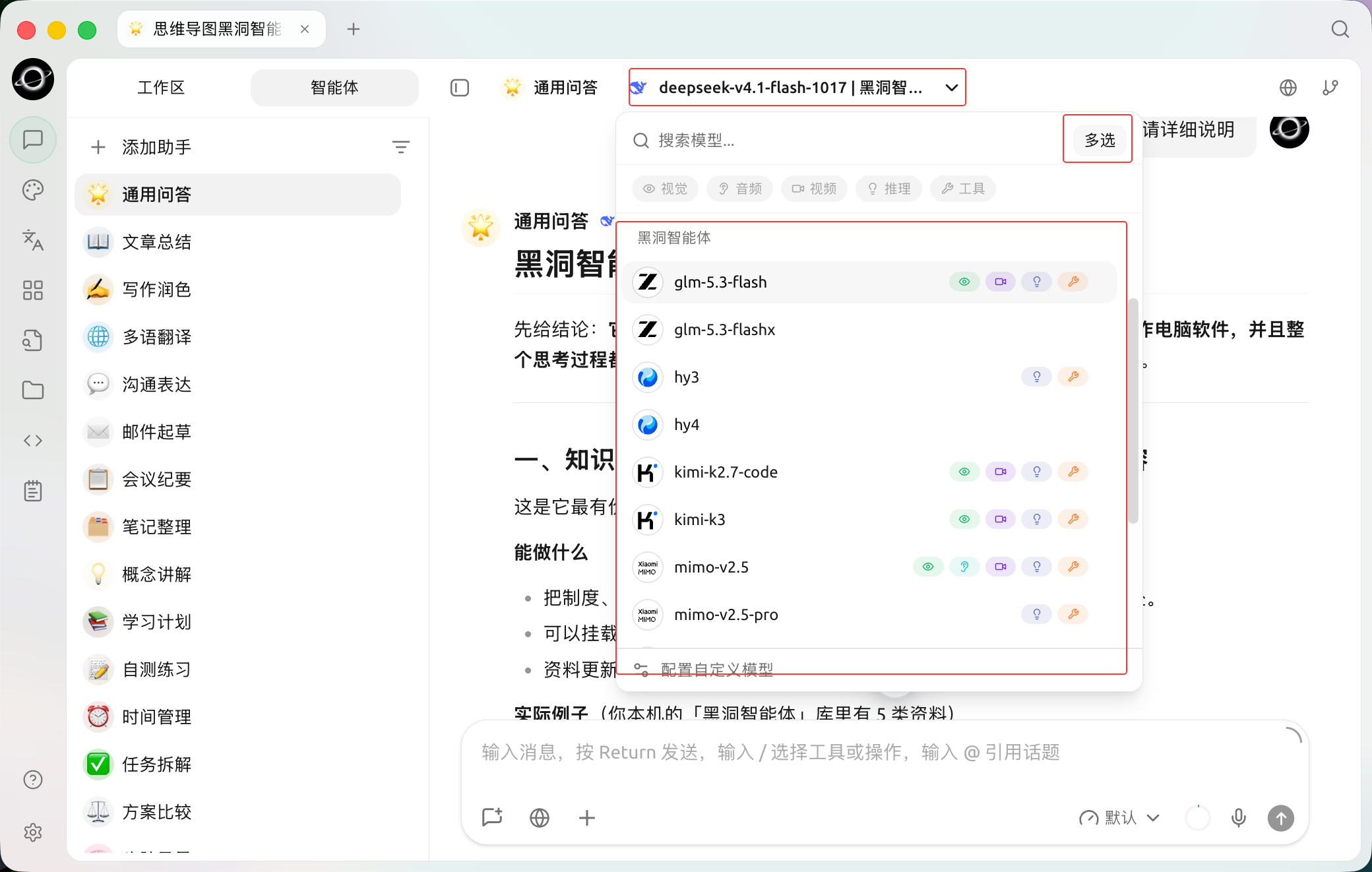
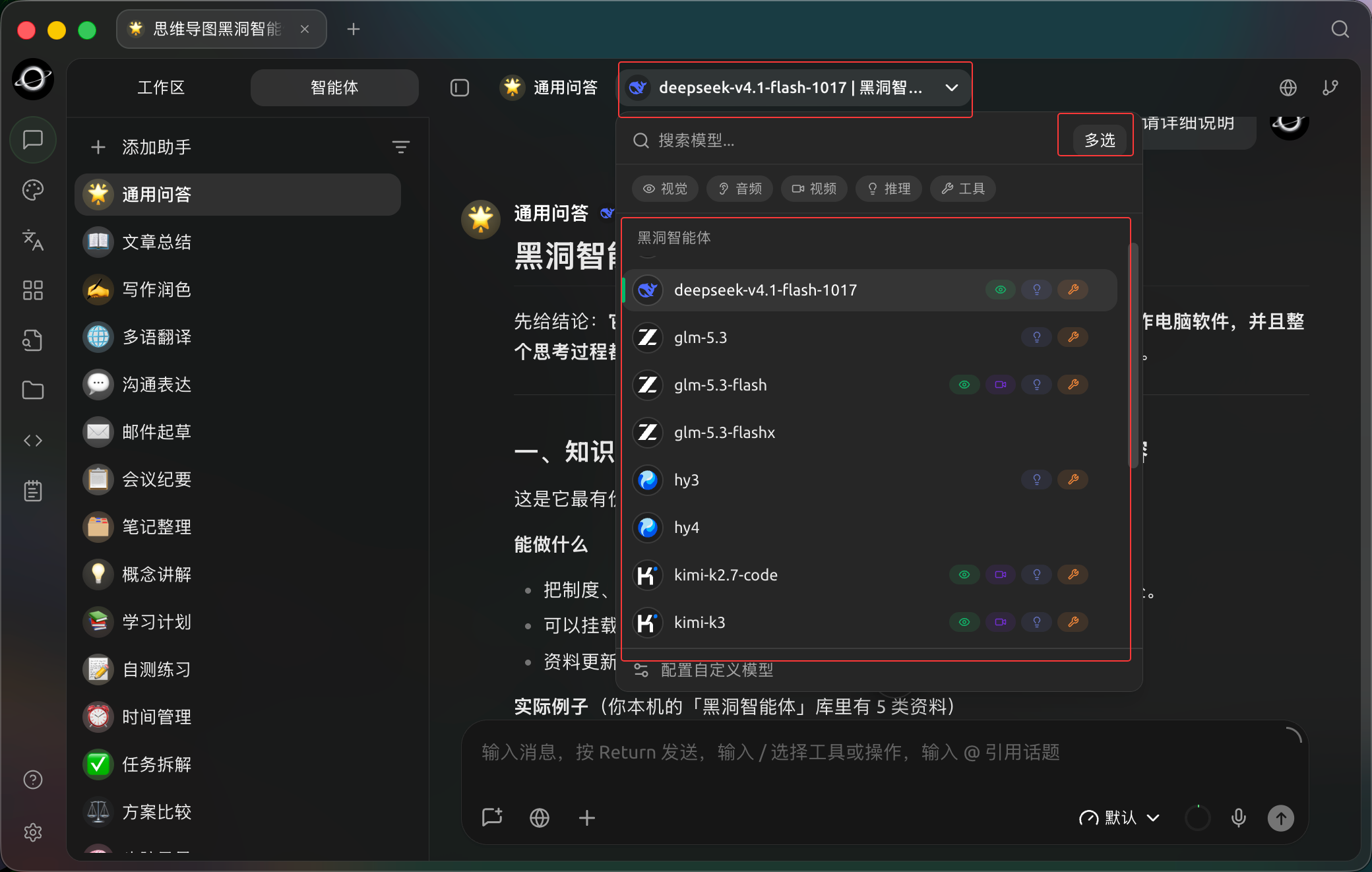
The assistant model selector offers Multi-select for sending the same question to multiple models. (Chinese interface.)
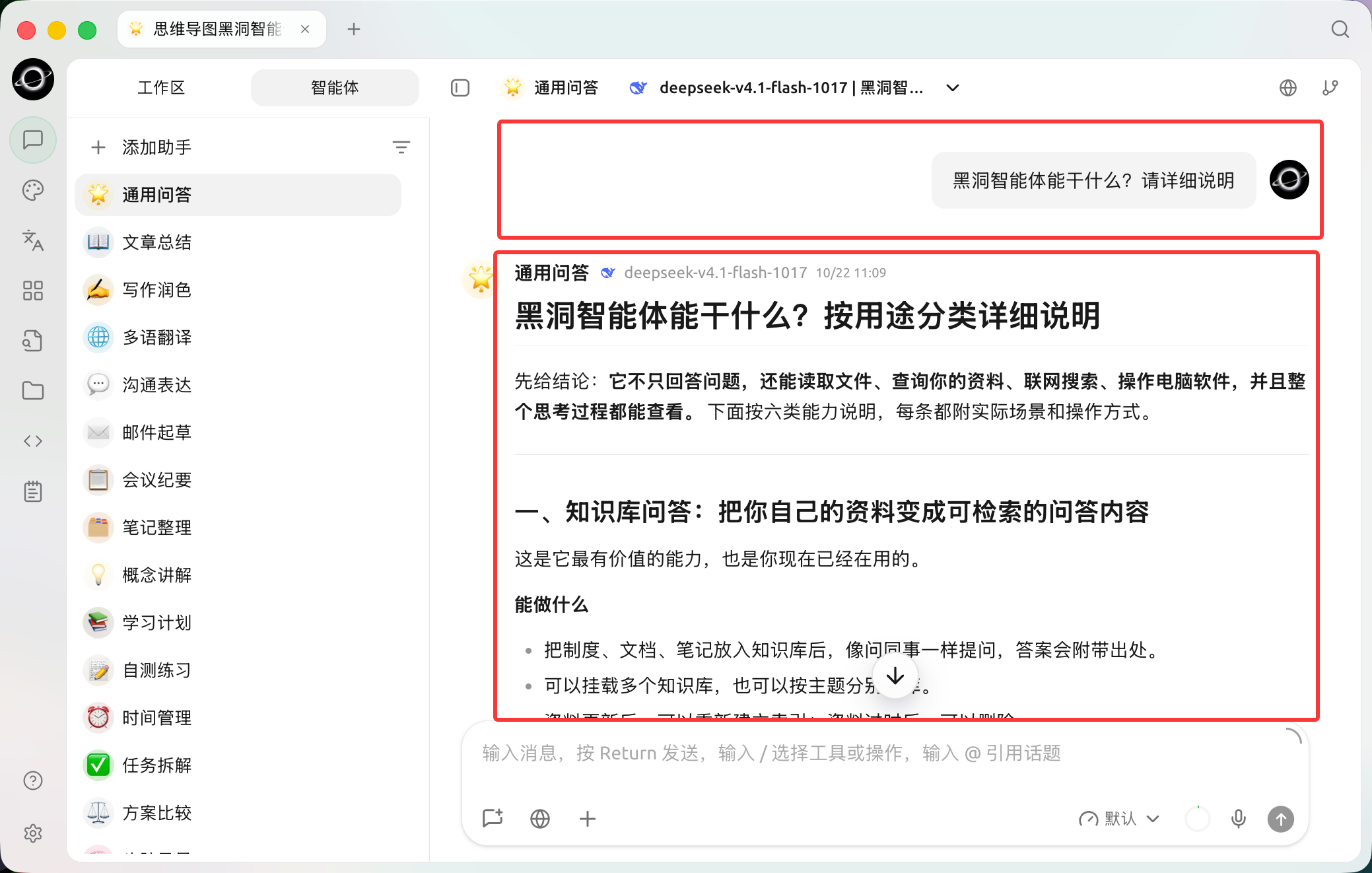
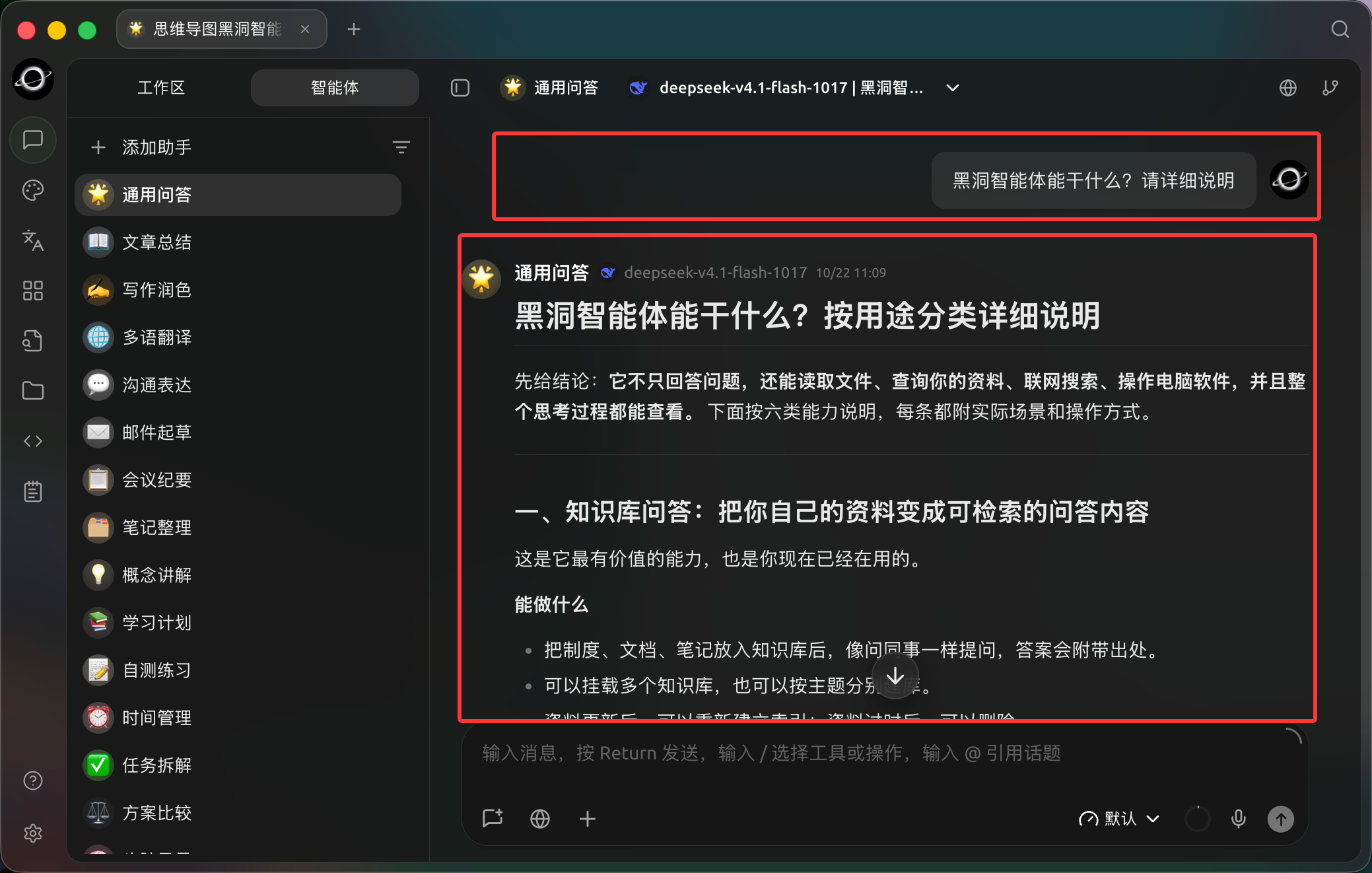
The question and structured reply stay in the same conversation for follow-up and verification; this example explains product capabilities. (Chinese interface.)
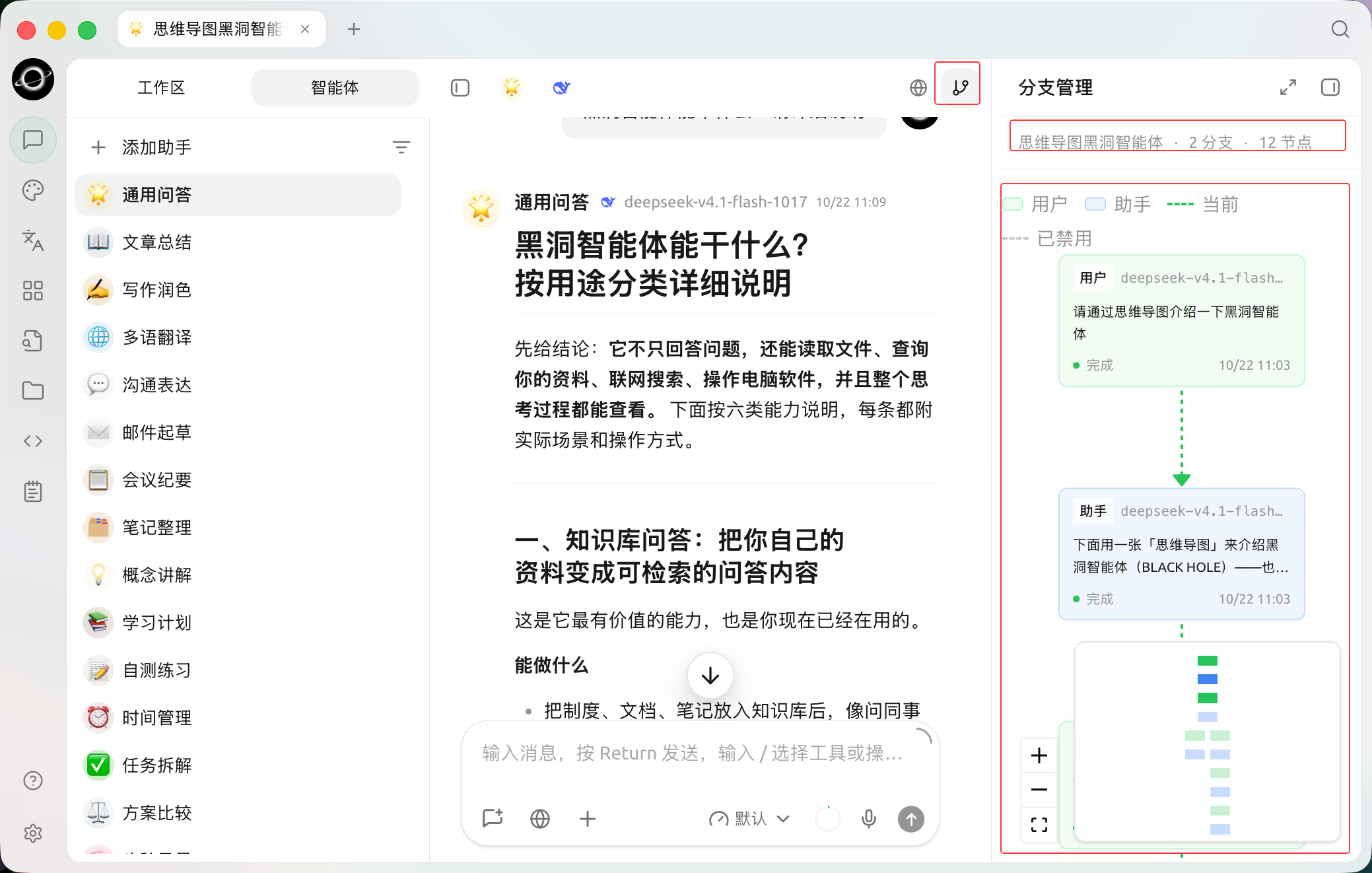
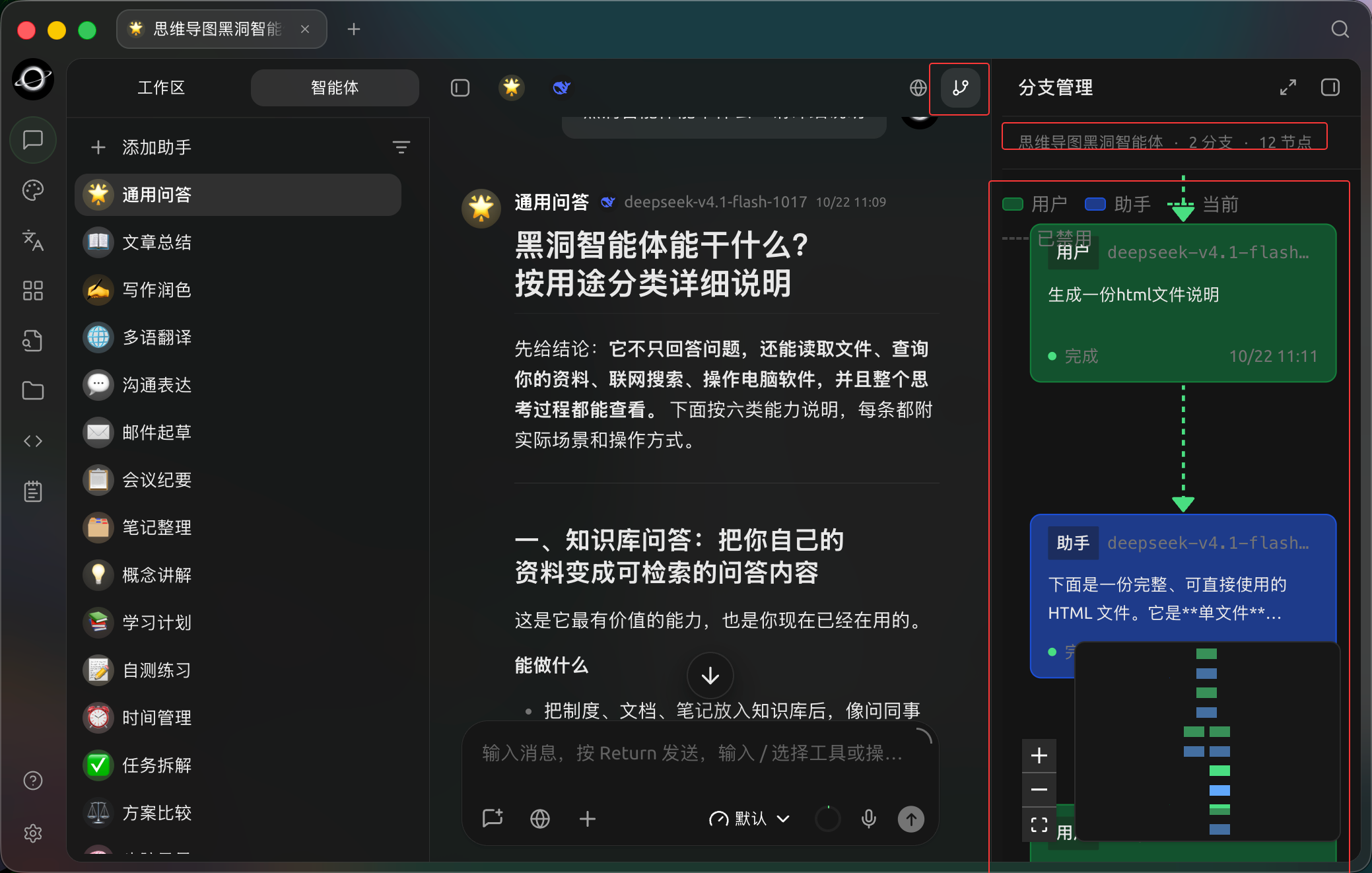
The branch manager preserves follow-up paths so you can revisit the original question, replies and subsequent messages. (Chinese interface.)
Recommended Setup
- [Chat] Multi-Model: Identify consensus, disagreements, and omissions;
- Research Agent: Advance tasks, break down subtasks, and generate reports;
- Knowledge Base: Retrieve internal materials;
- Web Search or trusted MCP: Supplement external sources;
- Working Directory: Store raw materials and final outputs.
Workflow
1. Compare Perspectives with the Same Question
Select multiple models in [Chat] and ask each to list conclusions, assumptions, sources, and uncertainties. Organize genuine conflicts into research questions.
2. Create a Research Agent
Bind relevant knowledge bases and research skills. Keep permissions set to [Ask Before Acting]. In the working directory, separate raw materials from the report/ output directory.
3. Assign Subtasks
Have the Agent check the factual timeline, data changes, and external perspectives separately. The main Agent then compares conflicts. Retain unconfirmed information as pending verification; do not force merging.
4. Generate Report and Manual Review
The report should include conclusions, sources, uncertainties, and next steps. Check citations, dates, and figures in the [Files] panel on the right before publishing.
Example Task
Review the project materials in the current directory and supplement with public information. Separate facts, judgments, and recommendations; retain source links for external information. Check the timeline, data, and risks separately, and finally generate the report at report/review.md. Do not modify files in raw/.Preparation and Completion Criteria
| Item | Recommended Preparation |
|---|---|
| Research Question | Clearly state the conclusion to be compared in one sentence |
| Source Requirements | Specify time range, region, and acceptable sources |
| Recommended Setup | Use multi-model comparison to collect differences and notes to save confirmed conclusions |
| Completion Criteria | Every key conclusion can be traced back to a source; disagreements are listed separately; unconfirmed content is not presented as fact |
This case is suitable for research requiring perspective comparison and decision process review. It is not suitable for treating multi-model voting directly as factual judgment.