
Data Storage and Migration
Find the Current Data Directory
BLACK HOLE AGENT stores settings, conversations, assistants and knowledge-base data in the current user's application-data directory. The installation type or an earlier migration can change that location, so use the path displayed by the app.
Open Settings → Data → Data Directory and locate App Data. Use the adjacent open-directory button to inspect the location in your system file manager.
Back Up Before Migrating
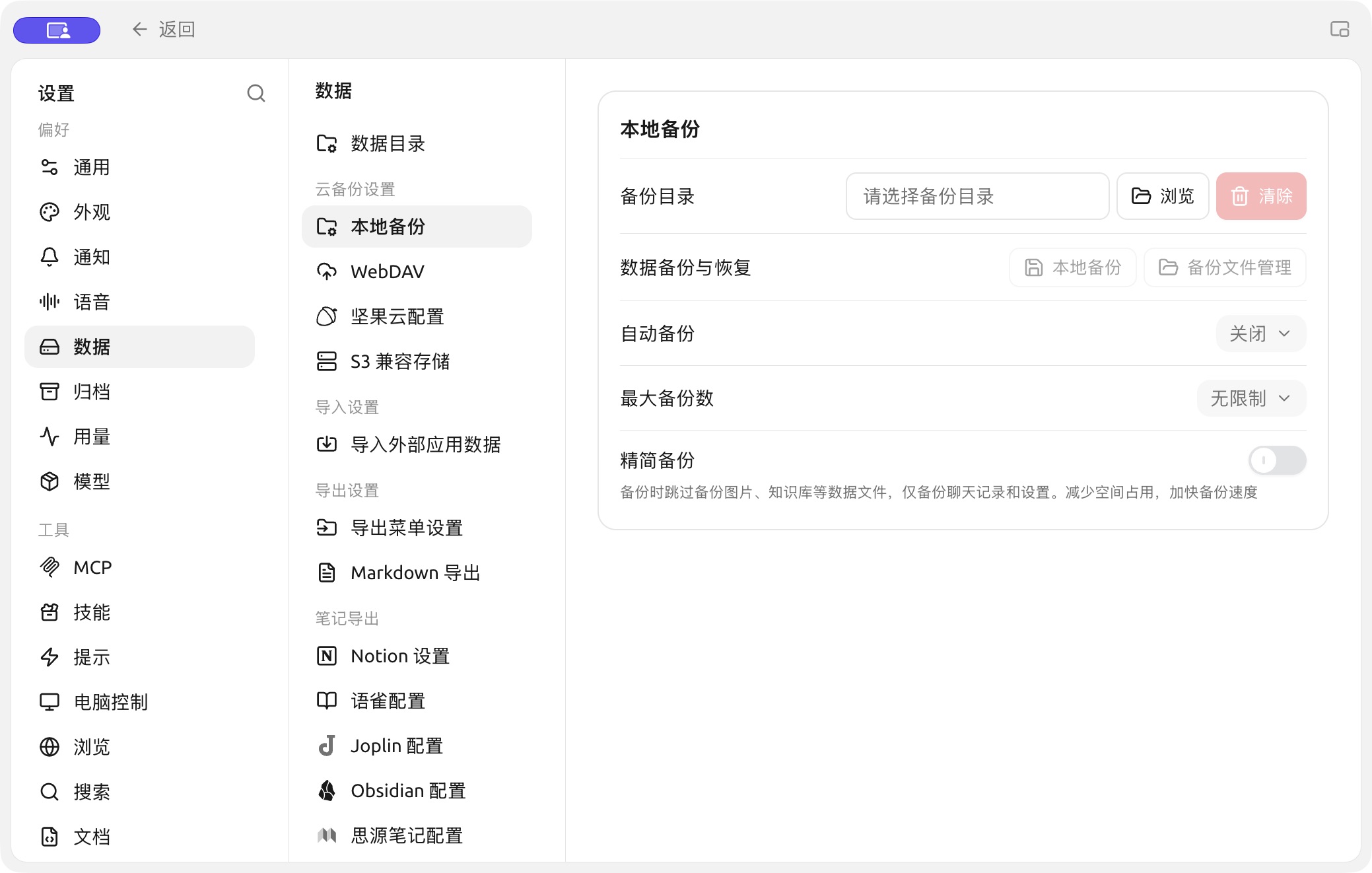
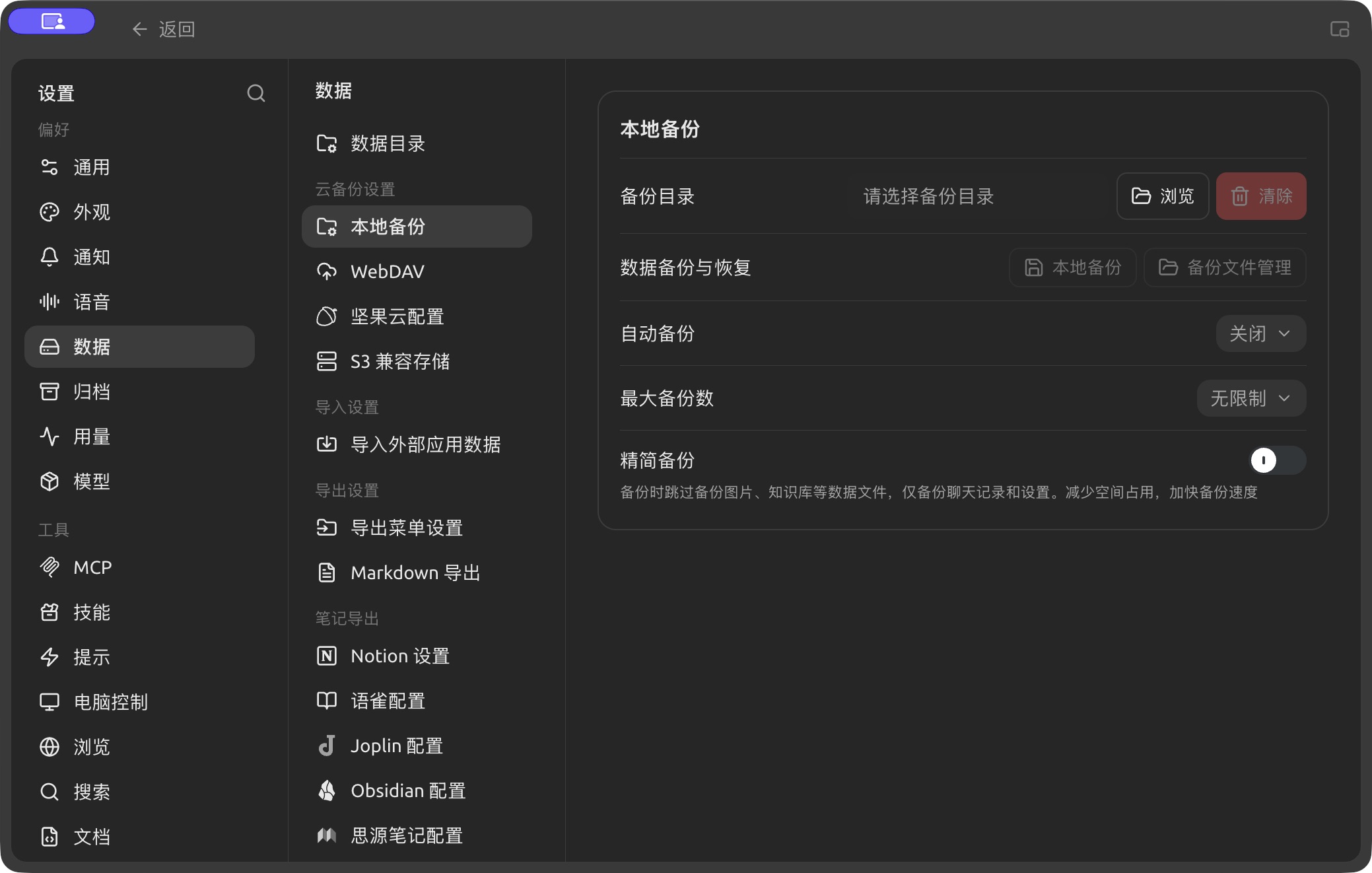
Backup directory and automatic backup settings in Settings → Data. (Chinese interface.)
In Settings → Data, select local backup, WebDAV or S3-compatible storage. Complete a backup and confirm that you can locate the backup file. The included data and destination depend on the selected backup method; check the explanation on the page.
To move the data, check Data Directory for the migration control available in your installed version. Follow its prompts and finish running tasks first. After migration, reopen the app and inspect conversations, assistants, knowledge bases and files before removing the old directory.
Do not move or delete the application-data directory while the app is running. Do not reuse another product's startup scripts or old directory names.