
WebDAV Backup
BLACK HOLE can back up your data to any WebDAV service. Because the backup lives in the cloud, you can also use it to move data between computers: back up on Computer A → WebDAV → restore on Computer B.
Configure WebDAV
Open Settings → Data → WebDAV and fill in the details from your WebDAV provider:
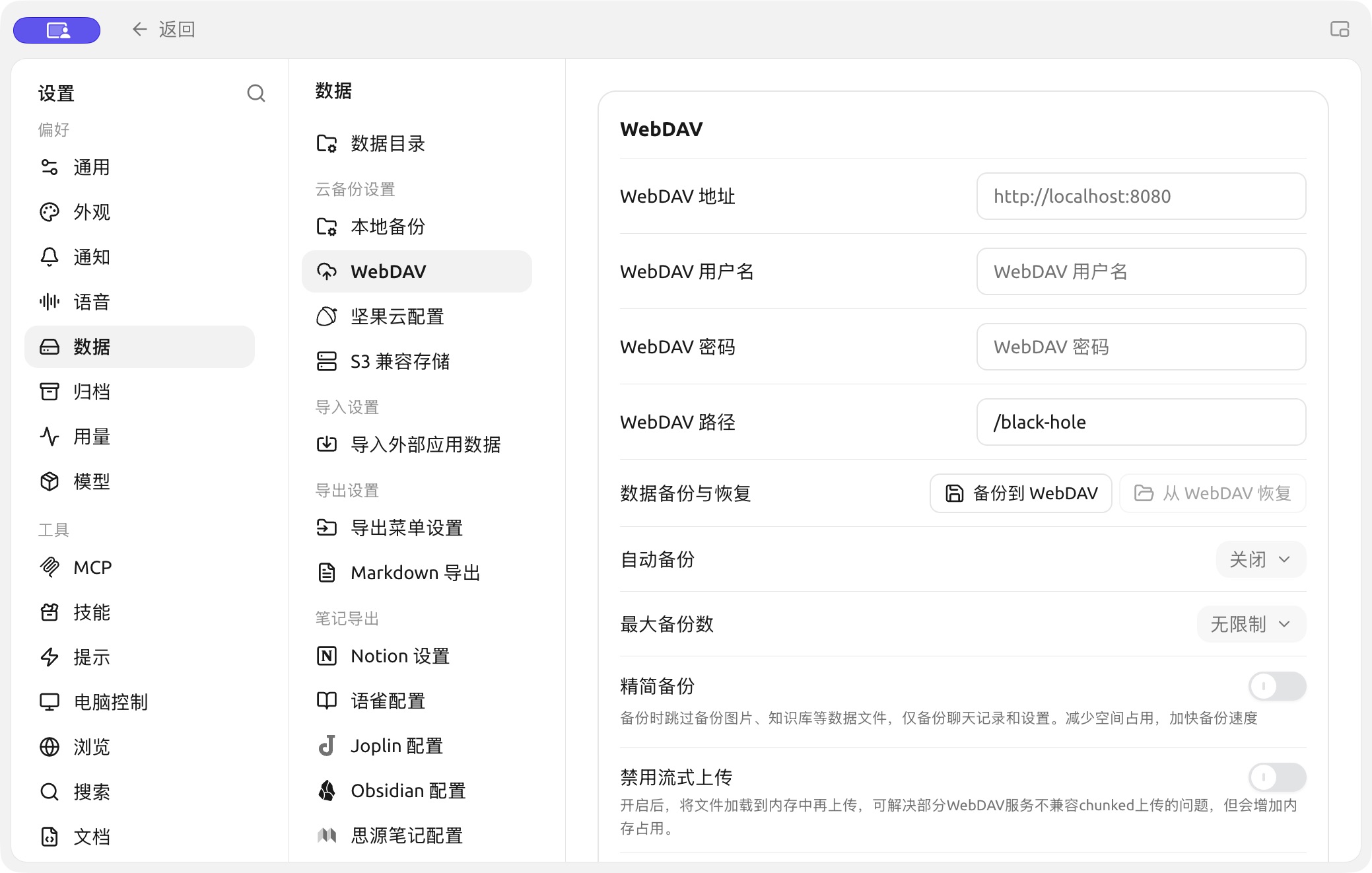
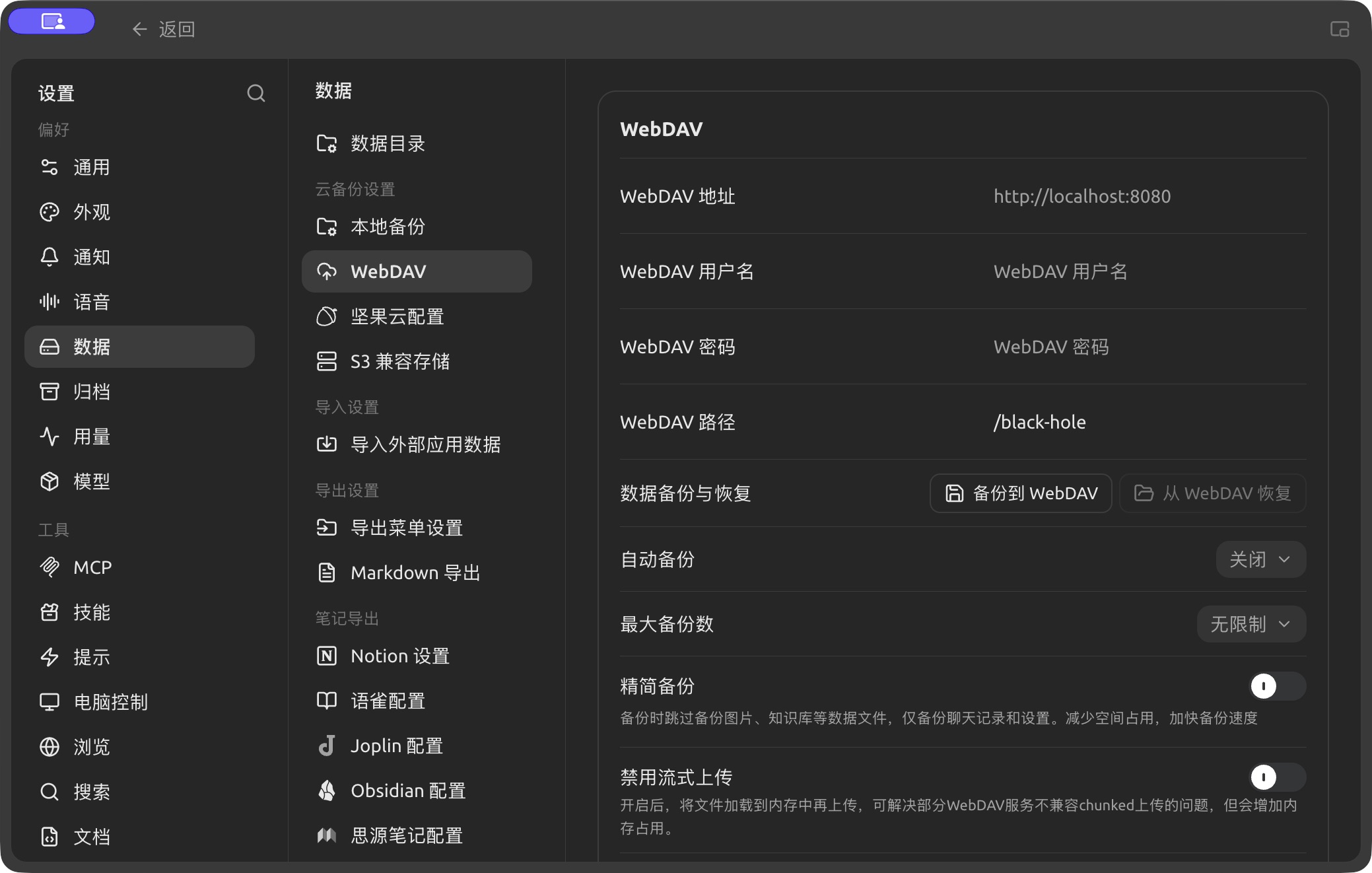
WebDAV address, account and path settings in Settings → Data. (Chinese interface.)
| Setting | Description |
|---|---|
| WebDAV Host | The WebDAV server address from your provider |
| WebDAV User / WebDAV Password | Your WebDAV account. Many providers ask you to create a separate app password for WebDAV |
| WebDAV Path | The folder on the server where backups are stored (default /cherry-studio) |
| Data Backup and Recovery | Backup to WebDAV uploads a backup now; Restore from WebDAV restores from a backup on the server |
| Auto Backup | Back up automatically at the interval you choose (off by default) |
| Maximum Backups | How many backups to keep on the server (unlimited by default) |
| Slim Backup | Skips data files such as images and knowledge bases and backs up only chat history and settings — smaller and faster |
| Disable Stream Upload | Loads the file into memory before uploading. Turn it on if your WebDAV server doesn't support chunked uploads; it uses more memory |
| Allow Self-Signed Certificates | Skips TLS certificate verification. Only turn it on for a server you trust, such as your own |