
Verify Sources and Recall
Recall testing directly checks whether a question can find the correct snippet, without first passing through the chat model for refinement. It helps you determine whether the issue lies in the source material, parsing, chunking, or retrieval settings.
Prepare Test Questions
It is recommended to cover three types of questions:
- Precise facts, e.g., "What is the accommodation cap for first-tier cities in China?"
- Conditional rules, e.g., "Under what circumstances can overseas car rentals be reimbursed?"
- Easily confused items, e.g., "Who provides additional approval for business trips exceeding $1,000?"
Do not test only with document titles or verbatim sentences from the source, as this overestimates real-world performance.
Complete a Recall Test
1. Open Recall Test
Open the left navigation [Knowledge Base] → Select a knowledge base → Enter [Recall Test].
2. Enter a Real Question
Enter a question with a clear answer and run the test. The question should resemble natural daily phrasing; do not deliberately copy the source text.
3. Check Sources and Snippets
Confirm the source is correct and that the snippet contains both the conditions and the conclusion required for the answer.
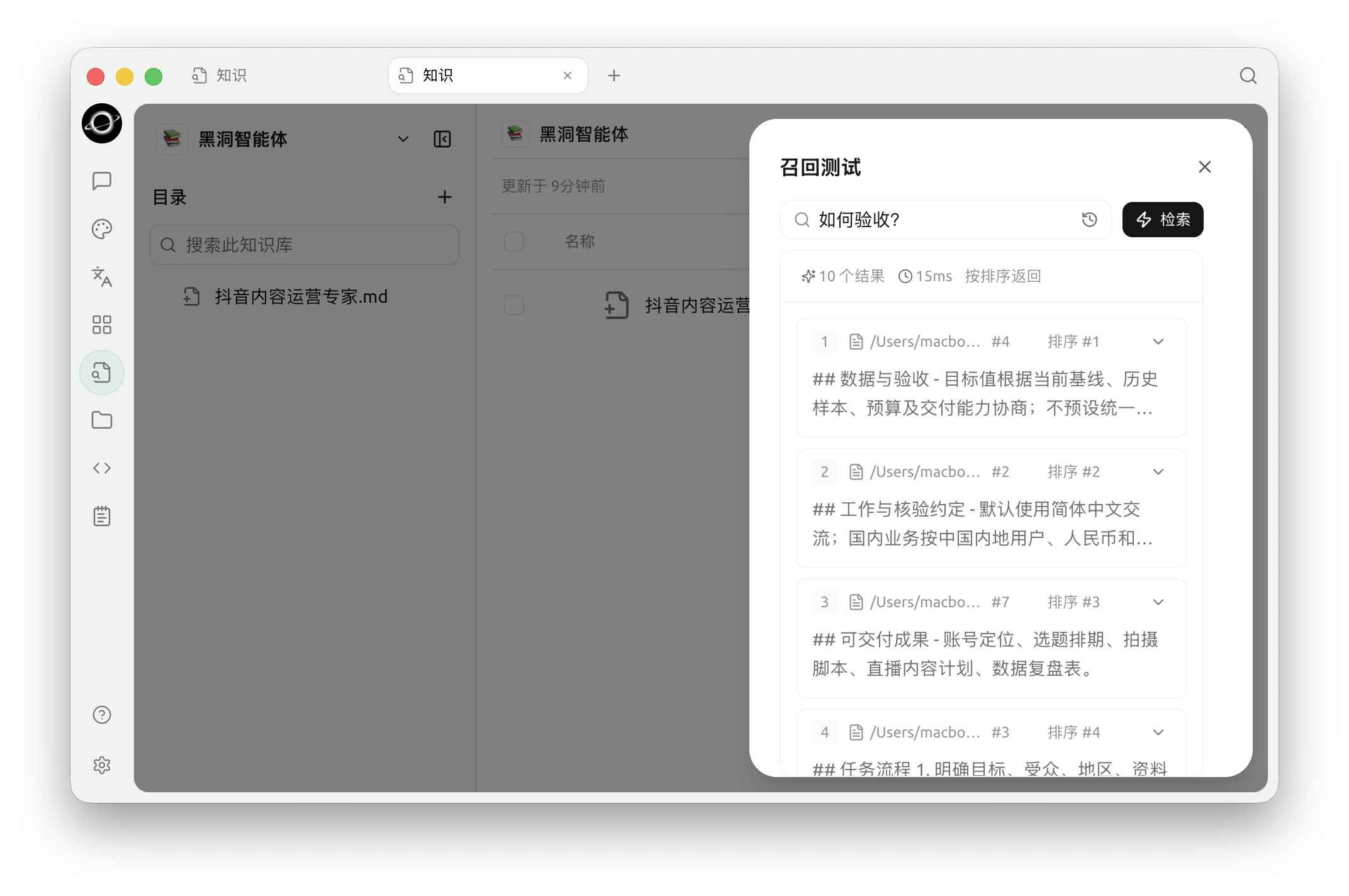
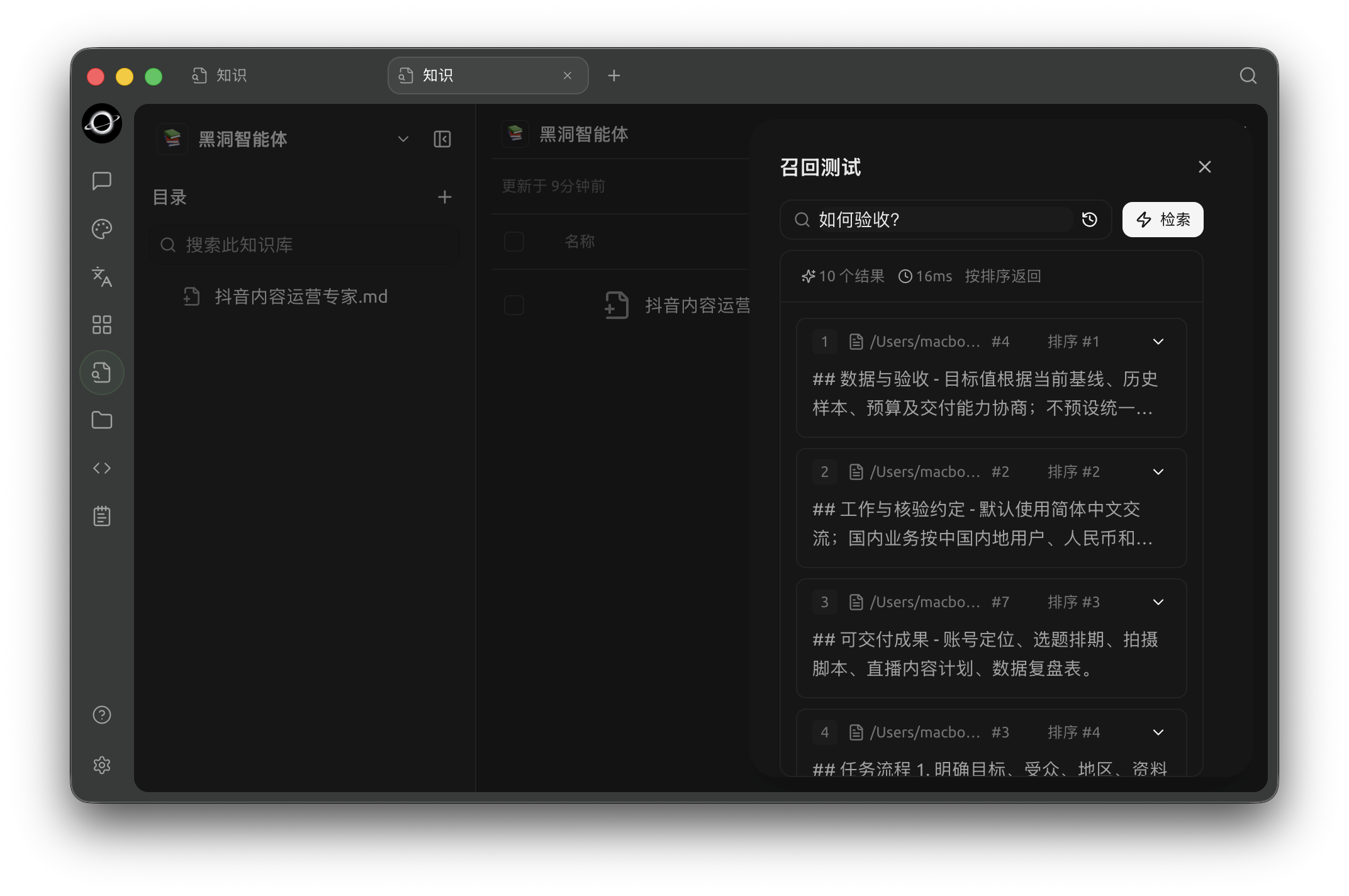
Recall Test: enter a real question and inspect matched chunks, sources and relevance (Chinese interface).
4. Diagnose Based on Symptoms
If no correct snippet appears, first check the source material, parsing, and chunking. If correct snippets appear but the order is unstable, then consider embeddings, reranking, or Top K.
5. Adjust One Item and Retest
Change only one setting per round. If parsing, chunking, or indexing is involved, execute [Reindex] first, then retest with the same set of questions.
How to Read Results
| Symptom | Description | Next Step |
|---|---|---|
| Correct source ranks high, snippet is complete | Recall is basically acceptable | Test a few different phrasings |
| No correct results at all | Material not ready, content missing, large phrasing difference, or threshold too high | Check material, body text, Chunks, and retrieval settings in order |
| Source is correct but snippet lacks key sentences | Parsing or chunking boundaries are suboptimal | Review Chunks, adjust, and reindex |
| Old and new versions appear simultaneously | Same-named materials were all retained | Delete old entries or use [Replace] to re-import |
| Correct items often rank low | Too many candidates or unstable ranking | Clean up materials, consider embedding or reranking models |
| Recall is correct but chat answer is inaccurate | Issue is likely in the prompt or chat model | Keep recall settings, adjust the question and chat model |
Tuning Loop
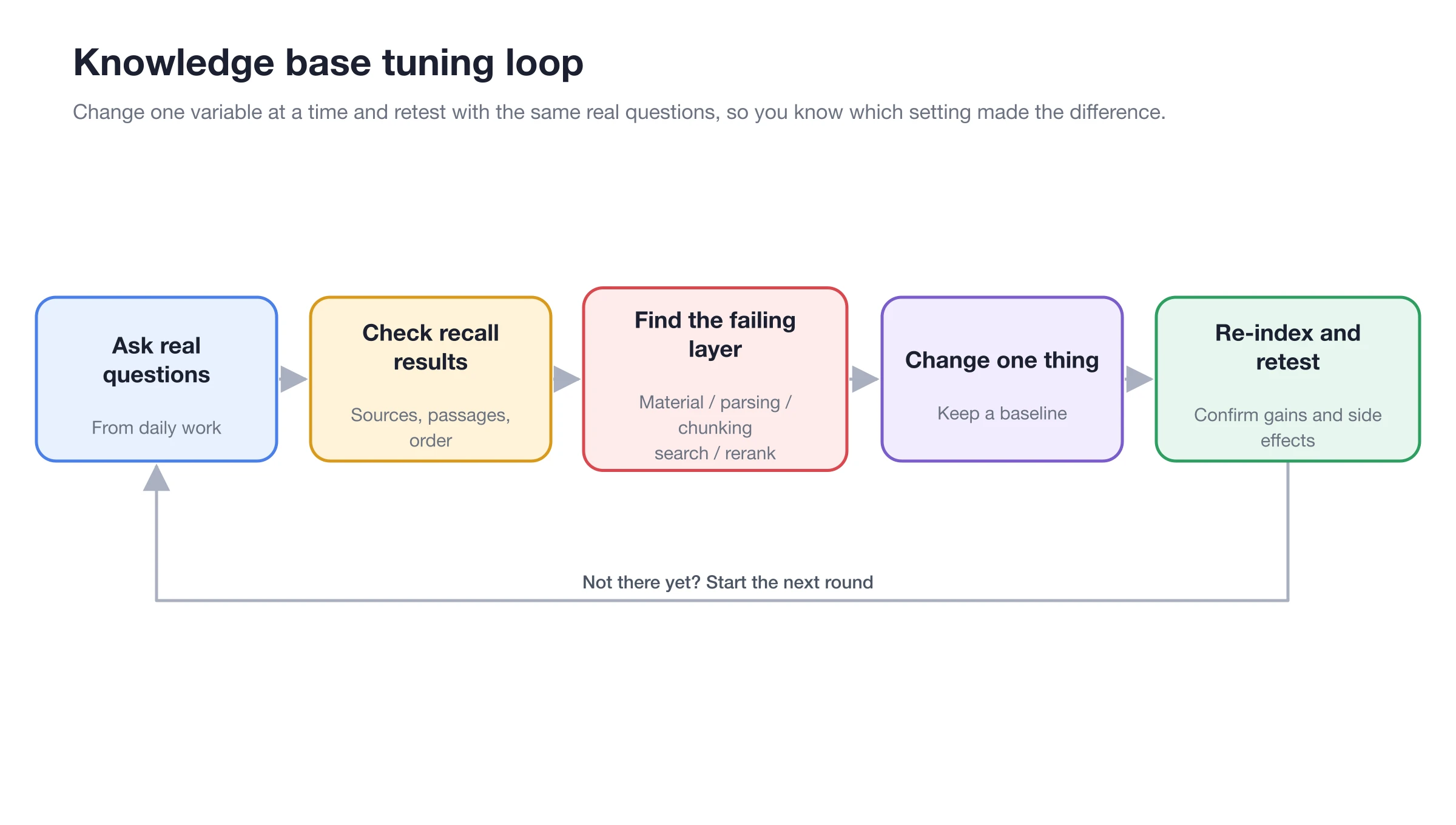
Fixed questions → Check results → Identify layer → Adjust one item → Reindex if necessary → Retest.
Recommended order:
- Confirm materials are correct, with no duplicates or outdated versions.
- Check parsed body text and Chunks.
- If the phrasing differs significantly from the source, consider the embedding model.
- If candidates are roughly correct but the order is unstable, consider the reranking model.
- Reindex after adjustments and repeat the same set of tests.
Configuration Notes
| Setting | Product Default | Suggested Start | Function | Use Case | Notes |
|---|---|---|---|---|---|
| Test Question Count | — | 3–5 | Establish a repeatable quality baseline | All knowledge bases | Cover precise facts, conditional rules, and easily confused questions |
| Top K | 6, range 1–50 | Keep 6 initially | Control the final number of snippets | Balance between coverage and noise | Increasing may consume more context |
| Similarity Threshold | 0.0, shown only after configuring reranking | Start from 0.0 | Filter low-score results after reranking | Noise remains after reranking | Setting too high may remove correct snippets |
| Retest Method | — | Change one item per round | Determine where setting changes originate | Tuning, updating materials or models | Reindex first after modifying chunking or models |
Expected Results
- Correct sources consistently appear in the top few results.
- Snippets contain the conditions and conclusions needed to answer the question.
- Results remain stable when using different natural phrasings.
- No significant regression in fixed questions after updating materials or settings.
User Case
Xiao Lin found that "accommodation standards" could be hit using the original text, but "how much can I claim for hotel stays" was unstable. He first confirmed that the materials and Chunks were normal, then configured the embedding model and retested. After correct snippets appeared but occasionally ranked low, he added a reranking model.
The completion standard is: three different phrasings all find the same accommodation standard in the top few results, and the snippet includes the applicable city and amount cap.
FAQ
No correct snippets at all; should I increase Top K first?
Check the material body text and Chunks first. If parsing or splitting is incorrect, increasing Top K will only return more incorrect or incomplete snippets.
Why is the Similarity Threshold not visible?
The [Similarity Threshold] is only displayed in knowledge base settings after selecting a reranking model.
Recall is correct, but the chat answer is still inaccurate. What should I do?
Keep the current recall settings and check the question phrasing, conversation context, and chat model. At this point, the issue is usually no longer in the material retrieval layer.