
Multi-Model Comparison
Multi-model comparison is ideal for questions without a single correct answer, such as reviewing proposals, exploring copywriting directions, or cross-checking sources.
Comparing Multiple Models Simultaneously
1. Open [Chat] and click the model name
Click Multi-select at the top right of the model list, then tick the models you want to compare. Before first use, ensure that the services associated with these models are connected properly.
2. Send the same question
Include evaluation criteria in your question, for example, "Compare from the perspectives of feasibility, risk, and cost." Avoid asking only "Which is better?"
3. Compare differences, not just pick the longest answer
Focus on whether facts are consistent, assumptions are explicit, what is missing, and which option best fits your constraints. Verify important facts against original sources.
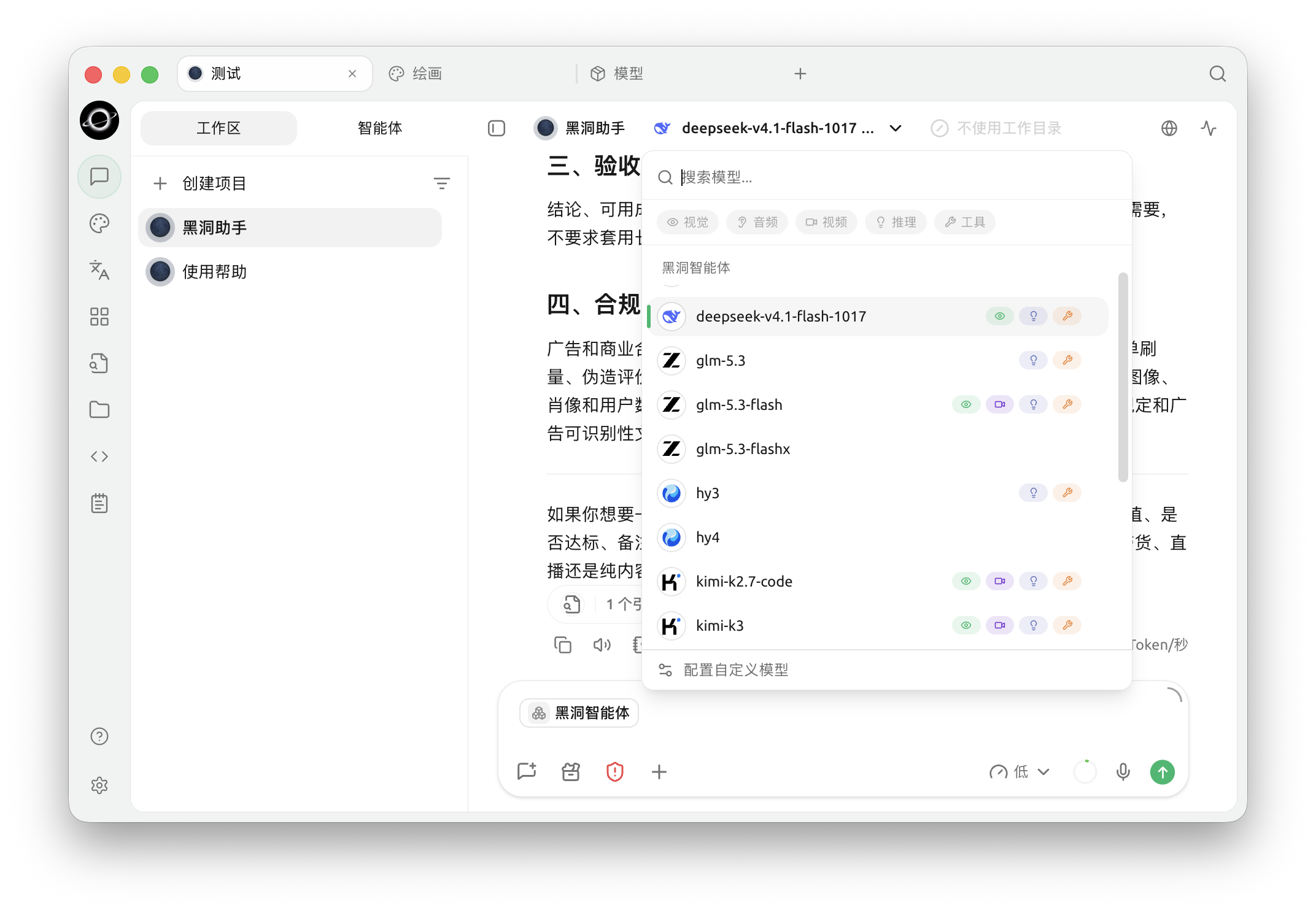
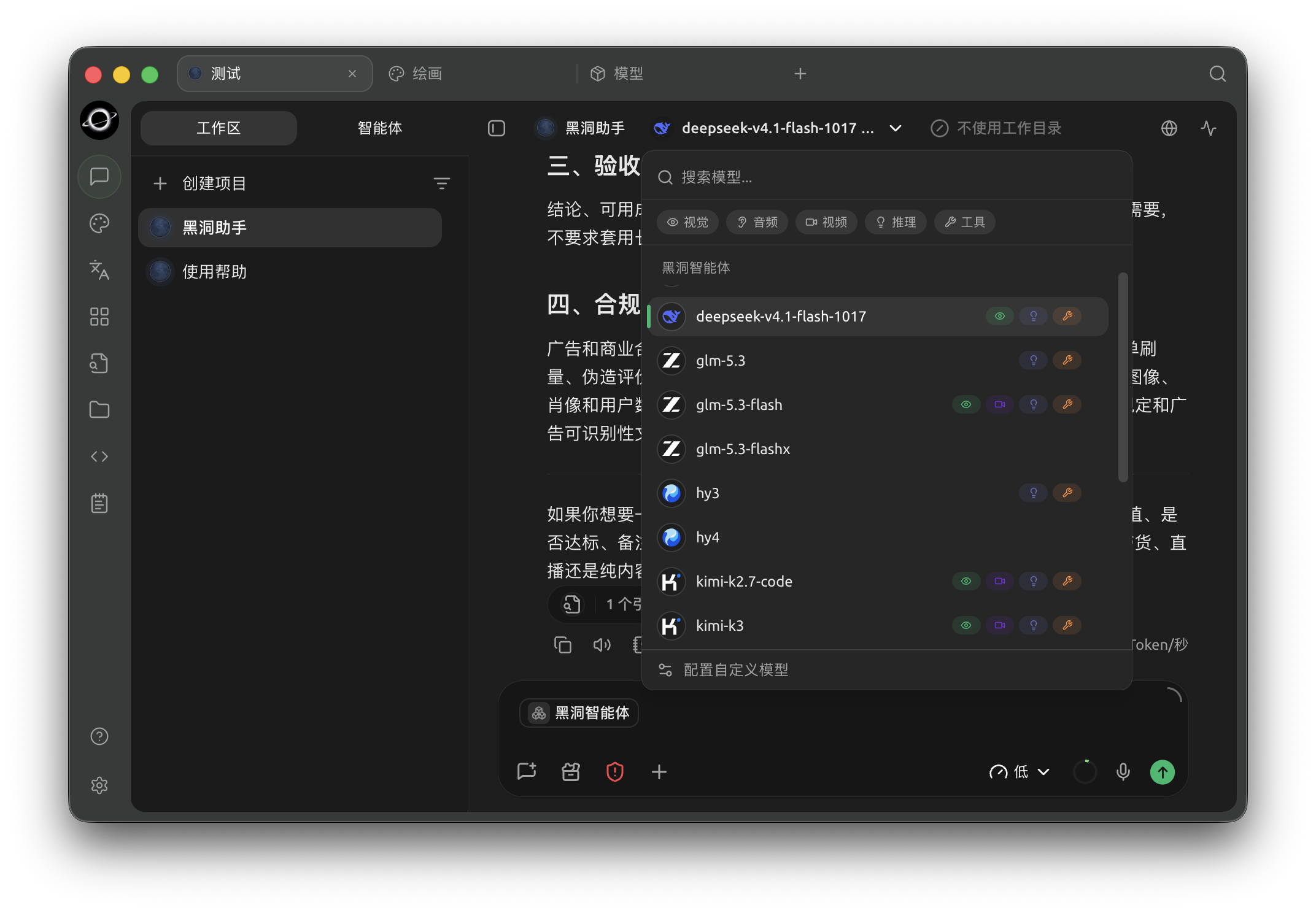
The model selector at the top of the workspace lists available models for the current task. (Chinese interface.)
When is it not suitable to use multiple models?
Using a single model is more appropriate when looking up a specific fact, organizing short text, or when the material contains content that should not be sent to multiple service providers.
Message Branches
Open the menu on a message to create another path from that point. The branch manager keeps the original path and lets you return to earlier questions and replies. You can also create an empty branch on the canvas, then send a message to continue it.


The branch manager beside the conversation shows user messages, assistant replies and the current path. (Chinese interface.)