
Model Roles and Agent Image Generation
BLACK HOLE AGENT picks models in three places: the global Default Model settings, the model roles of each Agent, and the Painting Model used when an Agent generates images. Knowing which setting controls which task saves you from changing the wrong one.
Where Each Model Is Set
| Setting | Where | What it controls |
|---|---|---|
| Default Assistant Model | Model → Default Models | Assistants that have no model of their own |
| Quick Model | Model → Default Models | Light background tasks, such as naming conversations and extracting search keywords |
| Translate Model | Model → Default Models | The Translation page and message translation |
| Painting Model | Model → Default Models | Image generation, including the Agent's Generate Image tool |
| Primary model | Edit Agent → Basic | The Agent's main reasoning and execution |
| Sonnet model | Edit Agent → Basic | Maps the runtime sonnet alias (Claude Agent only) |
| Haiku model | Edit Agent → Basic | Maps the runtime haiku alias (Claude Agent only) |
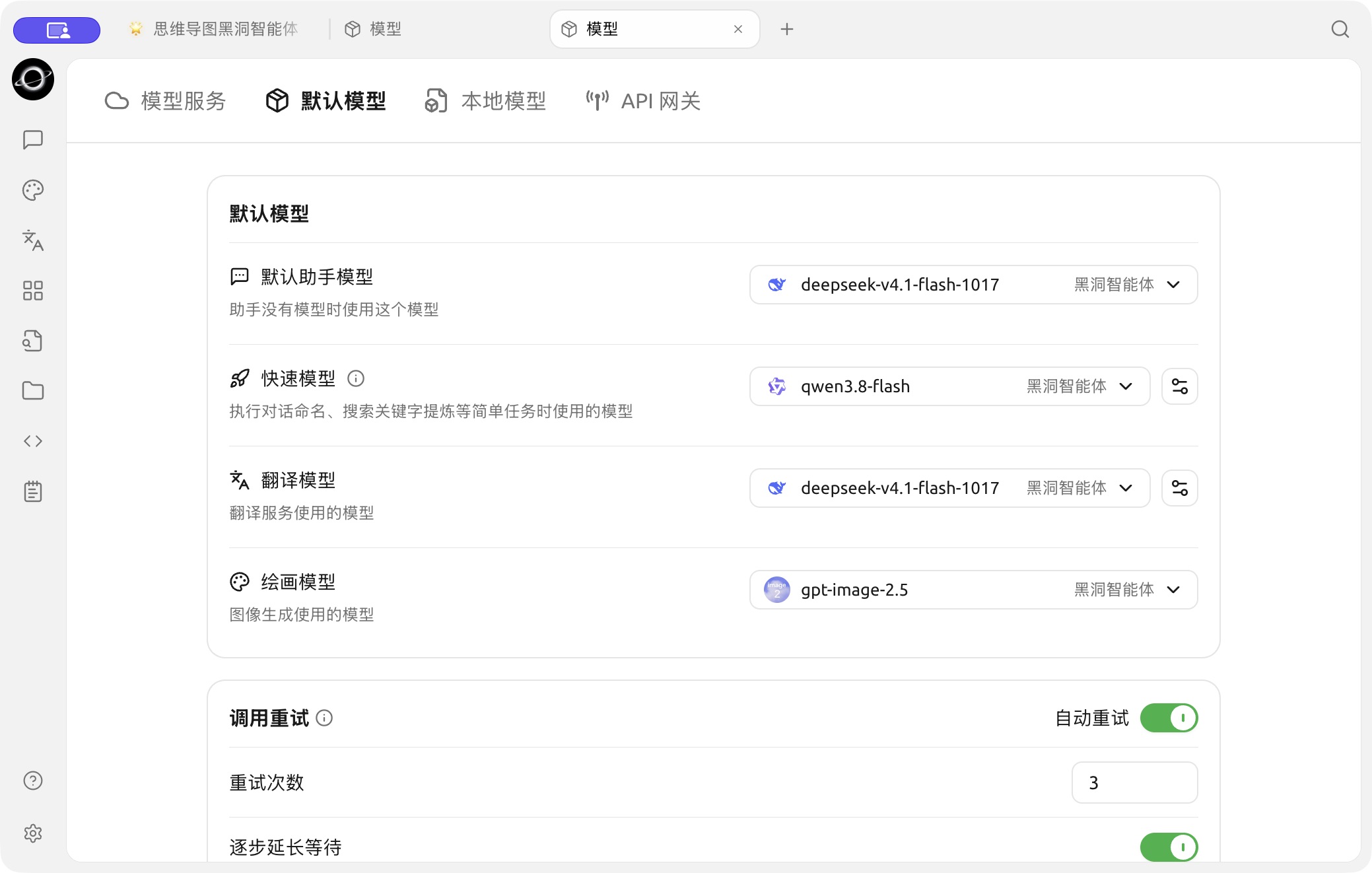
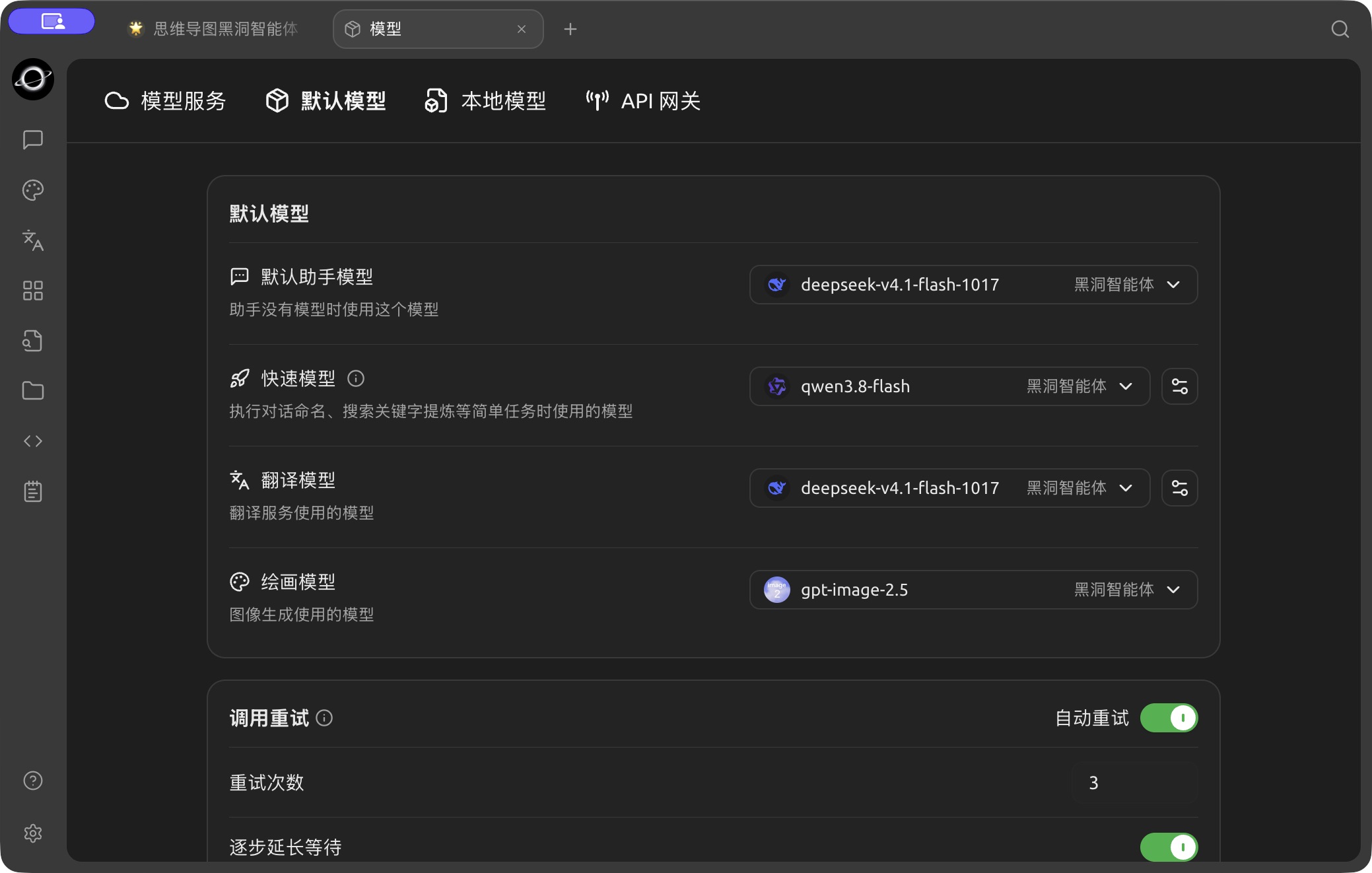
Assistant, quick, translation and image model settings in Model → Default Models. (Chinese interface.)
See Default Model Settings for how to choose each global default.
Agent Model Roles
Open Work, select an Agent, and choose Edit Agent → Basic:
- Primary model: does most of the work. Choose a model that calls tools reliably.
- Sonnet model and Haiku model: map the runtime aliases of those names. Leaving a field unset follows the primary model. These labels do not require the selected model to come from Anthropic; choose a compatible model from your configured providers. Sub-agents inherit the primary model unless another alias is explicitly requested.
The Pi runtime uses the primary model only, so it does not show the Sonnet and Haiku fields. The runtime mode is chosen when the Agent is created and cannot be changed later; see Creating Agents and Model Roles.
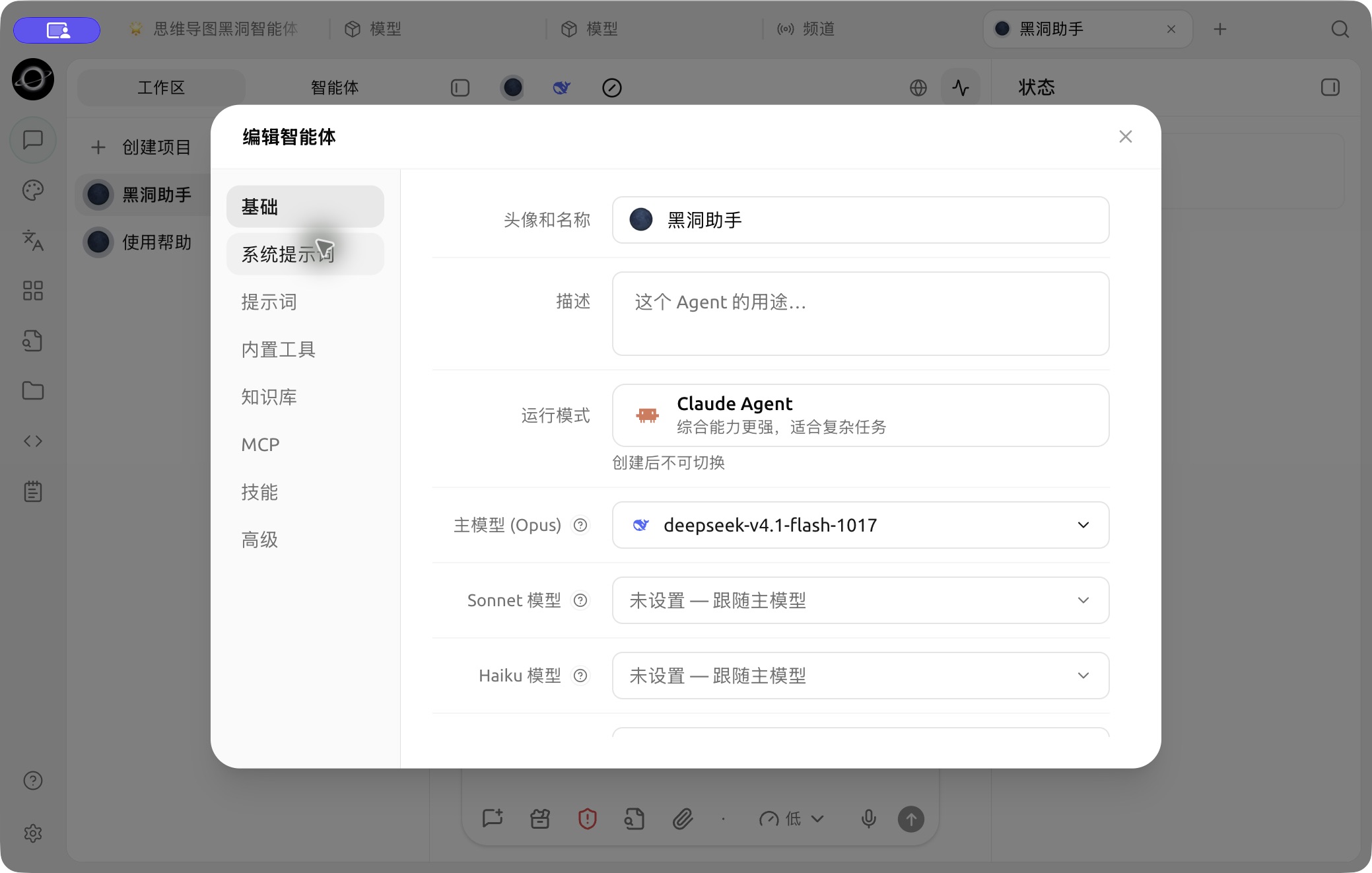
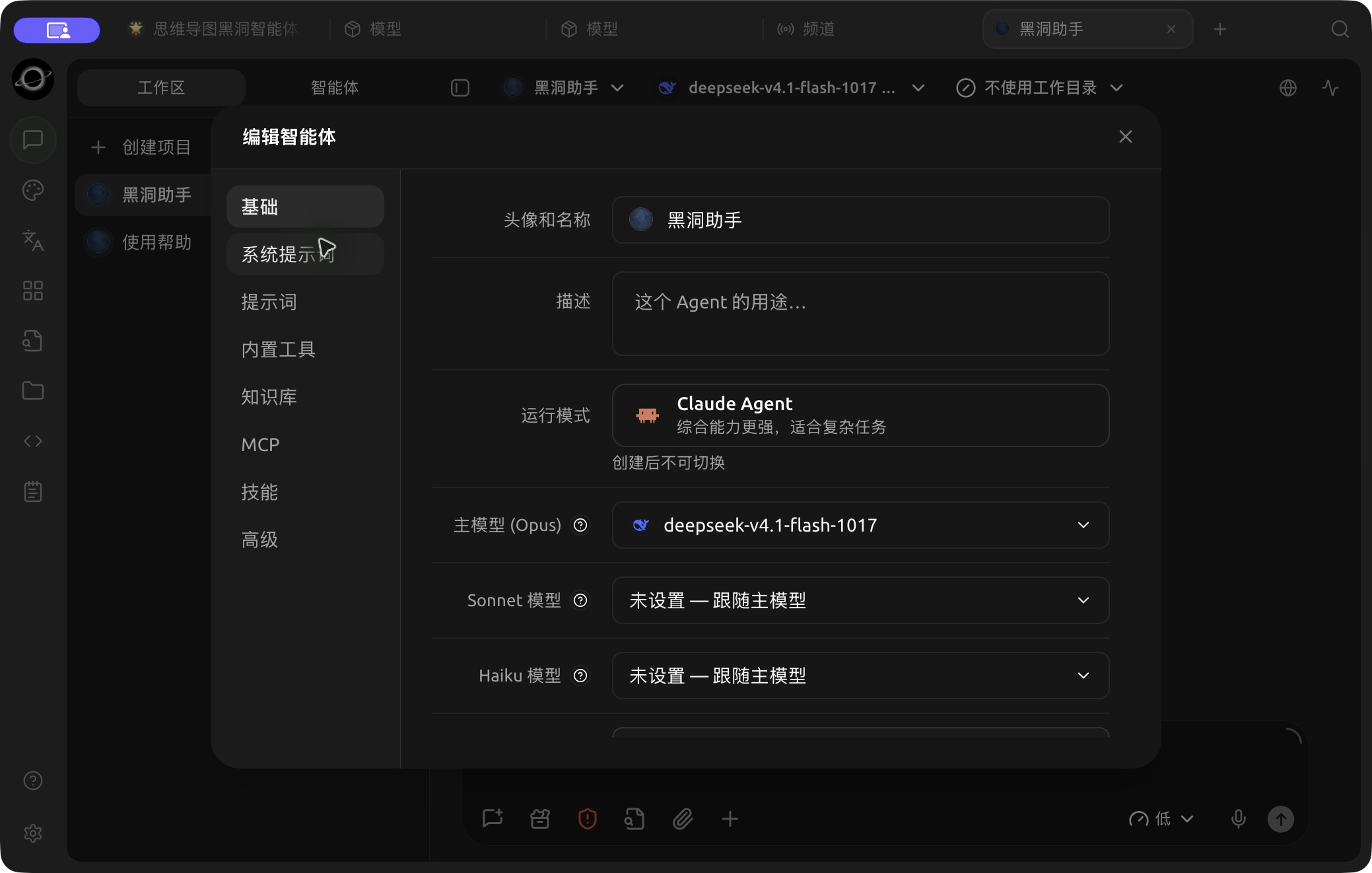
Runtime and primary, Sonnet and Haiku model settings in Edit Agent → Basic. (Chinese interface.)
Generating Images in an Agent
1. Set the Painting Model
In Model → Default Models, choose an image model you have already configured as the Painting Model, and make sure it works on the Paintings page first.
2. Turn on Generate Image
In Edit Agent → Built-in tools, check that Generate Image (in the Media group) is on.
3. Describe the Image
Ask the Agent for the image in the conversation, including subject, style, size, and where the file should be saved. Generate one sample first and confirm the direction before asking for a batch.
The Agent says it can't generate images. What should I check?
Make sure a Painting Model is set in Model → Default Models and works on the Paintings page, and that Generate Image is turned on in the Agent's Built-in tools. Then send a new message so the Agent picks up the change.
Why don't I see the Sonnet model and Haiku model fields?
They are only available for Agents that use the Claude Agent runtime. Pi Agents use the primary model for everything.