
Default Model Settings
In many situations BLACK HOLE needs to "just pick a model" — for example, to name a conversation, refine a prompt, translate, or generate an image — and it can't ask you which model to use every time. Default Model settings tell BLACK HOLE which model to use when you haven't said otherwise.
Note: these are models for "behind-the-scenes helpers" and can differ from the model you chat with. The main chat model is set separately in each assistant.
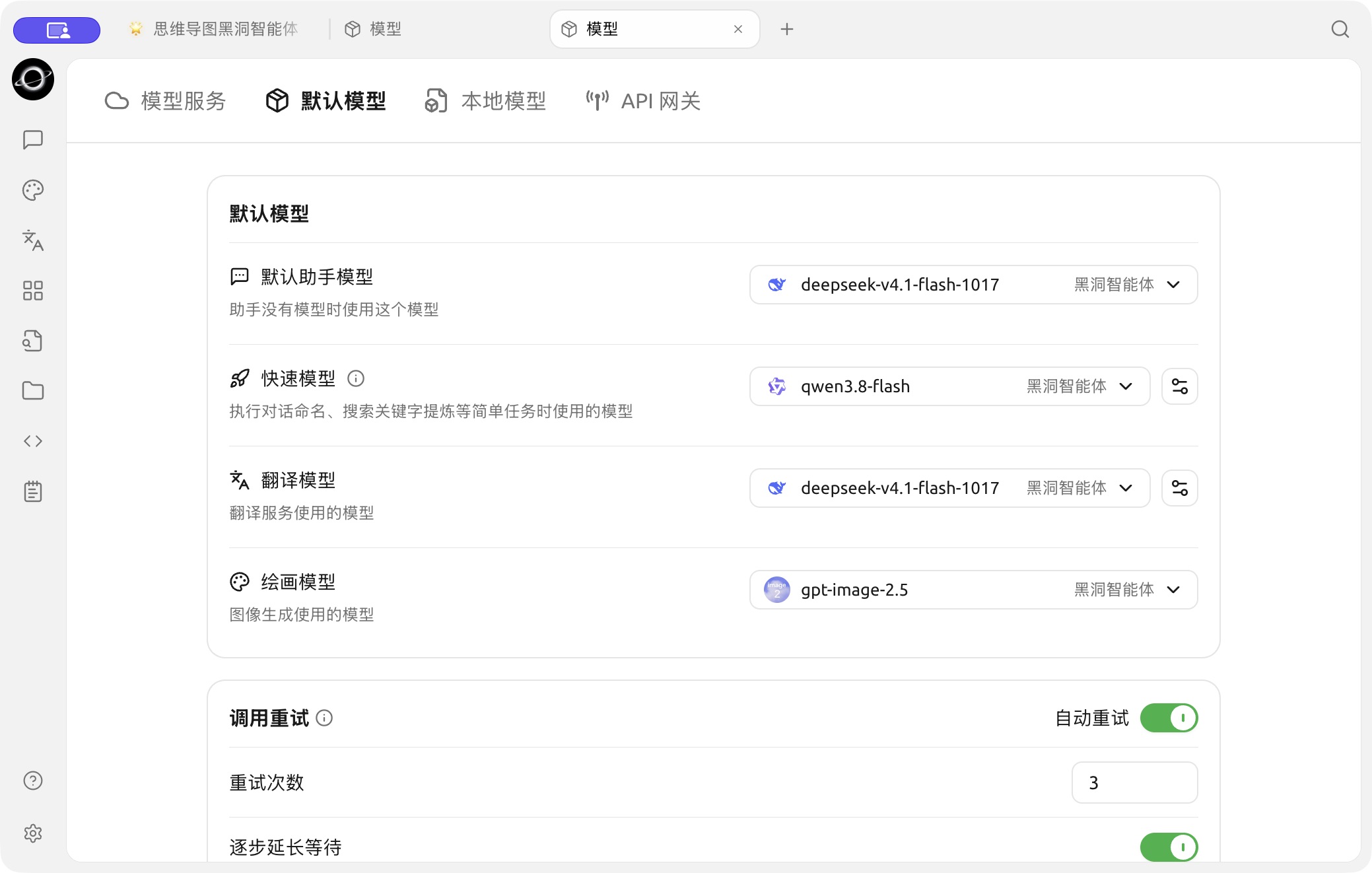
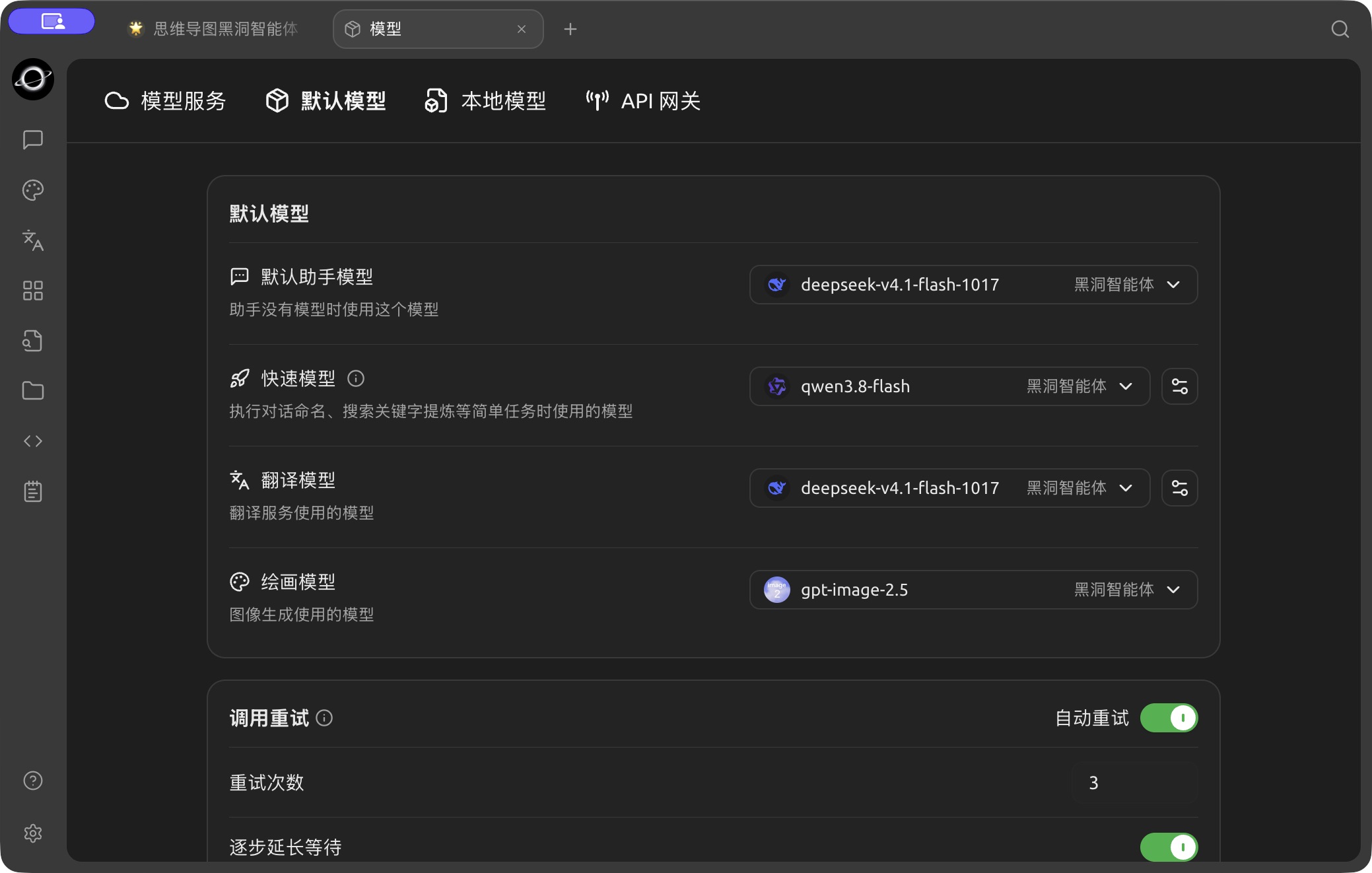
Assistant, quick, translation and image model settings in Model → Default Models. (Chinese interface.)
What Each of the 4 Default Models Does
Default Assistant Model
- Used by: any assistant that doesn't specify its own model automatically uses this one
- How to choose: pick a chat model you use often that is stable and reasonably priced
Quick Model
- Used by: lightweight internal tasks that don't need top-tier intelligence, such as naming conversations and extracting search keywords
- How to choose: a cheap and fast model is enough. Choose a lightweight model; thinking models are not recommended
Translate Model
- Used by: message translation in chats, the Translation page, and the translate action in the Selection Assistant
- How to choose: any ordinary chat model works. If you translate a lot between Chinese and English, the DeepSeek or Claude series do well
Painting Model
- Used by: the default model for image generation (Paintings)
- How to choose: pick an image generation model you have already configured (such as Nano Banana 2.1, model ID
nano-banana-2.1)
Quick Recommendations
If you don't want to dig into it, fill them in like this:
| Field | Recommendation |
|---|---|
| Default Assistant Model | The chat model you use most |
| Quick Model | A cheap, fast lightweight model |
| Translate Model | Any chat model that follows instructions (or a dedicated translation model such as the qwen-mt series) |
| Painting Model | An image generation model you have configured |
If you're unsure, keep everything at the defaults and come back to adjust whichever one falls short after using it for a while.
Get Help and Submit Feedback
If you have any questions, bugs, or feature suggestions during configuration or use, please use the official channels listed in Feedback and Suggestions.