
Environment Dependencies
Environment Dependencies is used to manage the binary tools and runtimes required for BLACK HOLE to execute certain advanced features. Some capabilities of MCP services, Skills, and Agents rely on underlying command-line tools such as uv and bun. BLACK HOLE centralizes these here, so you do not need to manually install and configure them via the command line.
Open Settings → Dependencies (under System):
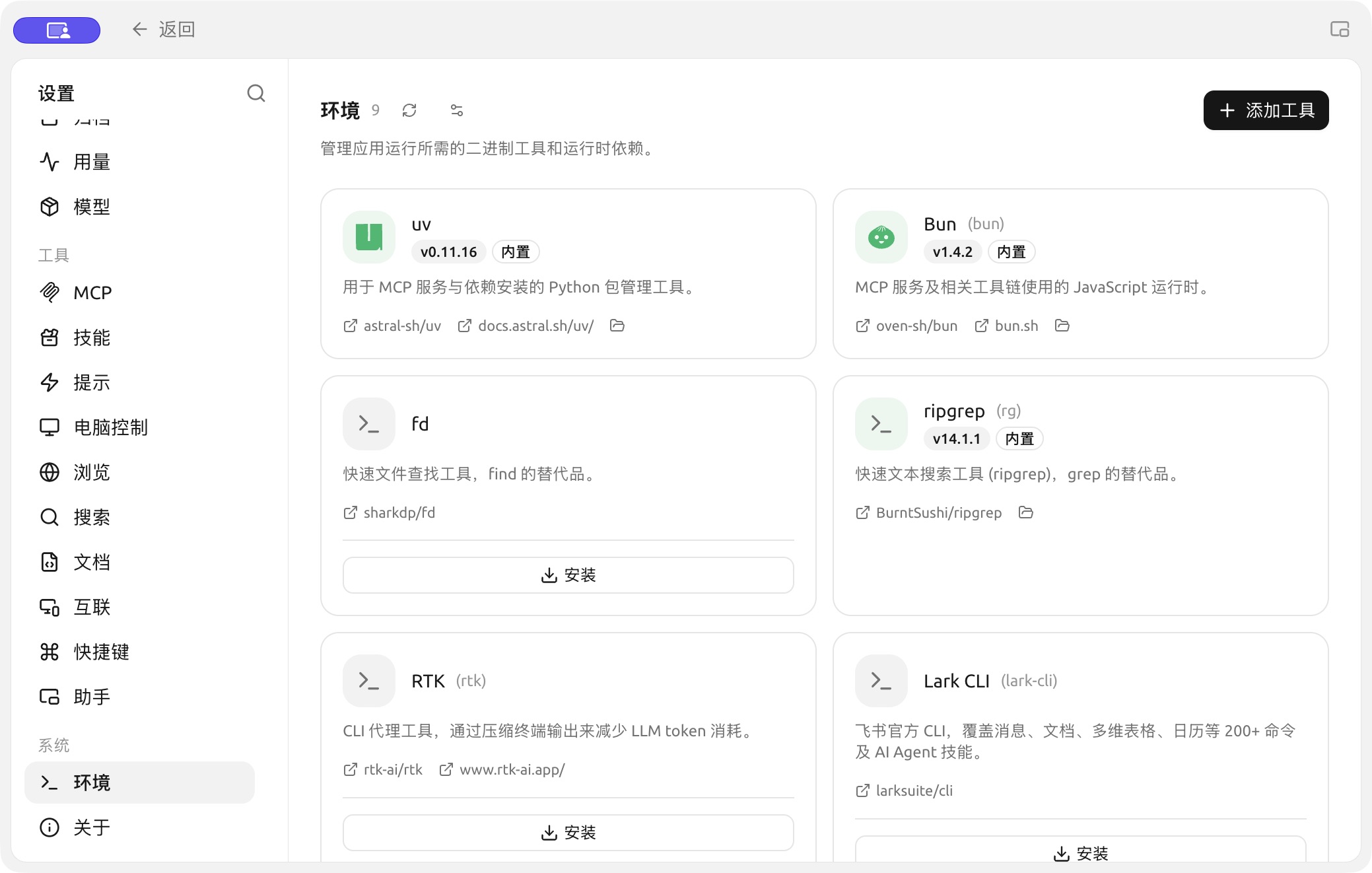
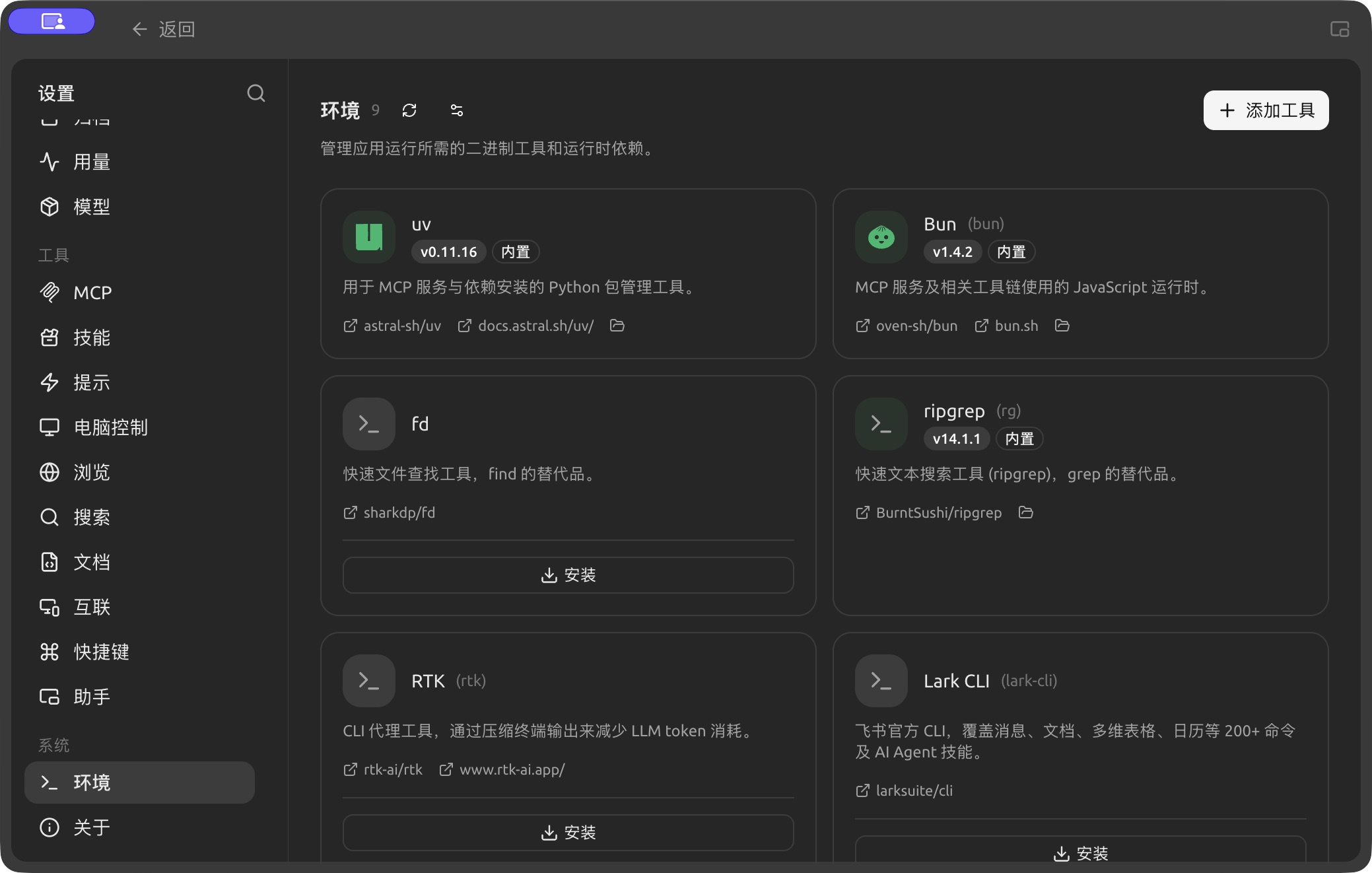
Check tool and runtime status in Settings → Environment and install missing dependencies as prompted. (Chinese interface.)
Bundled and Installable
Each tool is displayed as a card with a status indicator:
- Tools marked bundled are distributed with BLACK HOLE and are ready to use out of the box, requiring no action.
- Uninstalled tools display an Install button on their card. Clicking it allows BLACK HOLE to automatically download and install the tool into the application directory, without polluting your system environment.
- Cards provide links to the source repository and official documentation, as well as an entry point to open the local installation directory.
Overview of common tools:
| Tool | Purpose |
|---|---|
| uv | Python package management tool for MCP services and dependency installation |
| Bun | JavaScript runtime used by MCP services and related toolchains |
| fd | Fast file search tool, a replacement for find |
| ripgrep (rg) | Fast text search tool, a replacement for grep |
| RTK | CLI proxy tool that compresses terminal output to reduce LLM token consumption |
The page also lists tools such as gh (GitHub CLI), ntn (Notion CLI), and pi in cards, which can be installed with one click as needed. (Coding CLIs like Claude Code / Codex are managed on the Code Mate page, not here.)
Add Tool
The "Add Tool" button in the top-right corner uses the mise tool key to add tools outside the built-in list (e.g., github:sharkdp/fd, uv, bun).
Advanced Installation Settings
Click the settings icon next to the page title to open "Advanced Installation Settings" to fine-tune how tools are downloaded (all fields can be left empty to use defaults):
- GitHub Mirror: Adds a proxy prefix for GitHub Release downloads, useful when direct connections are unstable.
- GitHub Token: Increases the GitHub API rate limit when querying tools (stored in plaintext locally).
- npm Mirror / pip Index URL: Sets mirrors for
npm:/pipx:type tools. - Verify Tool Signatures: Verifies Sigstore / SLSA signatures for tools; generally recommended to keep enabled.
Get Help and Submit Feedback
If you have any questions, bugs, or feature improvement suggestions during configuration or usage, please refer to the official channels provided in Feedback and Suggestions.