
Skills and Capability Library
A skill is a set of reusable work instructions and supporting resources. It does not connect to external systems; instead, it tells the Agent which process, standards, and format to follow to complete a task.
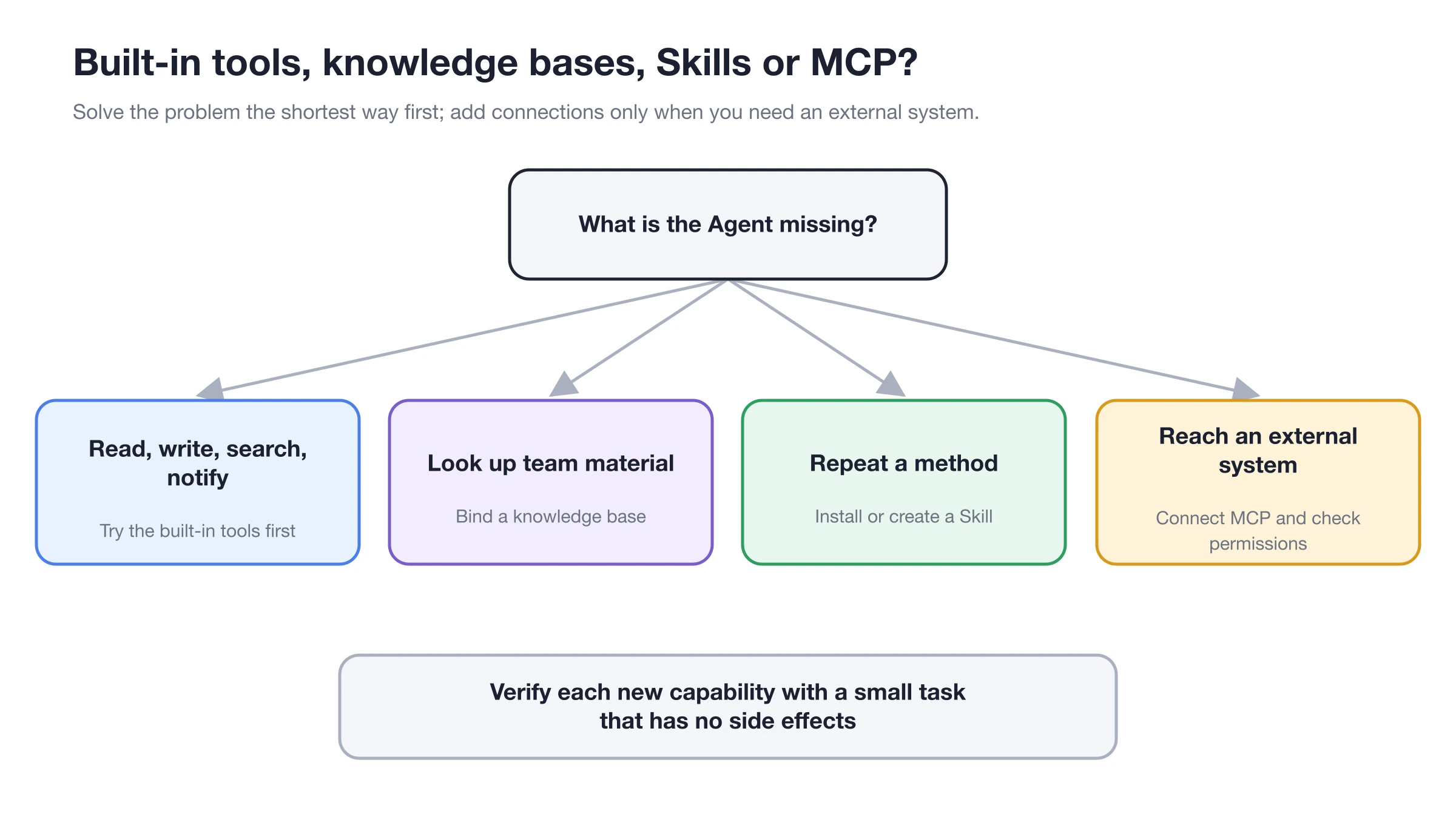
Methods used repeatedly are suitable for defining as skills; use the corresponding entry points for resources, built-in operations, and external systems.
Install Skills
Manual path: [Settings] → [Skills].
Click [Add Skill] at the top right. It offers four options:
- [Create with Agent]: describe the method and let an Agent write the skill;
- [Online search]: search the online skill registry, or select [GitHub] and paste the link to a skill's
SKILL.mdfile; - [System search]: look for skills that are already on this computer;
- [Local import]: install from a ZIP file or a folder containing
SKILL.md.
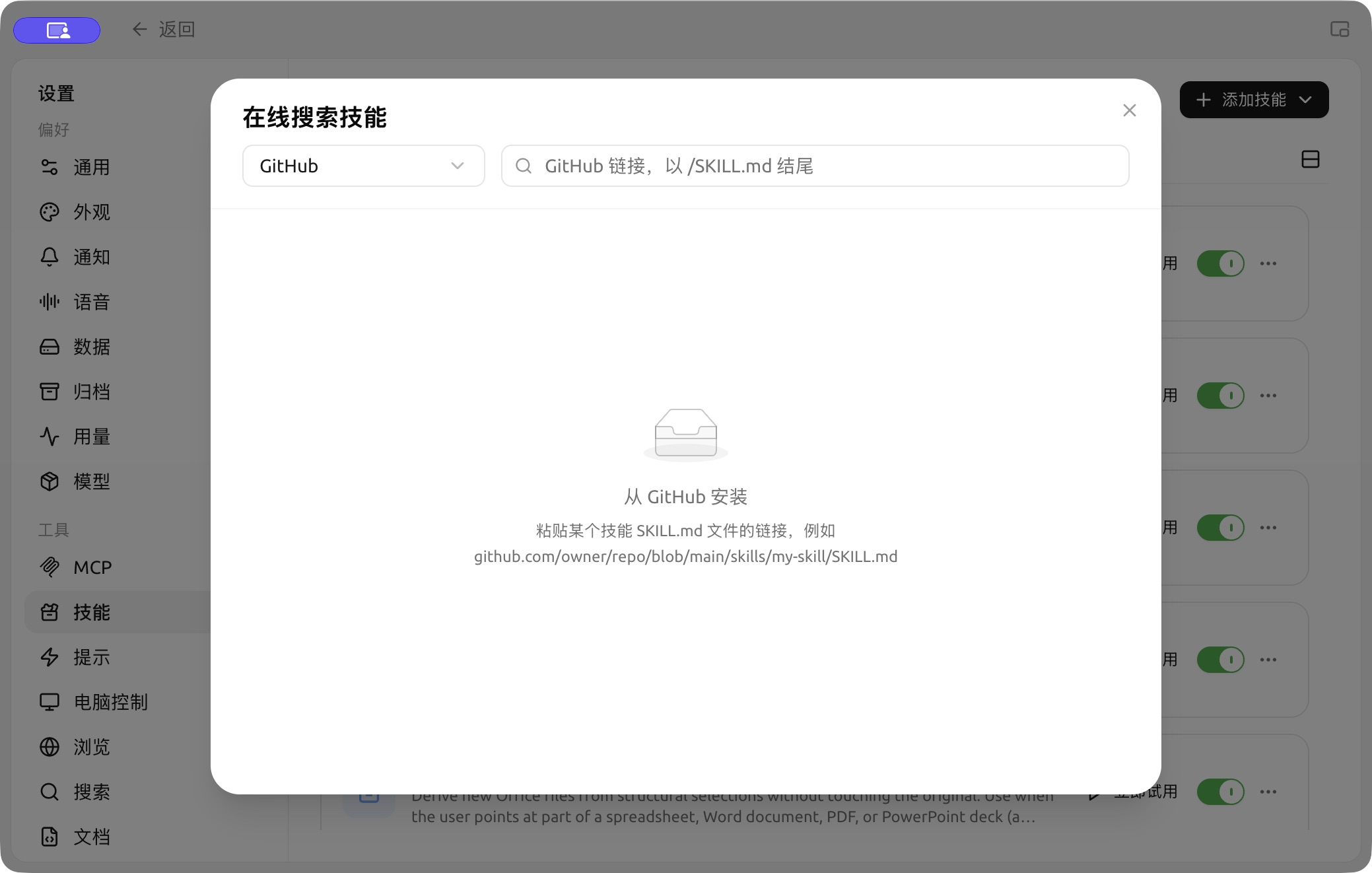
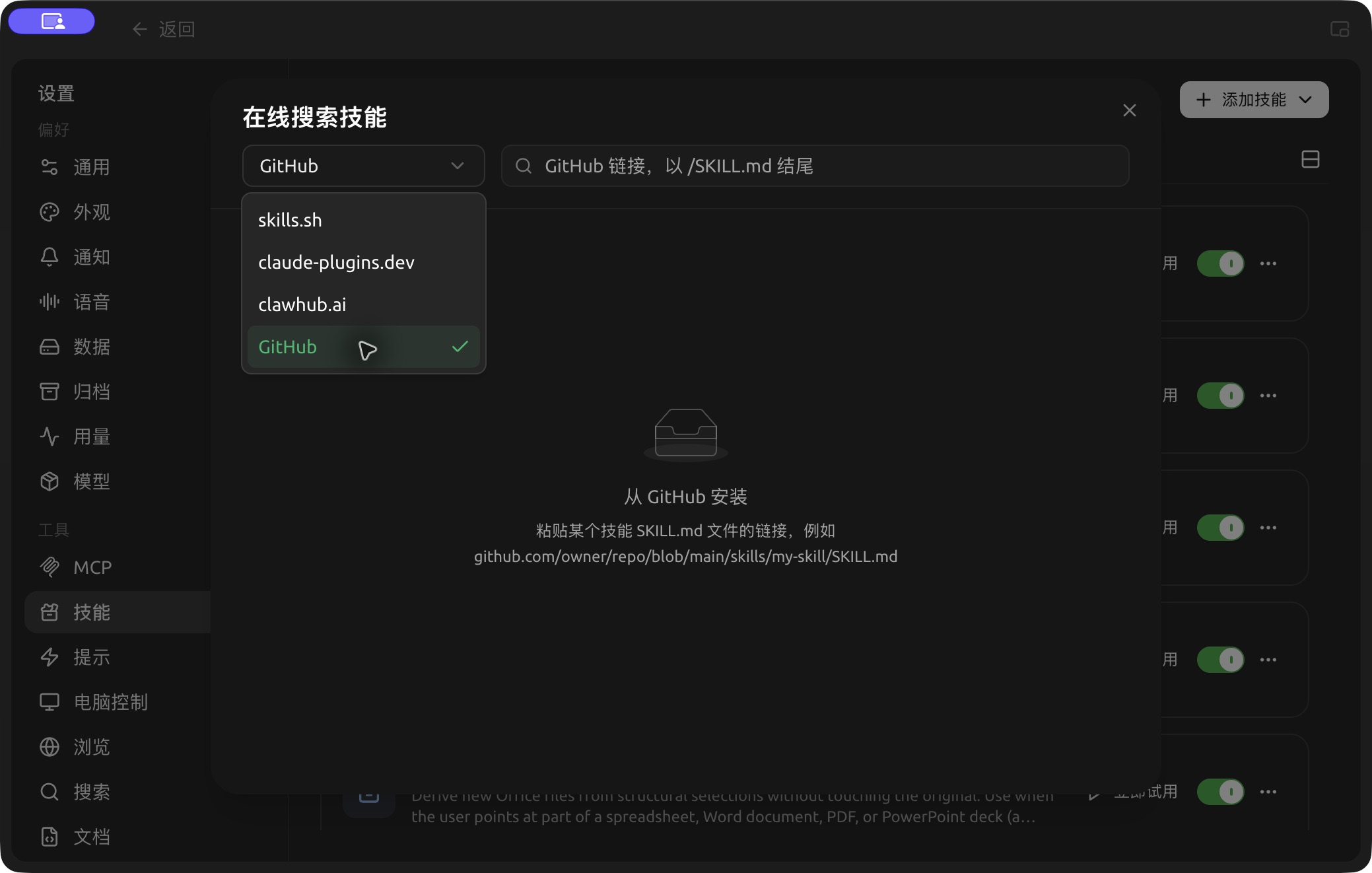
Choose the GitHub source and enter a SKILL.md link to import a skill. (Chinese interface.)
1. Confirm the Purpose
Describe in one sentence the problem you want the skill to solve, for example, "organize meeting notes into decisions, owners, and deadlines." Similar names do not imply identical processes; review the description before installing.
2. Check Source and Content
Open the skill details to confirm what it instructs the Agent to do, whether it includes scripts, and if it requires additional tools or external accounts. Do not use skills from unknown sources directly on sensitive directories.
3. Bind to Agent
First, ensure the skill's global switch is enabled in [Settings] → [Skills]. Then, go to [Work] → Agent menu → [Edit] → [Skills] to enable it for this specific Agent. Skill toggles are automatically saved with the Agent configuration and take effect from the next message.
4. Verify with Real Tasks
Provide the Agent with a small sample to check if the steps, output format, and boundaries meet expectations before using it for batch or scheduled tasks.
Global Enablement vs. Agent Enablement
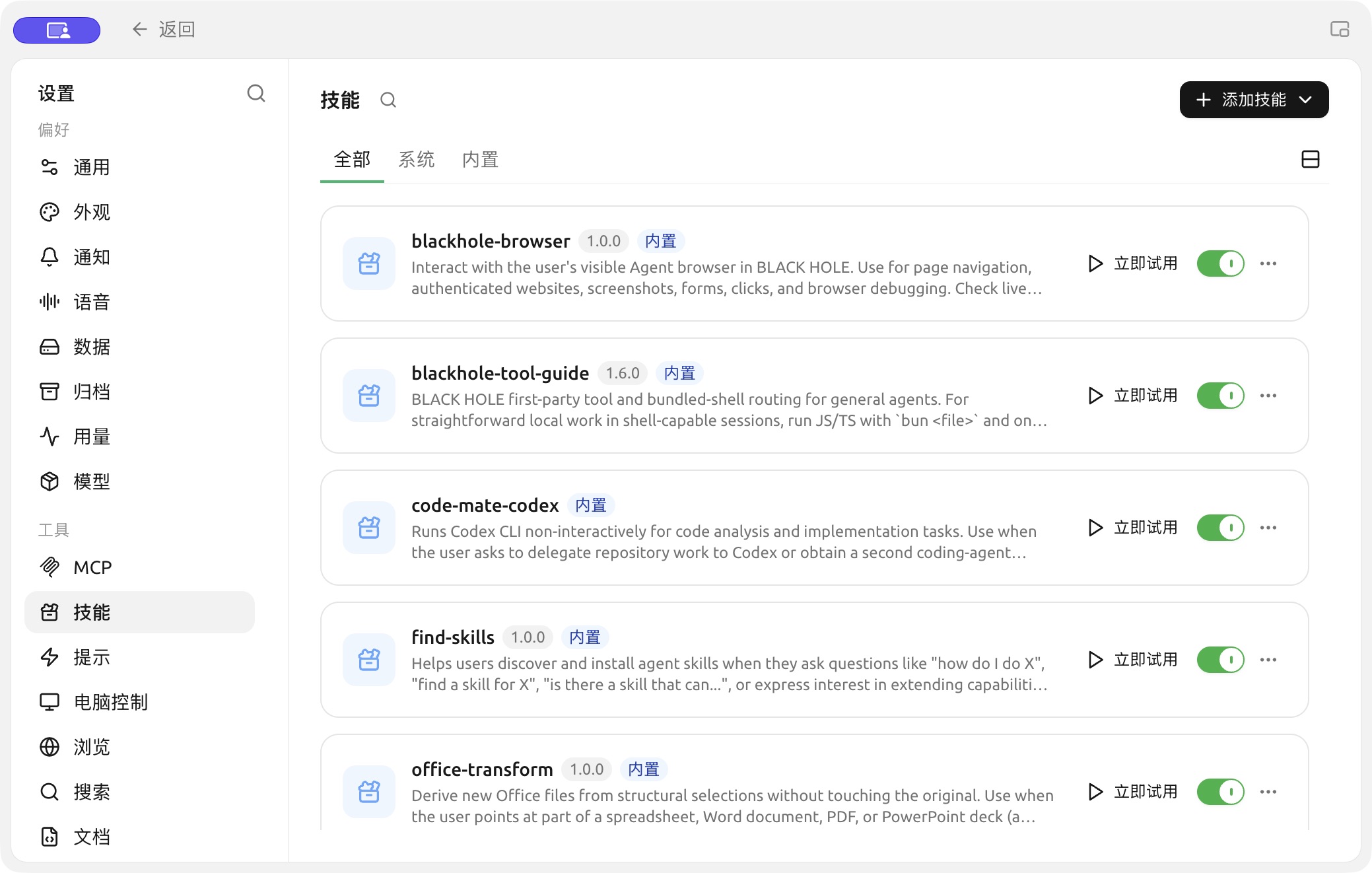
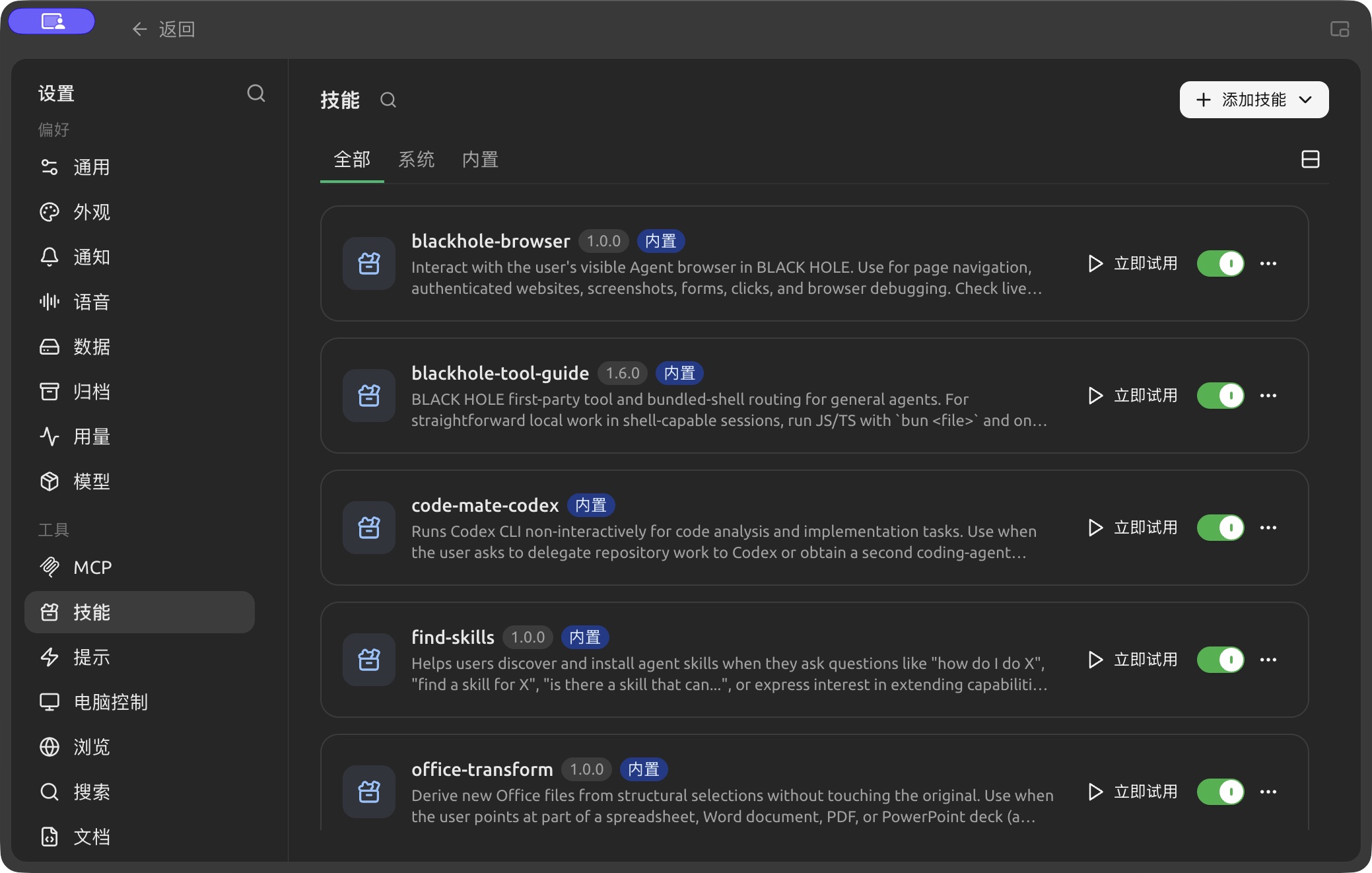
Built-in and installed skills in Settings → Skills. (Chinese interface.)
| Status | Effect | When to Use |
|---|---|---|
| Globally Enabled | Makes the skill appear in the Agent's available skill directory | The skill source is trusted and may be used by one or more Agents |
| Globally Disabled | Pauses all Agents from using the skill but retains the installed content | Temporary suspension, troubleshooting, or awaiting security checks |
| Agent Enabled | Allows only the current Agent to load the skill | The process aligns with the current Agent's long-term responsibilities |
Turning off the global switch does not uninstall the skill; after re-enabling it, you must still check the enablement status for each Agent. Uninstalling removes the skill content and cleans up associations.
Choosing Between Skills, Prompts, and MCP
| Need | Choose | Reason |
|---|---|---|
| A one-off requirement | Current task prompt | No need to add long-term configuration |
| Reusing the same process multiple times | Skill | Can store instructions, templates, and resources simultaneously |
| Defining the Agent's long-term role | Agent system prompt | Must be followed for every task |
| Accessing databases or external services | MCP | Skills themselves do not provide connection capabilities |
User Case: Team Weekly Report Skill
The team wrote a skill defining the weekly report sections, tone, data checks, and prohibited phrases, and bound it to the "Weekly Report" Agent. Each week, they only need to provide this week's materials, and the Agent outputs a fixed structure according to the skill. When data comes from external systems, they combine it with MCP instead of writing account and API details into the skill body.
Why isn't the Agent using the skill after installation?
First, confirm the skill is not globally disabled. Then, enable it in the [Skills] section of the Agent edit window, or ask the Agent to help you complete the binding. Finally, send a new message to test.
Can skills contain programs?
Skill packages can contain instructions, resources, and scripts. Whether scripts can be executed depends on the Agent's tools, working directory, environment dependencies, and permission mode.