
Custom CSS
With custom CSS you can change how the app looks without touching the source code, and tailor the interface to your taste — for example, changing the font, the theme color, or the background of message bubbles.
Where to Set It
Open Settings → Appearance and find the Custom CSS code box at the bottom of the page. Styles you write there take effect immediately. Leave it empty to load no custom styles.
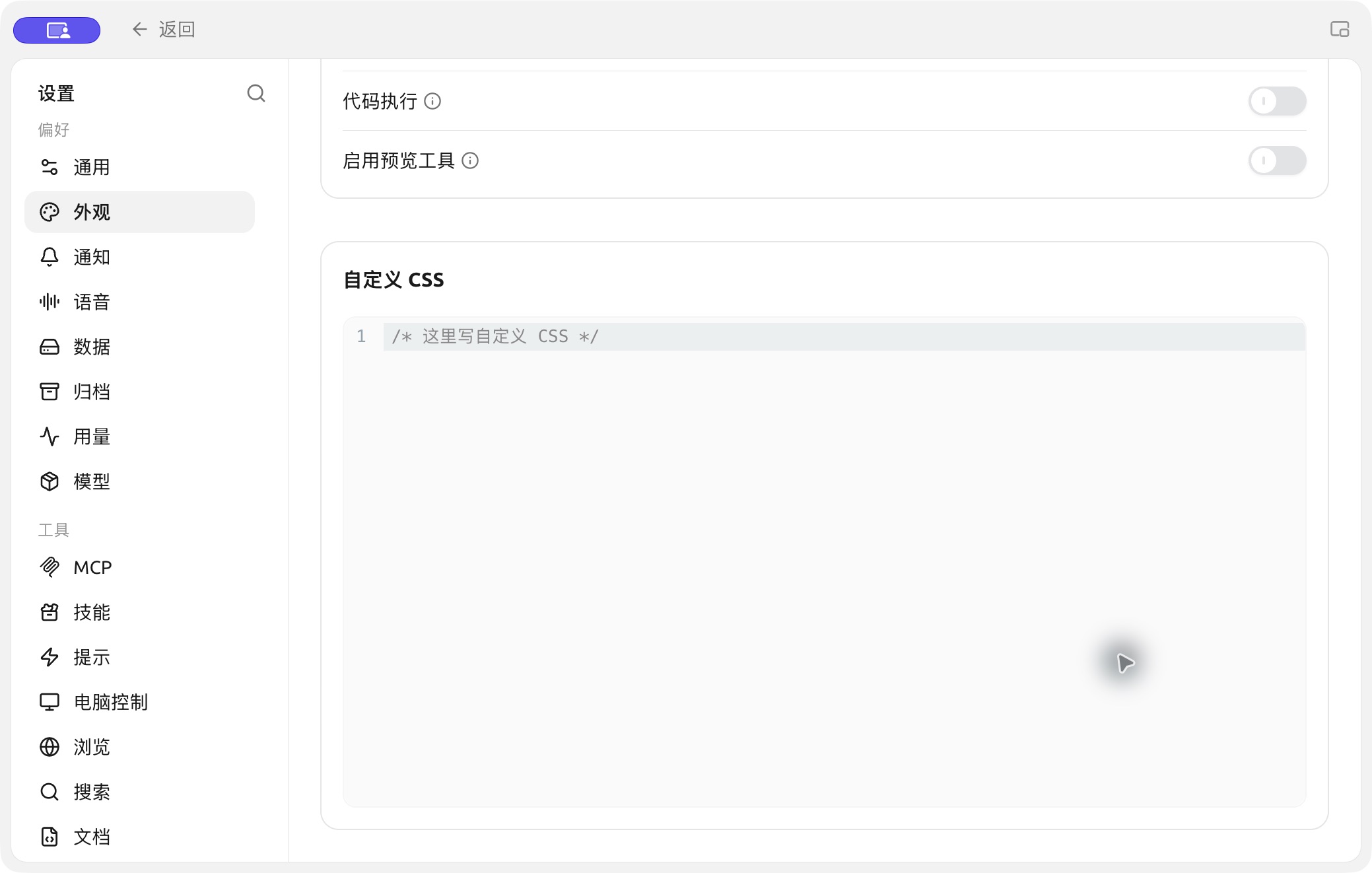
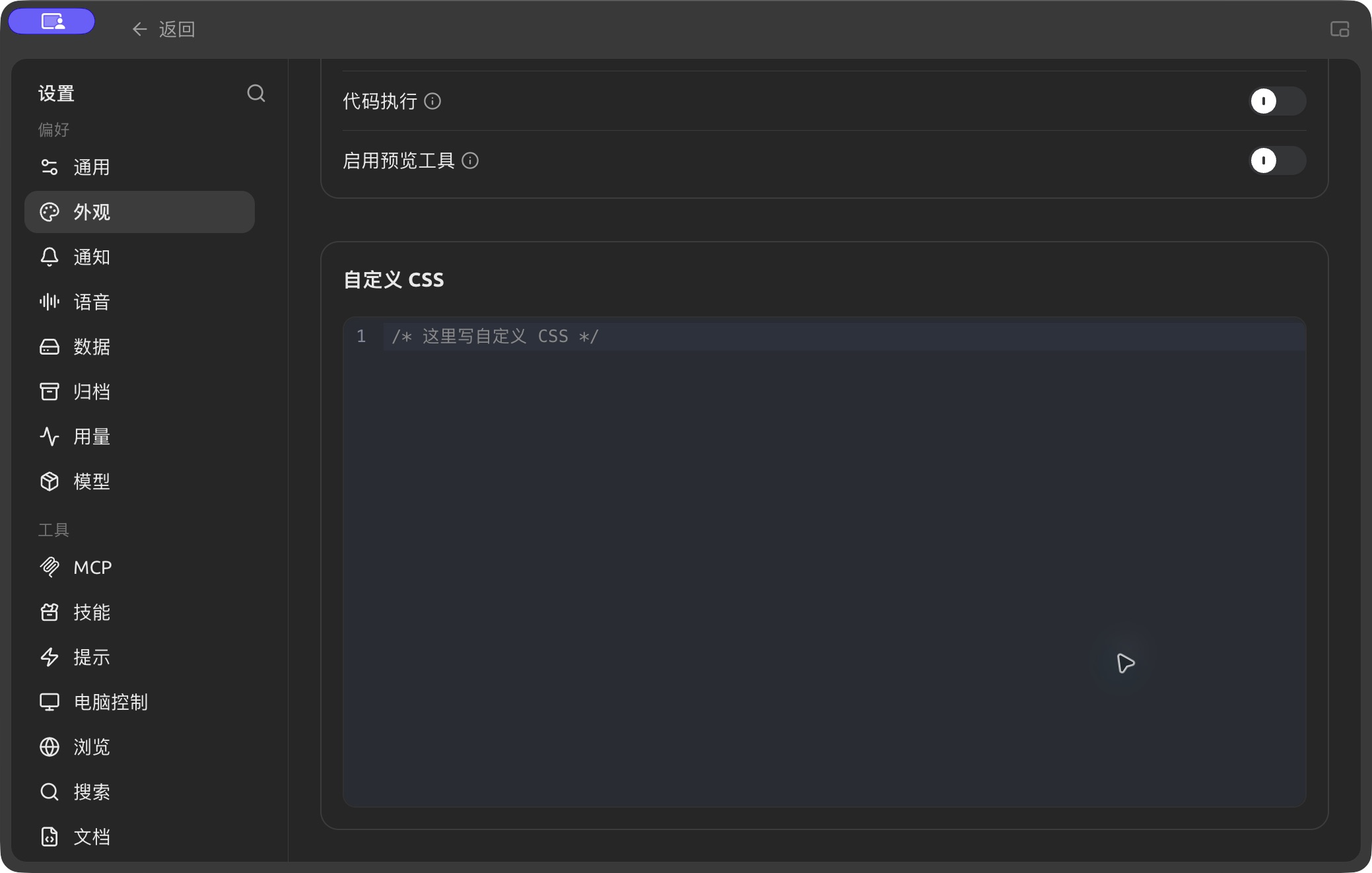
The custom CSS editor in Settings → Appearance. (Chinese interface.)
The CSS you write is injected as-is into the <head> of every window, as a <style id="user-defined-custom-css"> element. Because it isn't part of the app's internal cascade layers, your styles take precedence over the built-in ones for the same selector, so most ordinary declarations work without !important.
A Working Example
The snippet below uses only variables and selectors that actually exist in the current app:
/* 1. Global font */
body {
  font-family: "Inter", sans-serif;
}

/* 2. Theme color and user message bubble background (light theme / default) */
:root {
  --primary: #1a8f5a;
  --chat-user: rgba(26, 143, 90, 0.08);
}

/* 3. Separate overrides for the dark theme (the root element gets the .dark class in dark mode) */
.dark {
  --primary: #28b561;
  --chat-user: rgba(40, 181, 97, 0.12);
}

/* 4. Change the background color of the main content area directly */
#content-container {
  background-color: #f6f4ec;
}
About Theme Variables
The app describes its colors with a set of CSS custom properties (variables). Light theme defaults are defined on :root, and dark theme overrides on .dark — when you switch to the dark theme, the root element gets the .dark class. So to style light and dark separately, write your rules under the :root and .dark selectors, not the old theme-mode attribute selector.
Commonly used public variables include:
| Variable | Meaning |
|---|---|
--background / --foreground | Main background / main foreground (text) color |
--primary / --primary-foreground | Theme color / text color on the theme color |
--card / --popover | Background of cards and popovers |
--muted / --muted-foreground | Muted background / muted text color |
--border / --input / --ring | Border, input and focus ring colors |
--sidebar series | Sidebar colors |
--chat-user | User message bubble background |
--link | Link color |
--code-block / --inline-code | Code block / inline code background |
--font-family / --code-font-family | Global font / code font |
--radius | Base corner radius |
For the full list of variables and their defaults, see the source code:
- Interface styles and containers: https://github.com/CherryHQ/cherry-studio/tree/main/src/renderer/assets/styles
- Theme design tokens: https://github.com/CherryHQ/cherry-studio/tree/main/packages/ui/src/styles
Pasting an Old Stylesheet
If you paste a stylesheet written for an older version that isn't compatible with the current interface, the app may disable it automatically and show a notice in the Custom CSS area. Adapt the styles to the current variables and selectors first, then remove the marker on the first line as prompted to re-enable it.
Recommended Resources
BLACK HOLE theme library: https://github.com/boilcy/cherrycss
A collection of Chinese-style BLACK HOLE theme skins: https://linux.do/t/topic/325119/129
💡 Get Help and Submit Feedback
If you have any questions, bugs, or feature suggestions during configuration or use, please use the official channels listed in Feedback and Suggestions.