
Files
The Files page is BLACK HOLE's central attachment store. Images, PDFs and documents you drag into chats, images generated in Paintings, and materials imported into knowledge bases can all be viewed and managed here in one place.
Think of it as the "My Computer" inside BLACK HOLE.
Open the Files Page
Click + in the top tab bar → Launchpad → Files.
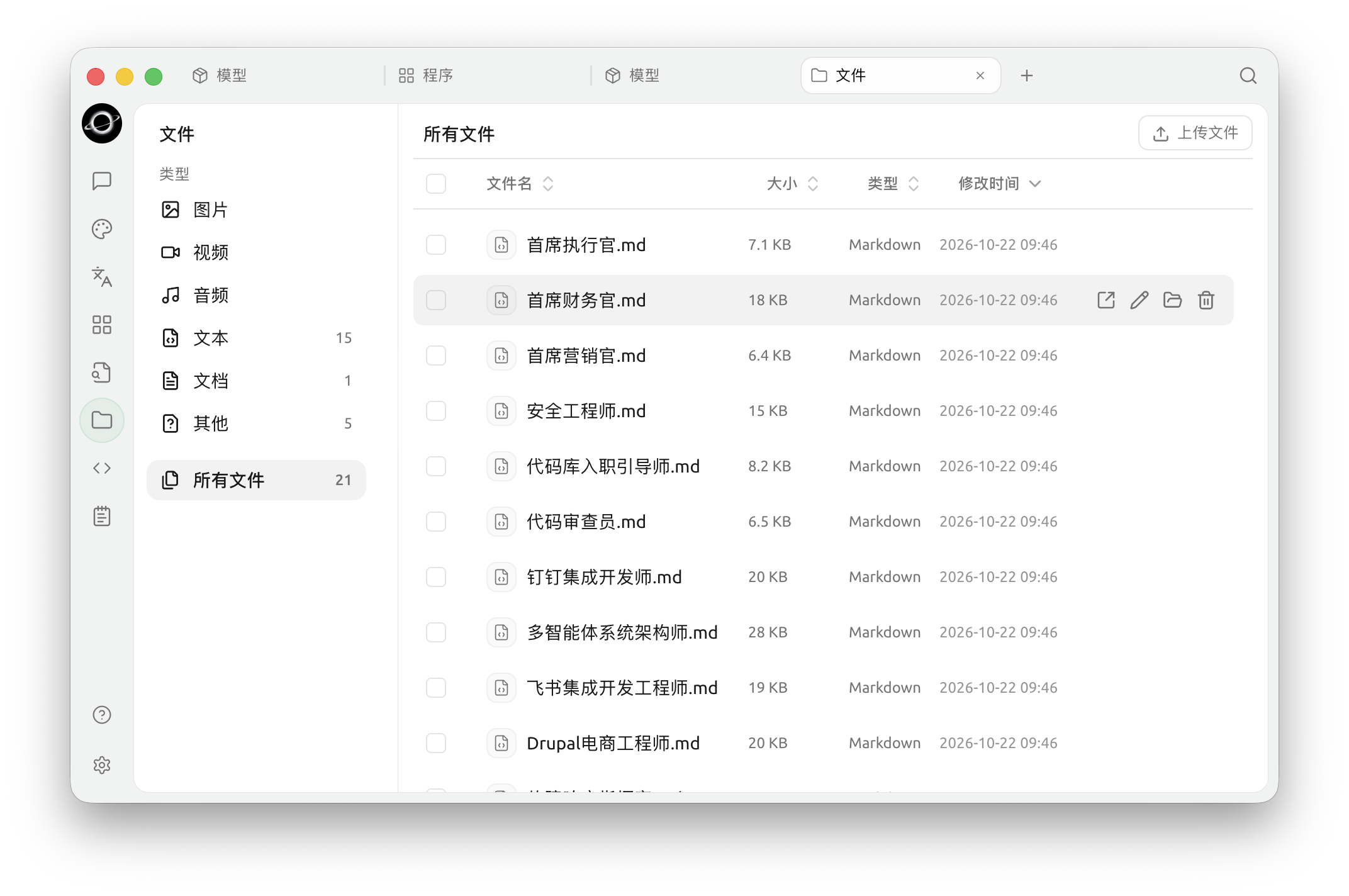
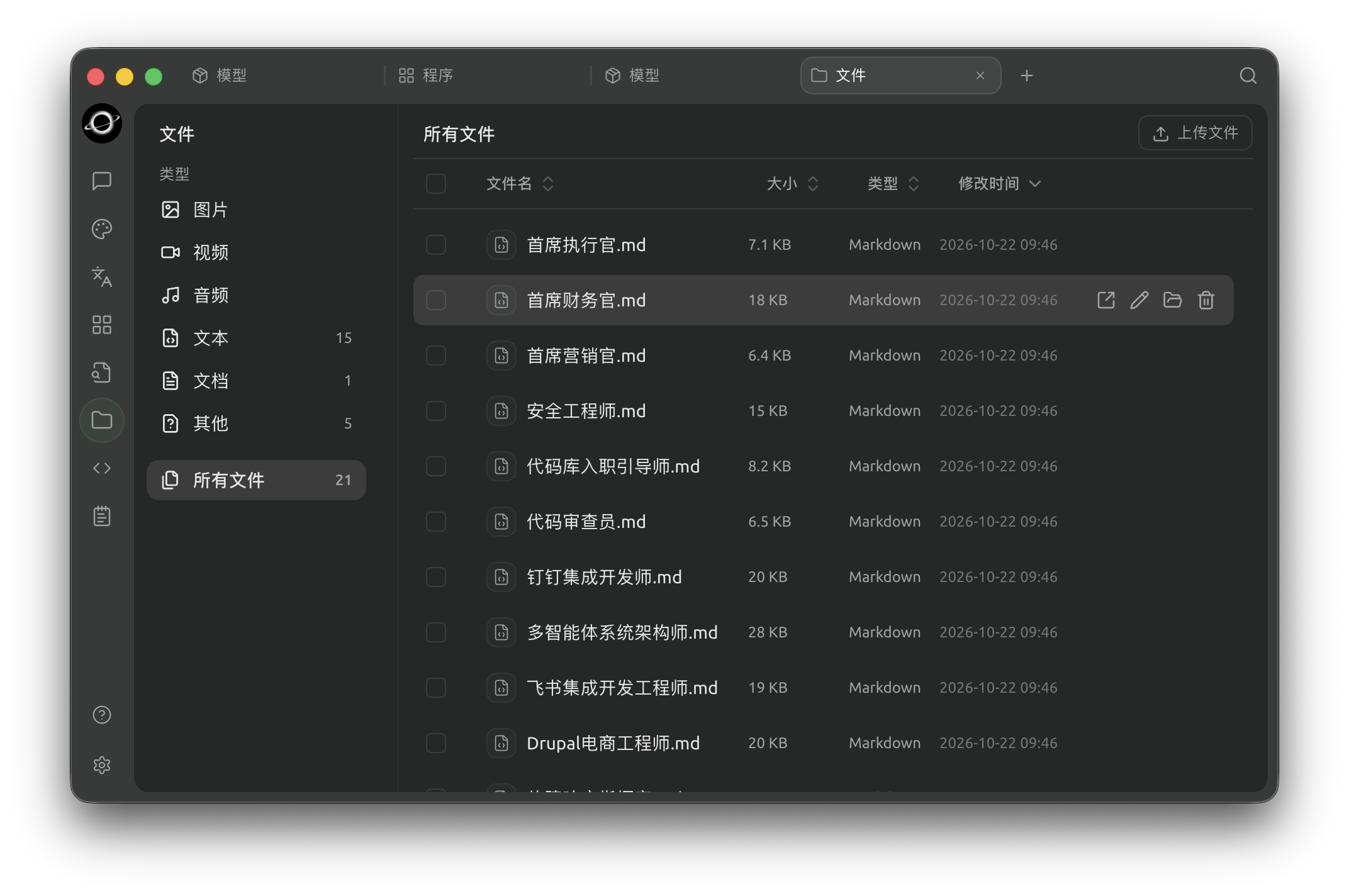
Files: filter by type on the left and manage attachments in the list (Chinese interface).
What You Can Do Here
- Filter by type: the left side groups files by type —
Image,Video,Audio,Text,Document,OtherandAll Files - Sort: click a column header to sort by
Name,Size,TypeorModified At - Batch actions: tick the checkboxes next to files (or the one in the header to select all) to act on several files at once
- Upload: drag files straight onto the page, or click
Upload filesin the top right - Preview: click a file to preview it (images, PDFs and other supported formats)
- Rename: right-click → Rename
- Delete: right-click → Delete. Deleted files are moved to the Archive first, and a notice with Undo appears (see below)
- Show in folder: right-click → Open Containing Folder (Finder on macOS, File Explorer on Windows)
Archive
A deleted file doesn't disappear right away — it is moved to the Archive in Settings → Archive. Right after deleting, you can also click Undo in the "Moved to Archive" notice.
The Archive keeps deleted assistants, agents, topics, tasks and paintings as well as files; use the tabs at the top (All, Assistants, Agents, Topics, Tasks, Paintings, Files) to filter. Each item shows where it came from, when it was archived and how many days are left. For each item you can:
- Restore: click the restore icon to put it back where it was
- Delete permanently: click the trash icon to remove it for good
Click Batch manage to act on several items at once. Archived items are removed automatically after the Auto-cleanup interval at the bottom of the page (30 days by default).
Where Are Files Stored?
BLACK HOLE stores all attachments in the local app data directory:
- macOS:
~/Library/Application Support/BlackHoleAgent - Windows:
%APPDATA%\BlackHoleAgent - Linux:
~/.config/BlackHoleAgent
Want to move it to another drive? See Change Storage Location.
Tips and Tricks
- Old conversations and knowledge bases accumulate files over time; clearing them out here now and then can free up a lot of disk space
- For important files, also back them up to cloud storage (WebDAV, S3, etc.) — see Data Settings
- Garbled file names? This is usually an encoding issue when dragging files in from elsewhere; rename the file before using it
Get Help and Submit Feedback
If you have any questions, bugs, or feature suggestions during configuration or use, please use the official channels listed in Feedback and Suggestions.