
MiniMax M Plan
M Plan is MiniMax's AI subscription for individuals (formerly Coding Plan). It bundles MiniMax's text, image, audio and video models, and comes in three tiers: Go, Explore (3× Go's usage) and Build (7.5× Go's usage). By configuring your M Plan key in BLACK HOLE, you can use the plan's text model for chat and coding at a fixed subscription price instead of paying per token.
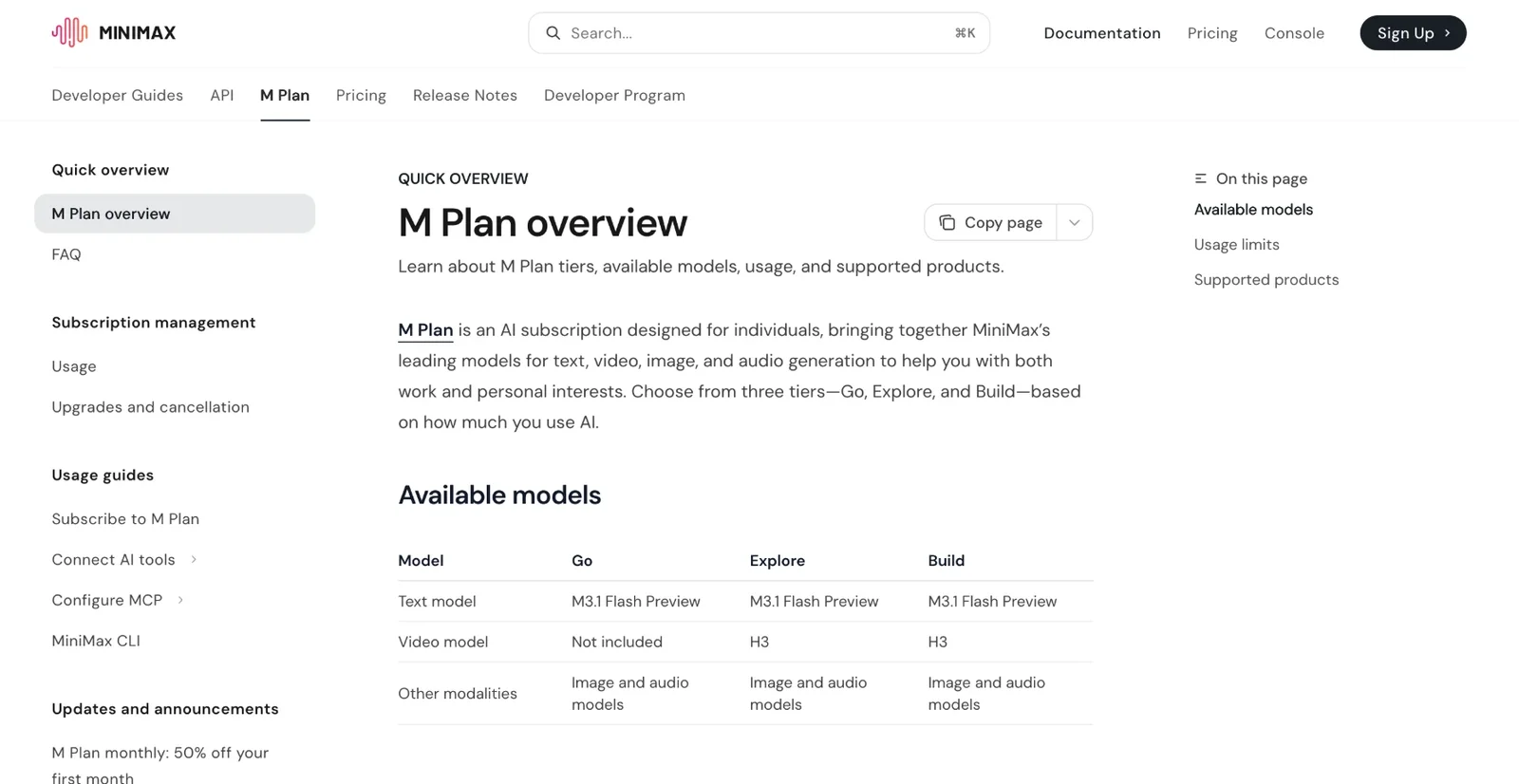
M Plan tiers and the models each one includes
1. Preparation
- Log in to the MiniMax Open Platform and subscribe to M Plan.
- Open the API Key page for your plan and copy your M Plan key.
2. Configuration Steps
Step 1: Locate the Provider
Open BLACK HOLE, click Settings > Model Provider in the sidebar, and find MiniMax Global in the list.
Step 2: Fill in Configuration
You do not need to change the API address; keep the default. Fill in the details as described below:
| Parameter | Description |
|---|---|
| API Key | Paste your M Plan key (Note: it must be the M Plan key, not a pay-as-you-go key; do not include extra spaces) |
| API Address | Keep the default https://api.minimax.io/v1 (MiniMax Global) |
| Toggle | Click the toggle in the top-right corner to ensure it is Green (ON) |
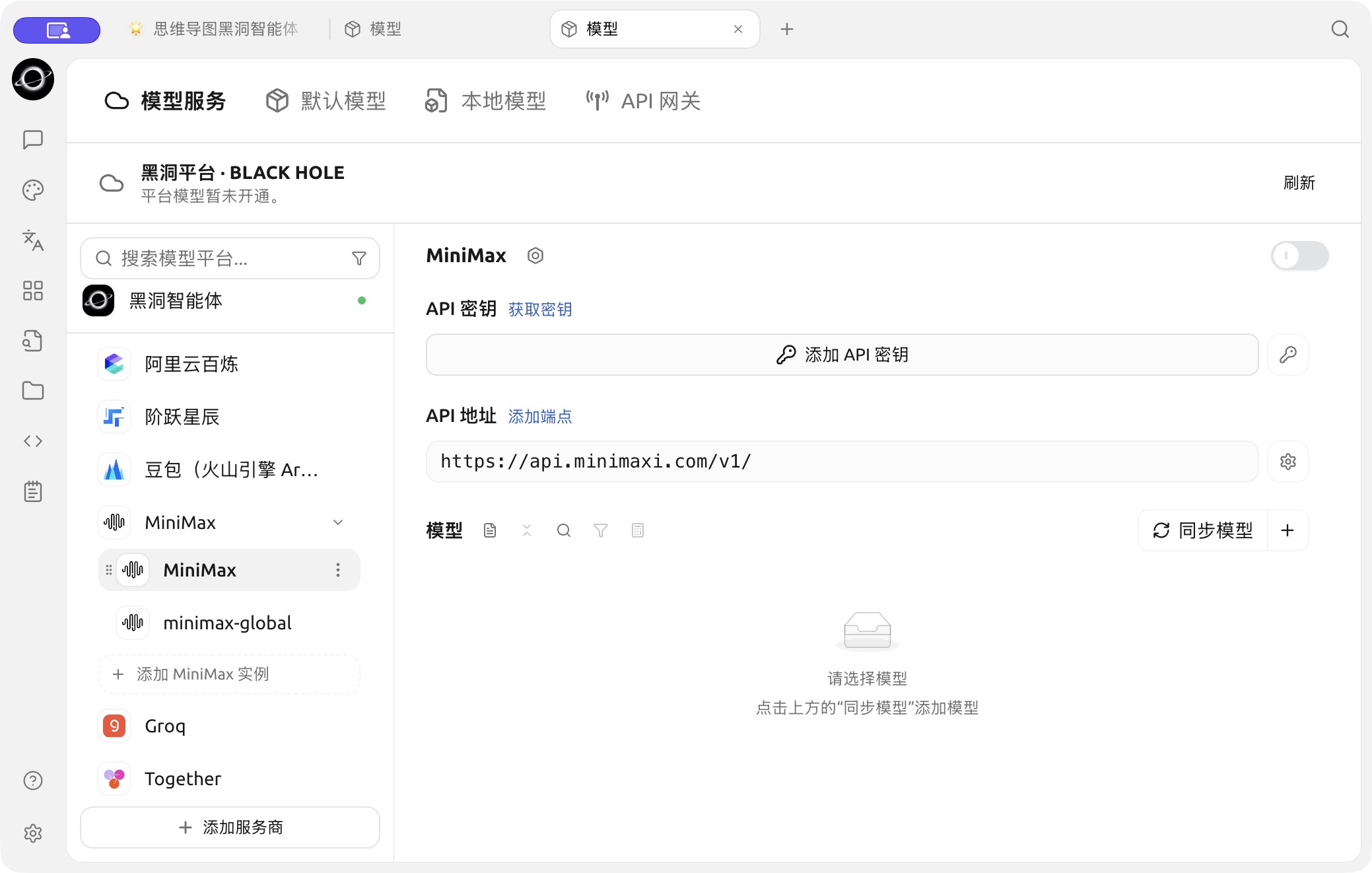
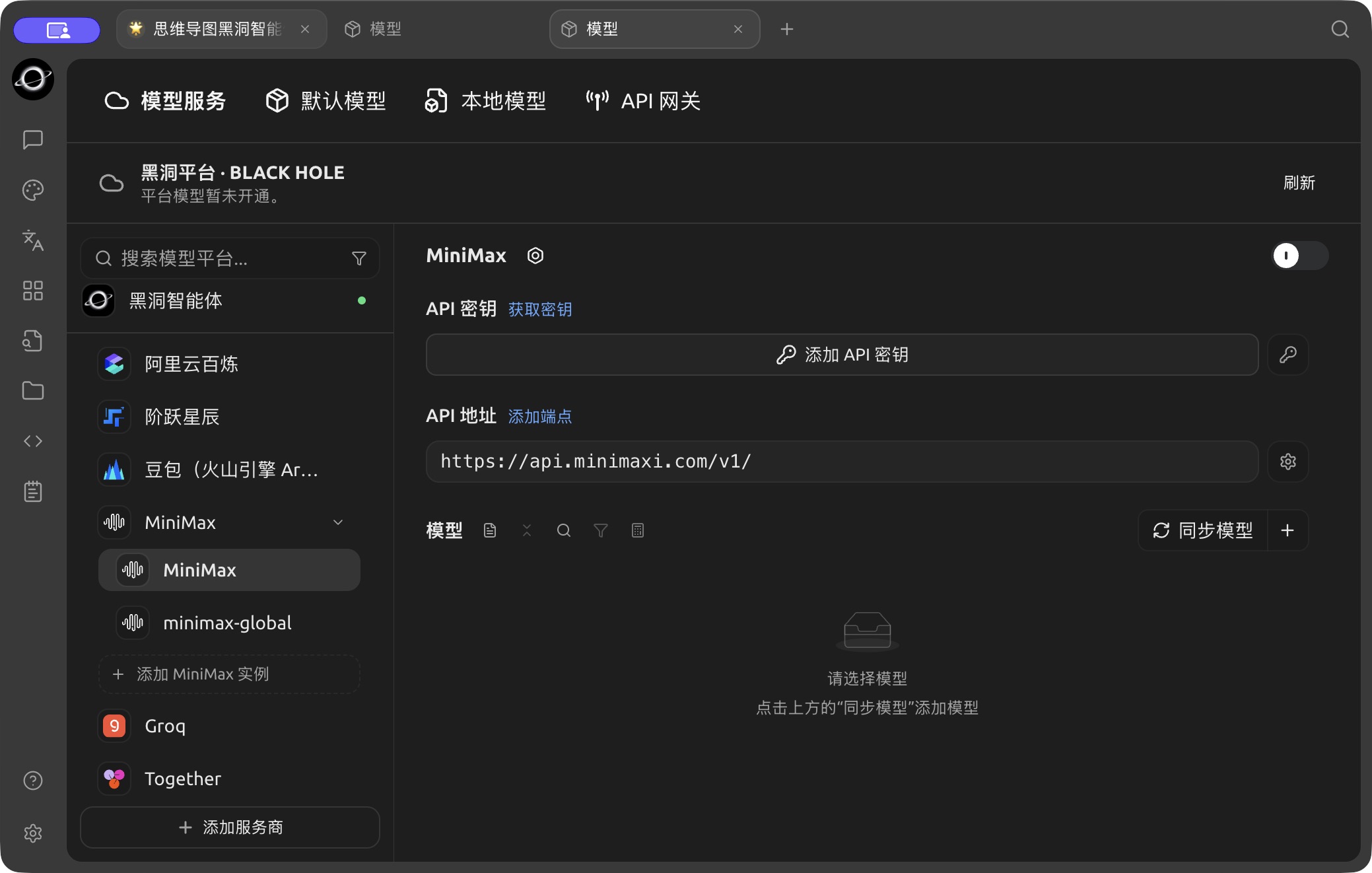
The MiniMax configuration page in Model Services. (Chinese interface.)
Step 3: Add the Model
-
Click Sync models next to the Models heading on the configuration page.
-
Find and add M3.1 Flash Preview, the text model included in every M Plan tier.
Step 4: Save and Verify
- Click the Model Check button next to the API key input field.
- If Success is displayed in green, your M Plan subscription is connected.
3. Usage and Limits
4. Troubleshooting Common Issues
Get Help and Submit Feedback
If you have any questions, bugs, or feature improvement suggestions during configuration or usage, please refer to the official channels provided in Feedback and Suggestions.