
GitHub Copilot
GitHub Copilot requires a GitHub account with eligible Copilot access. Available models and quotas depend on your account and the current sync results; see the GitHub Copilot website.
Obtain Device Code
Open Model → Model Services → GitHub Copilot, then click Start Authorization. Follow the prompts to obtain and copy a device code and open the authorization page.
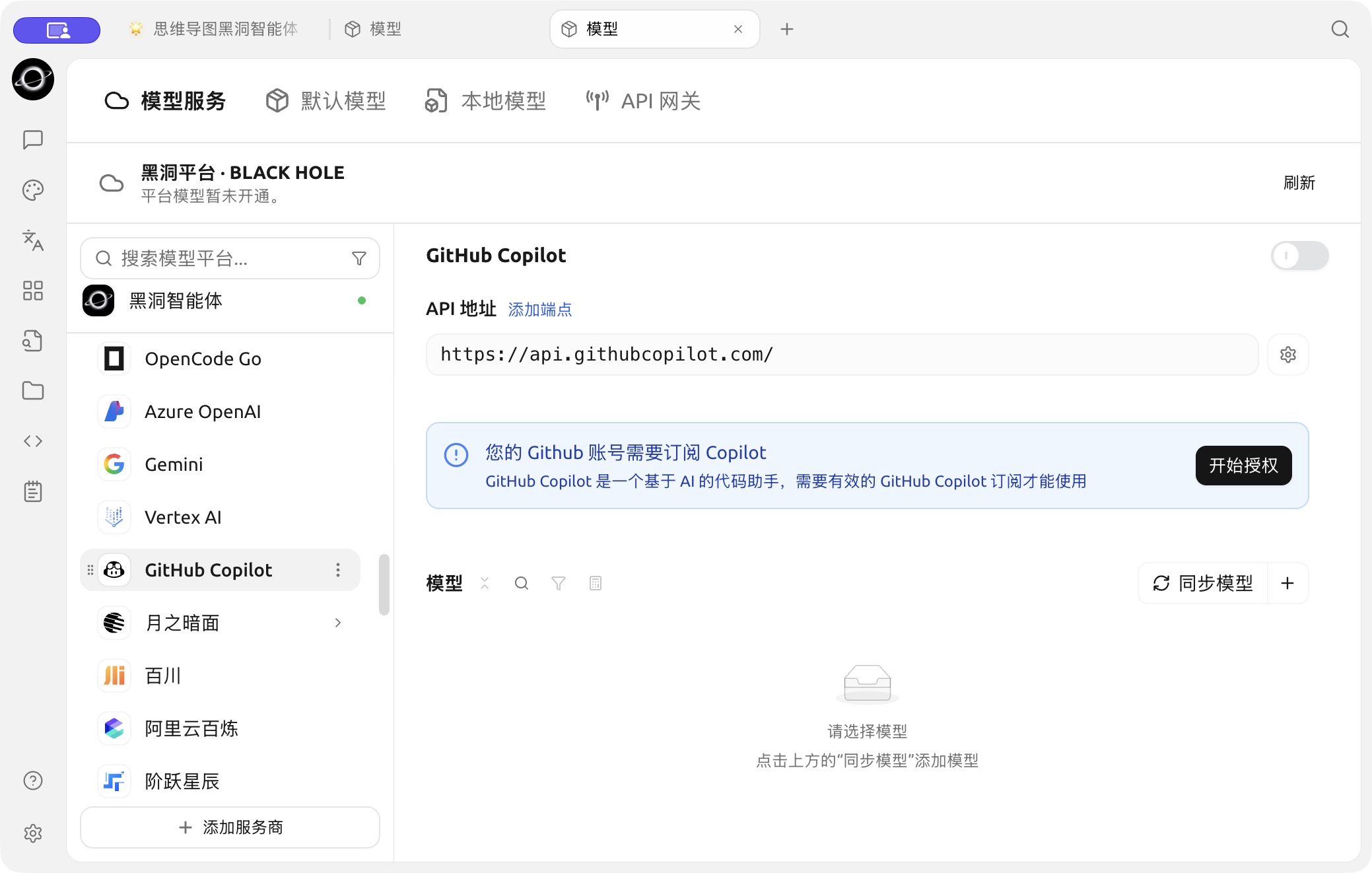
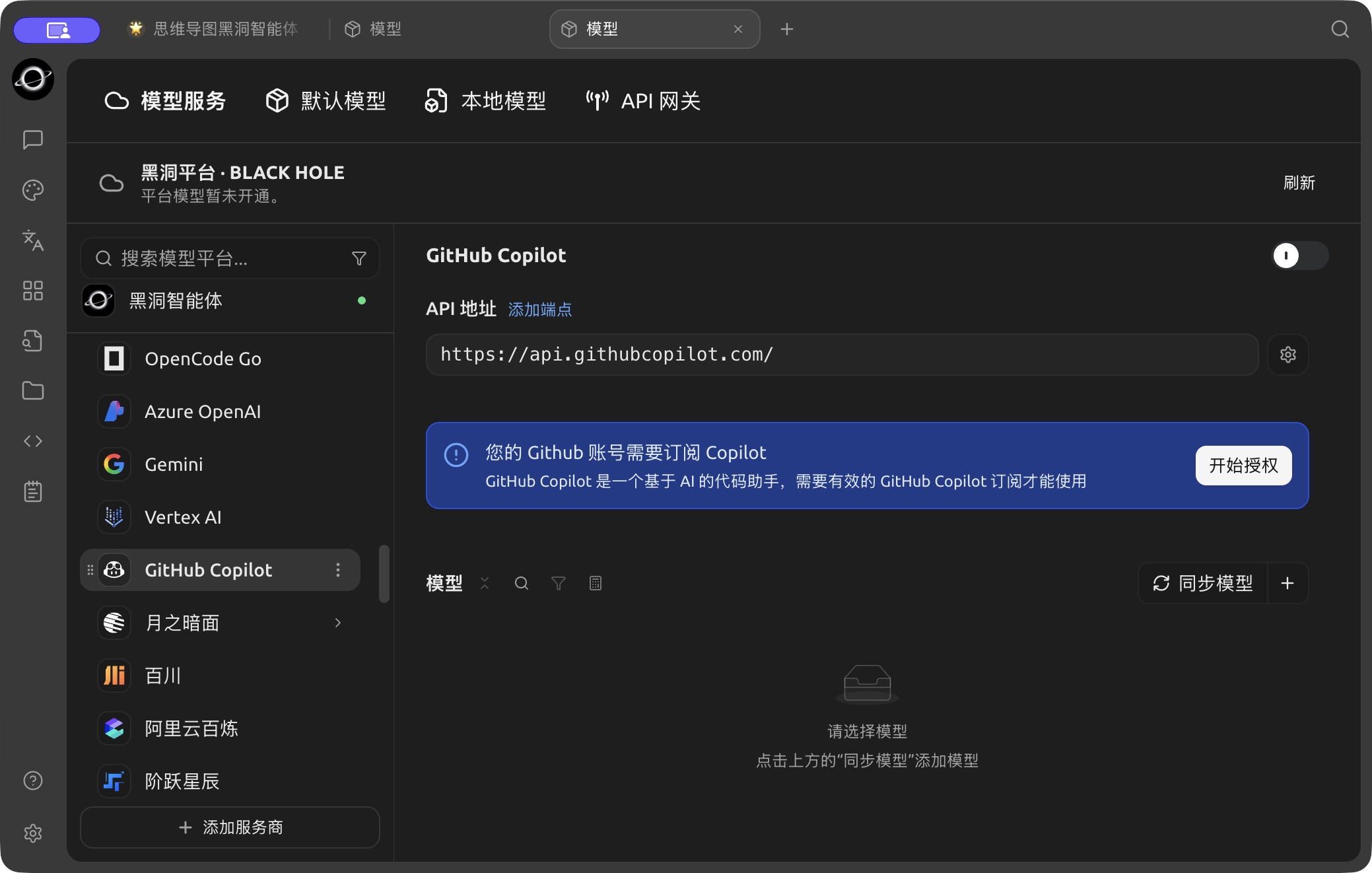
The Start Authorization entry for GitHub Copilot. (Chinese interface.)
Enter Device Code in Browser and Authorize
After successfully obtaining the Device Code, click the link to open your browser, log in to your GitHub account in the browser, enter the Device Code, and authorize.
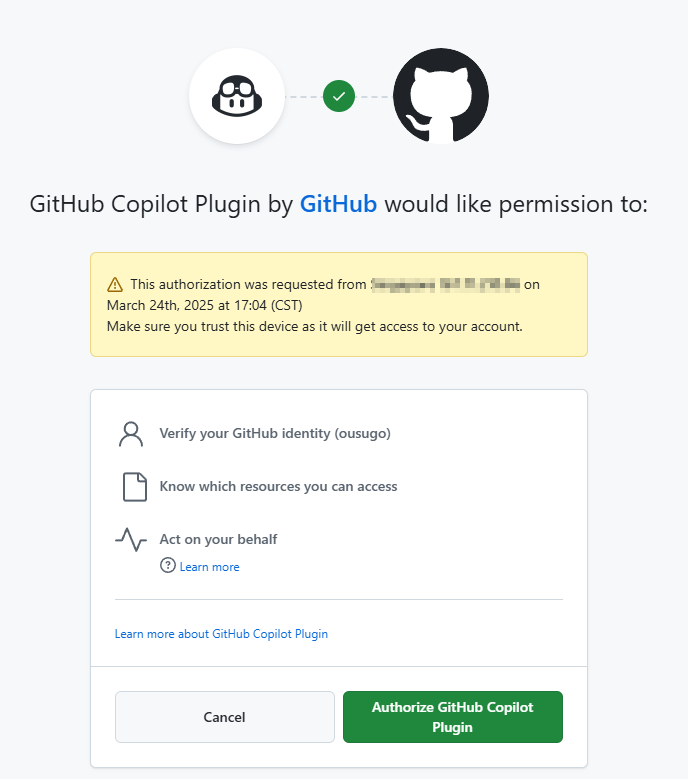
GitHub Authorization
After authorizing, return to BLACK HOLE AGENT and check the connection status. Continue only once the application confirms the account is connected.
Click "Sync models" to Get the Model List
Click "Sync models" to automatically retrieve the list of currently supported models online.
Frequently Asked Questions
Failed to Obtain Device Code, Please Retry
Currently, requests are built using Axios, which does not support SOCKS proxies. Please use a system proxy or HTTP proxy, or do not set a proxy directly in BLACK HOLE AGENT and use a global proxy instead. First, please ensure your network connection is normal to avoid failures in obtaining the Device Code.