
Google Gemini
Get API Key
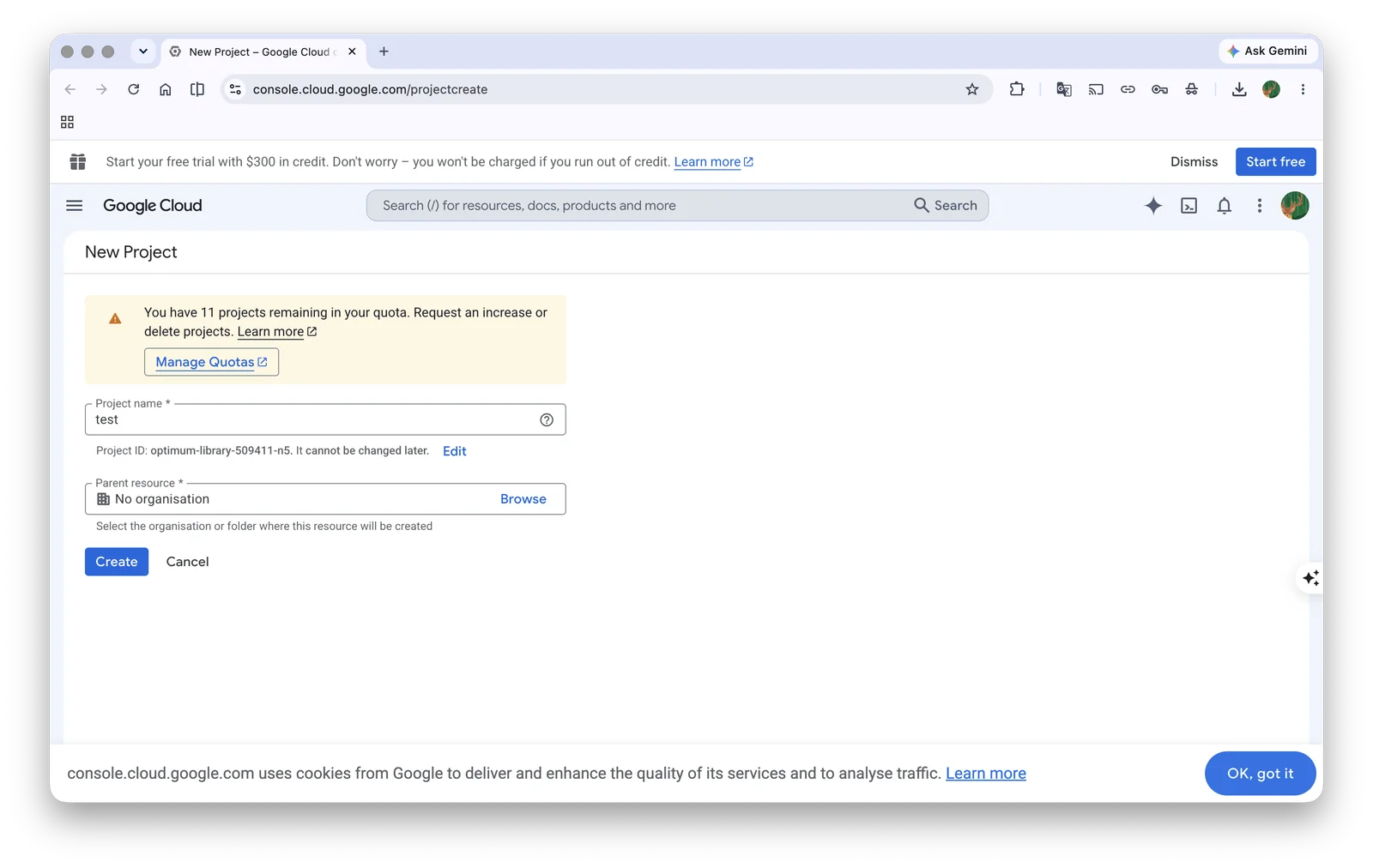
- Before getting a Gemini API key, you need a Google Cloud project (if you already have one, you can skip this step)
- Go to Google Cloud to create a project, fill in the project name, and click "Create"
- On the Google AI Studio API Keys page, create a new key. In the Create a new key dialog, name the key, then under Select an import project choose the project you just created (or use Import Project / Create a project)
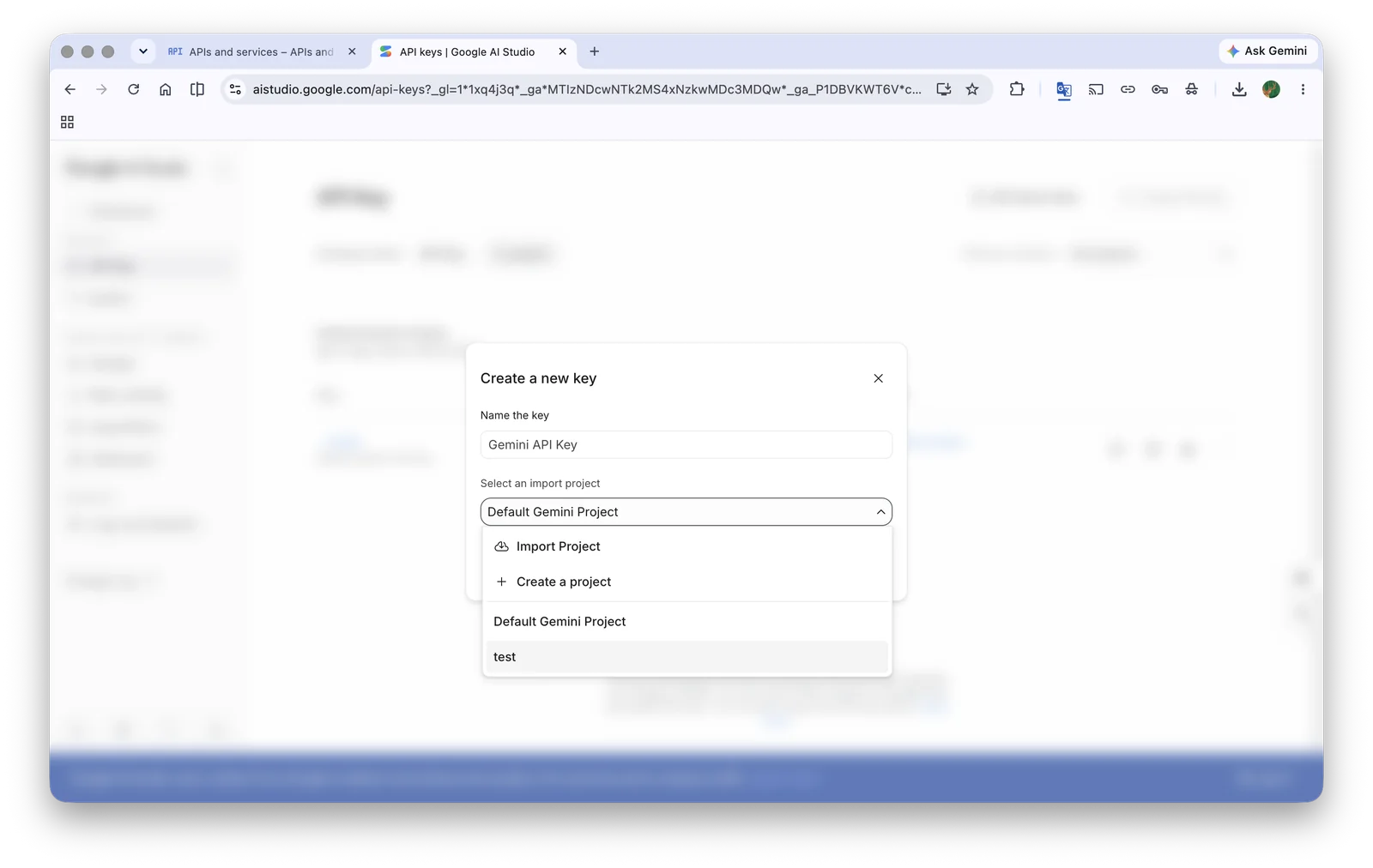
Choose the Google Cloud project for the new key
- Copy the generated key and open BLACK HOLE's Service Provider Settings
- Find the provider Gemini, click Add API key, paste the key you just obtained, then click Save and close
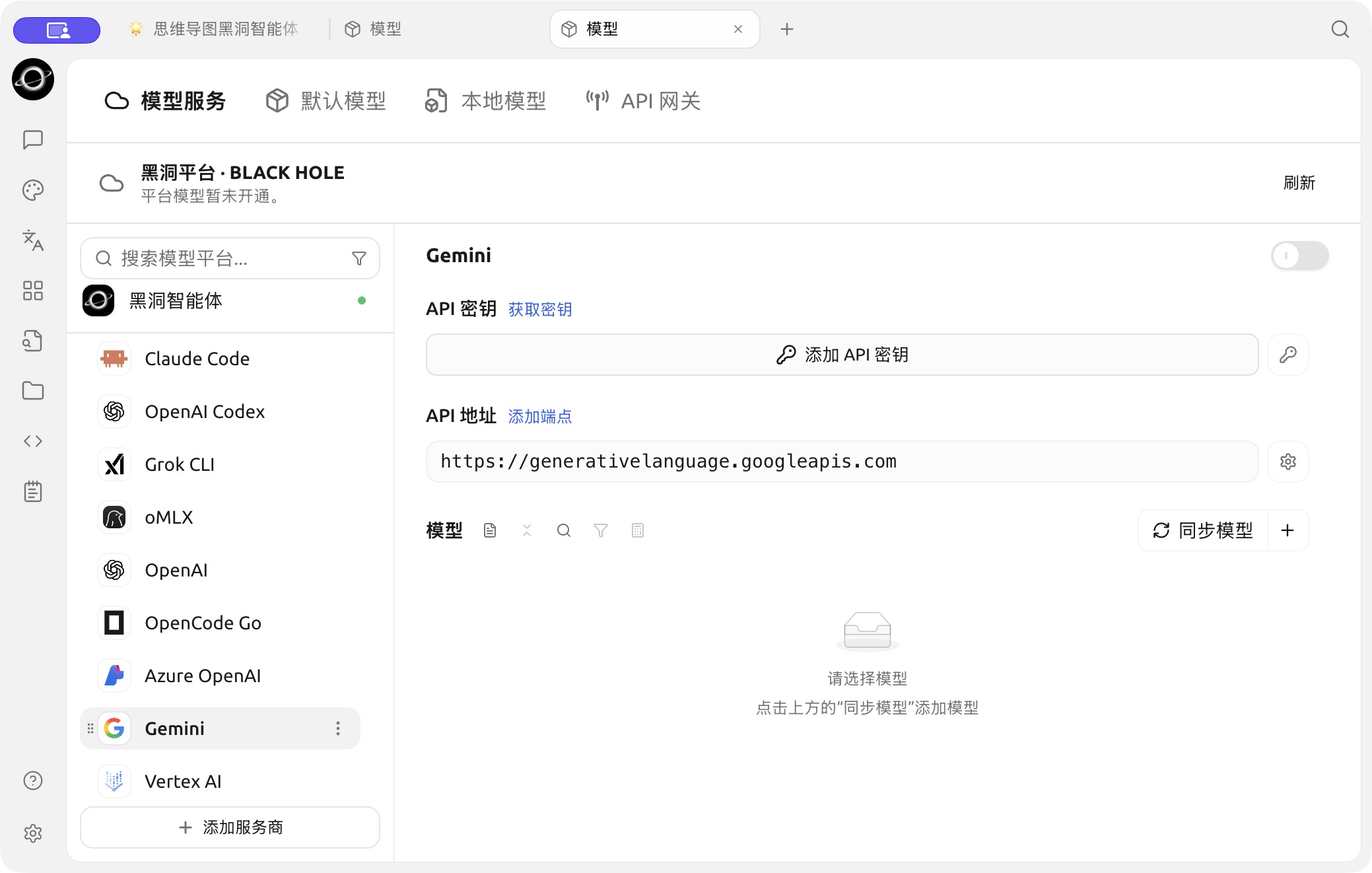
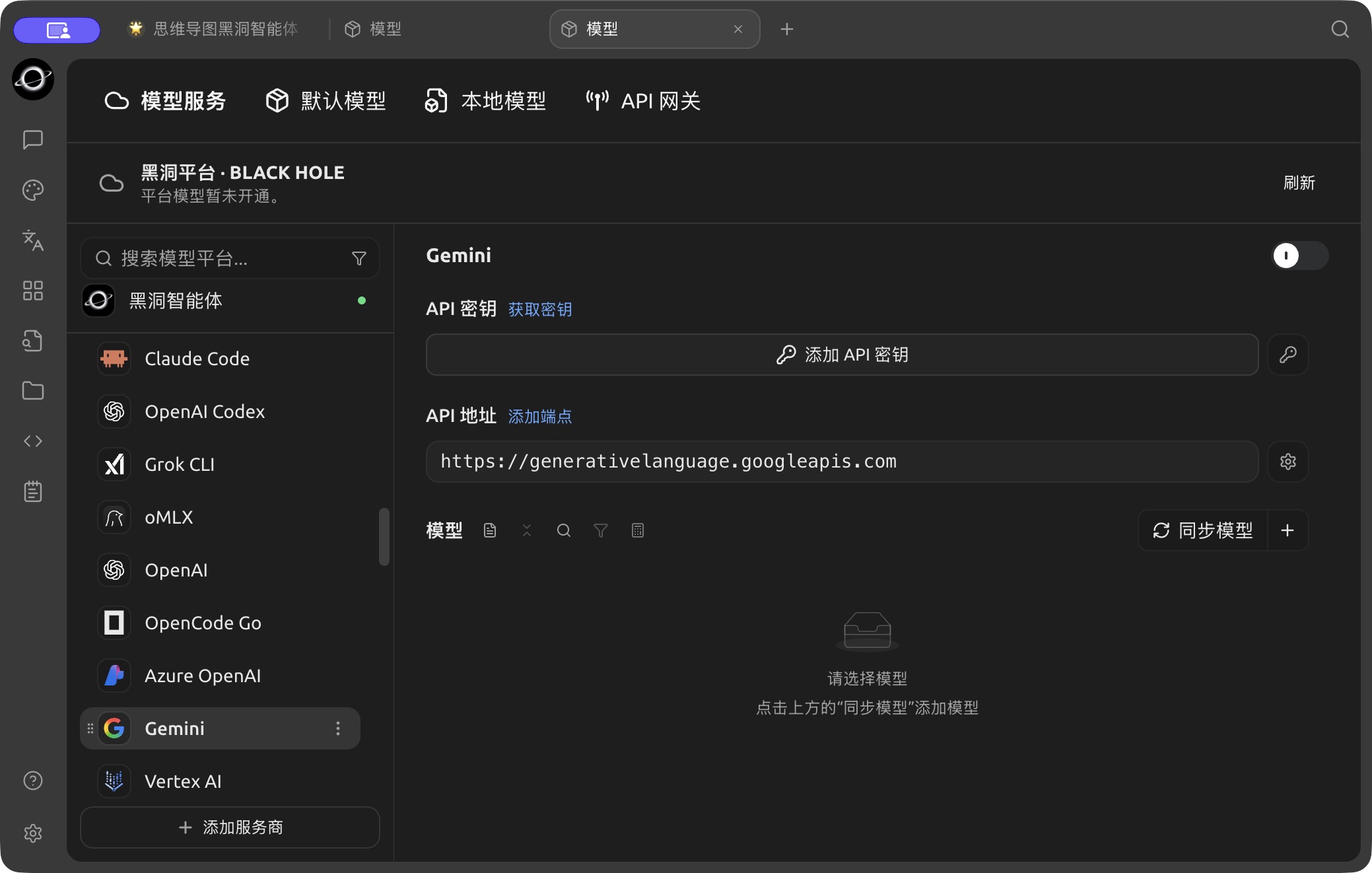
The Gemini configuration page in Model Services. (Chinese interface.)
- Click "Sync models" (or "+" to add one manually) next to the Models heading to add supported models, then turn on the service provider switch in the upper right corner to start using it.