
Web Search Blacklist Configuration
Use the blacklist to keep specific sites out of web search results. Rules follow the format of ublacklist.
Open Settings → Web Search, expand Advanced Settings under the search service provider, and enter rules in the Blacklist box, one per line. Rules can be specified using: Match Patterns (e.g., *://*.example.com/*) or Regular Expressions (e.g., /example\.(net|org)/).
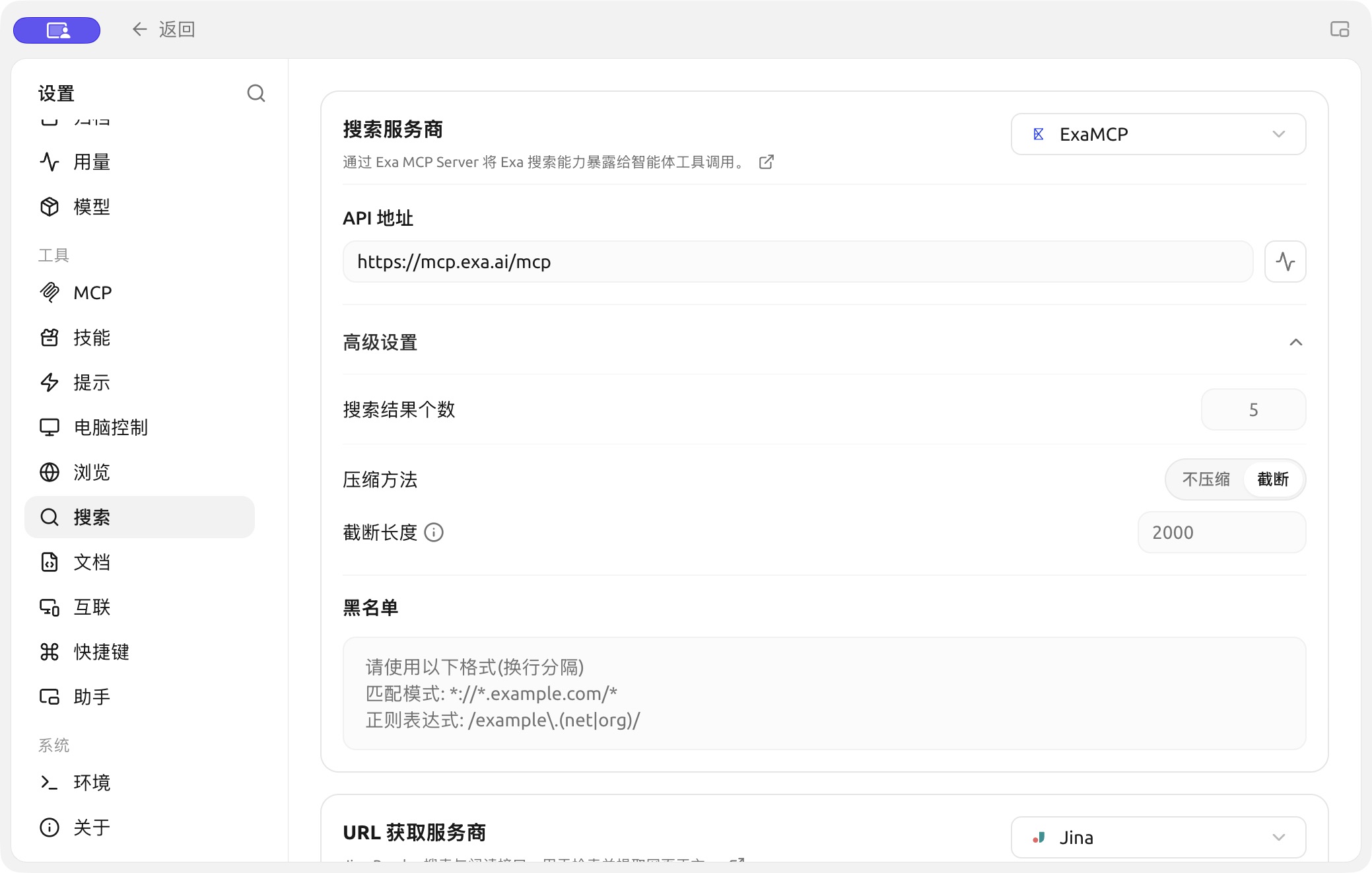
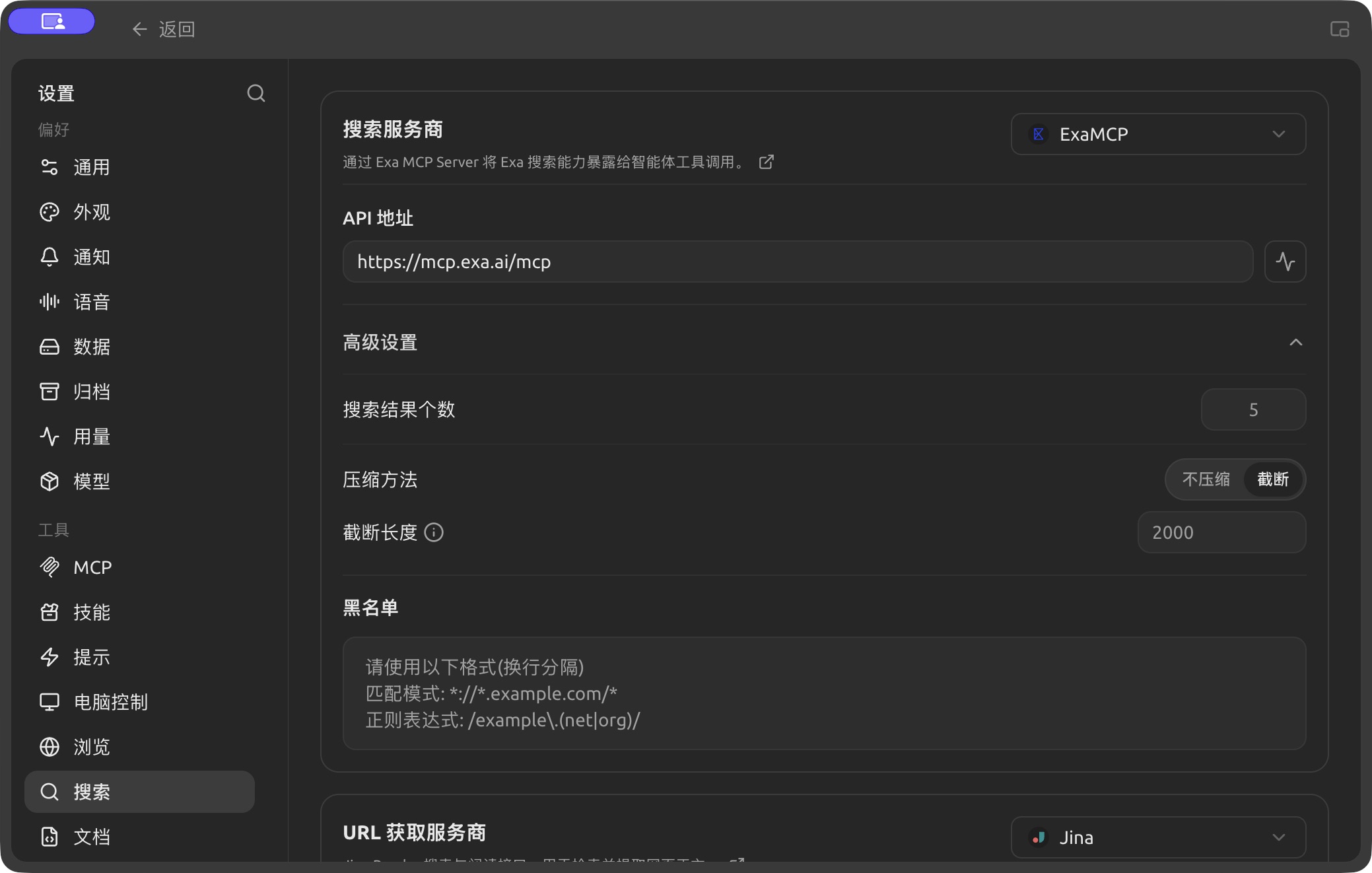
Search result count, compression and blacklist settings. (Chinese interface.)