
SiliconFlow
SiliconFlow is an inference platform that hosts many open-source models (Qwen, DeepSeek, GLM, BGE and more) behind one API.
1. Get an API Key
- Sign up or log in on SiliconFlow
- Open the API Keys page, then create a new key or copy an existing one
2. Configure in BLACK HOLE
- Open
Settings → Model Providerand select SiliconFlow - Click Add API key, paste your key, then click Save and close
- Keep the default API Host (
https://api.siliconflow.com/v1)
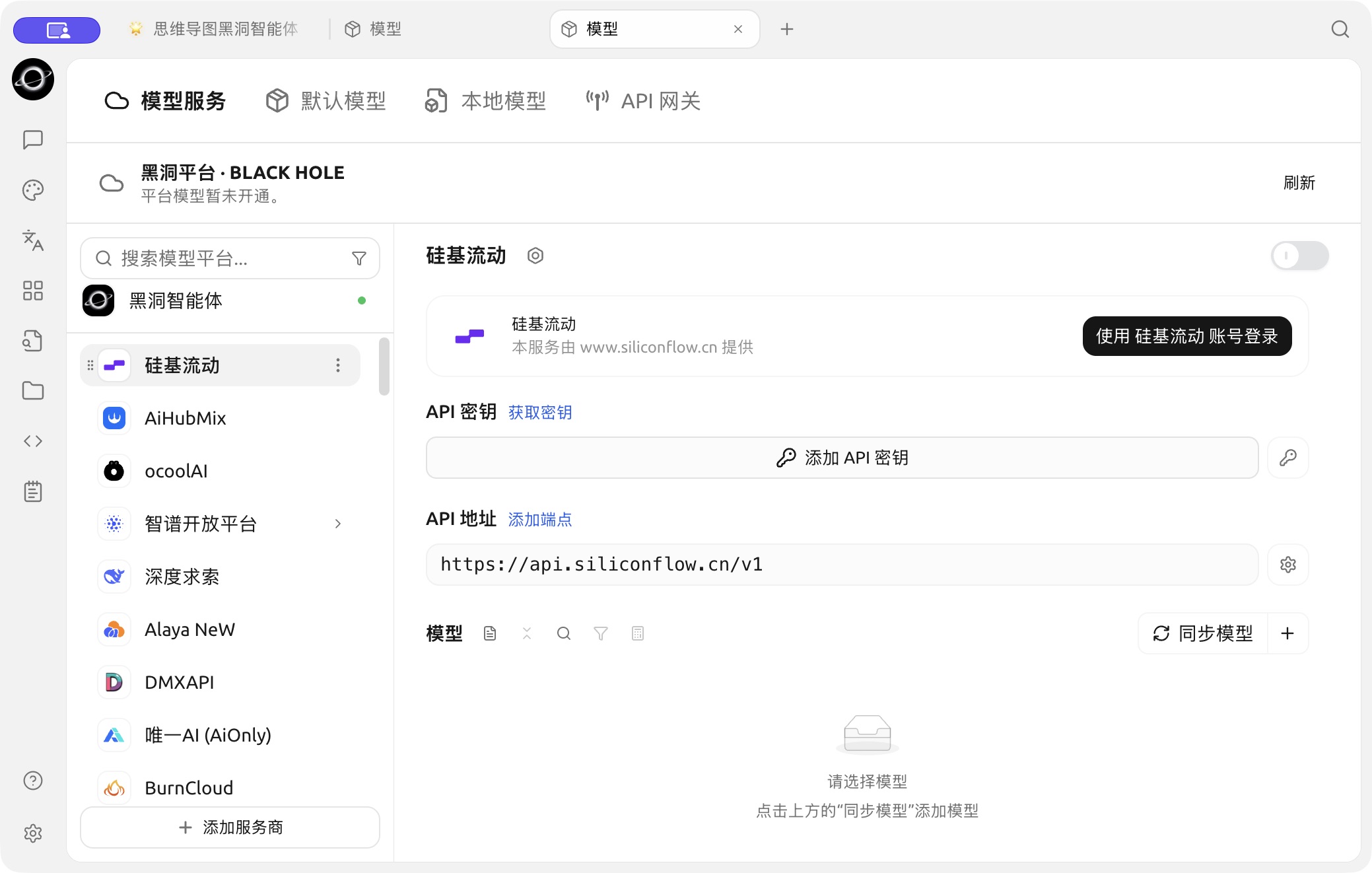
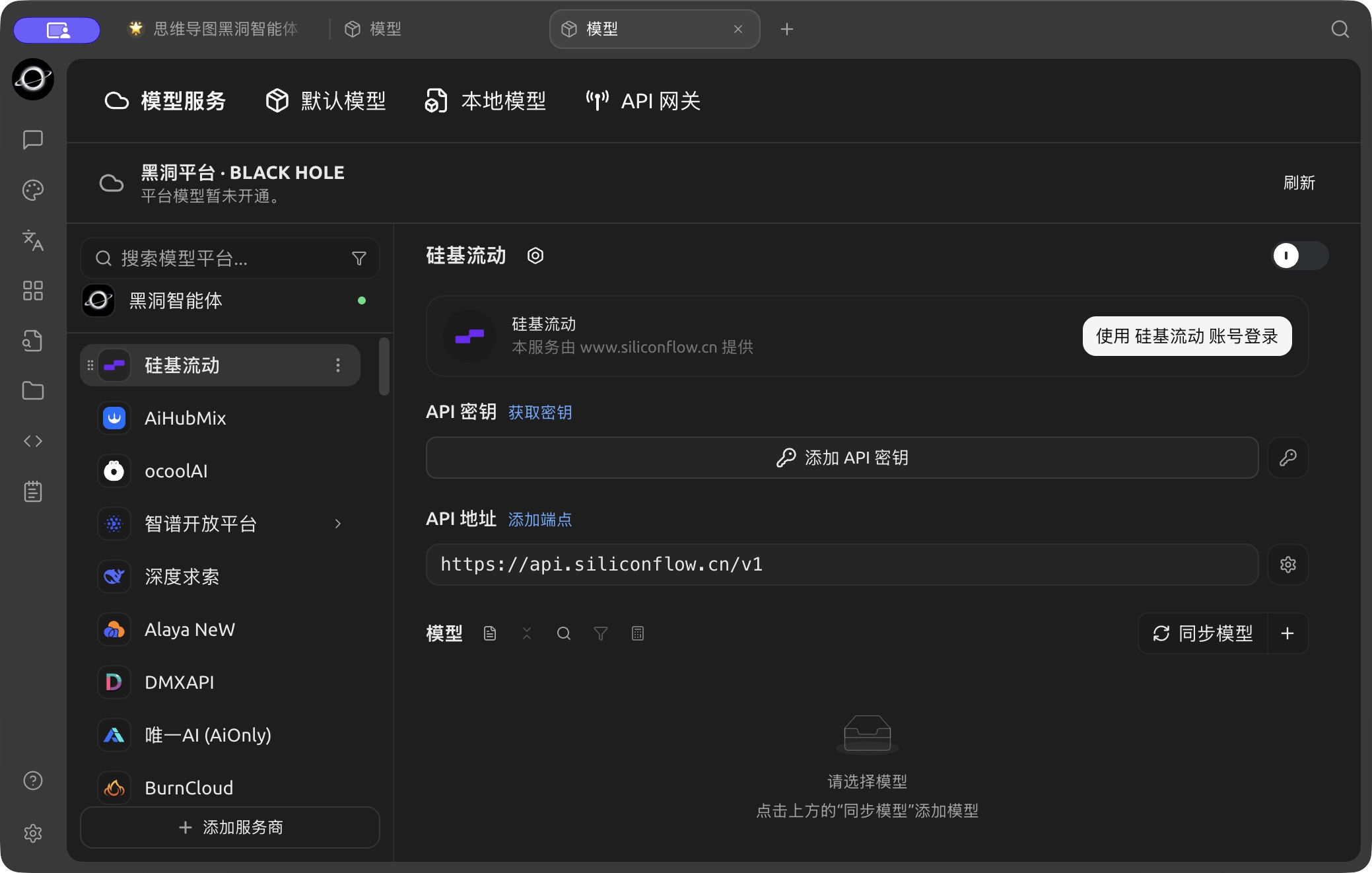
The SiliconFlow configuration page in Model Services. (Chinese interface.)
- Click Sync models and add the models you want
3. Start Chatting
- Click Chat in the left sidebar
- Select a SiliconFlow model from the model selector in the top bar
- Type in the input box to start chatting
Get Help and Submit Feedback
If you have any questions, bugs, or feature suggestions during configuration or use, please use the official channels listed in Feedback and Suggestions.