
Multi-Window and Tabs
Chat topics, Agent tasks, and regular tabs can all be detached from the current window. This operation does not duplicate content; it only changes the display location.
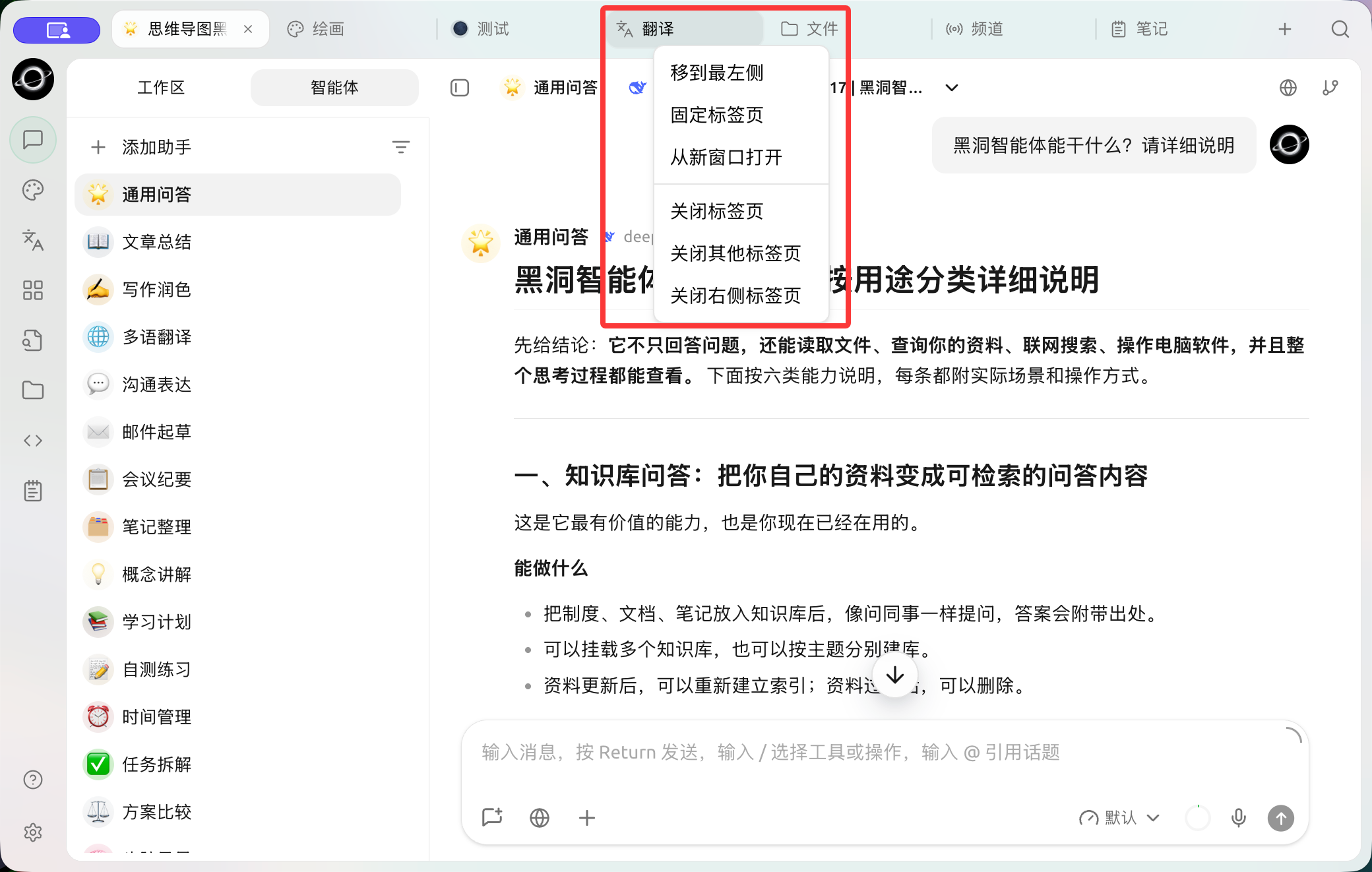
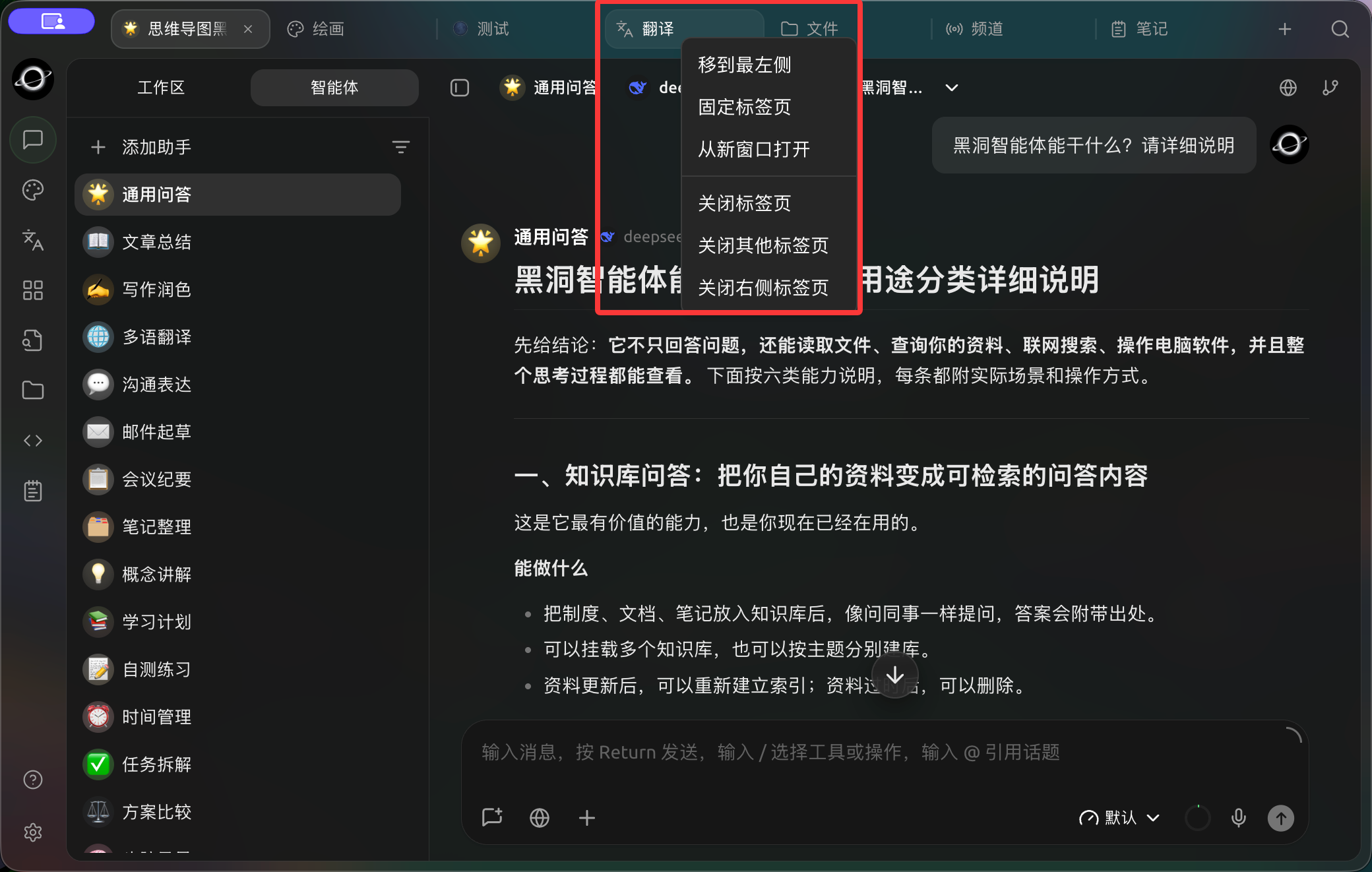
Right-click a tab to pin it, open it in a new window or close other tabs. (Chinese interface.)
Open from Topic or Task
1. Locate the Target Topic or Agent Task
Right-click the target item in the left-side topic list or Agent task list.
2. Select the Opening Method
Select Open in New Tab to keep it in the main window; select Open in New Window to directly create an independent window, while the current list remains available for use.
3. Manage Independent Windows
Click Pin Window at the top to keep it in front of other windows; click Return to Main Window to merge the current content back into the main window and close the independent window.
Detach from Tab
Right-click the tab at the top of the main window and select Open in New Window. This operation moves the tab to an independent window and removes it from the main window's tab bar.
Common Tab Operations
- Move to Far Left: Moves the current tab to the front of regular tabs;
- Pin Tab: Shrinks to a pinned icon and remains on the left side of the tab bar;
- Close Other Tabs: Keeps only the current page;
- Close Tabs to the Right: Cleans up a batch of temporary pages;
- Drag tabs: Adjusts the order of similar tabs.
Use Case: Researching While Monitoring Tasks
Keep reference chats in the main window, Open in New Window the running Agent task, and then pin the task window. The references remain in the original chat, and the task does not restart due to window detachment. After the task ends, click Return to Main Window to avoid long-term accumulation of independent windows.
Recommended Layout
The main window handles references and searches, while the independent window retains only one task requiring continuous observation. Use Pin Tab for frequently used tabs in the same project, and close temporary pages promptly after completion.
Completion Criteria
References can still return to the original chat, the Agent task has not restarted due to window detachment, and the task has returned to the main window or the independent window has been closed after completion.
Why can't hidden internal tabs be opened in an independent window?
An independent window operates around a single content item. To open other topics or tasks, use the right-click menu to open a new window, or first click Return to Main Window and then manage tabs.