
Code Mate (Code CLI)
Code Mate is used to install, configure, and launch common programming command-line tools. BLACK HOLE AGENT distinguishes between app-managed versions, versions already present in the system PATH, and the tool's own account login. It does not automatically overwrite system installations.
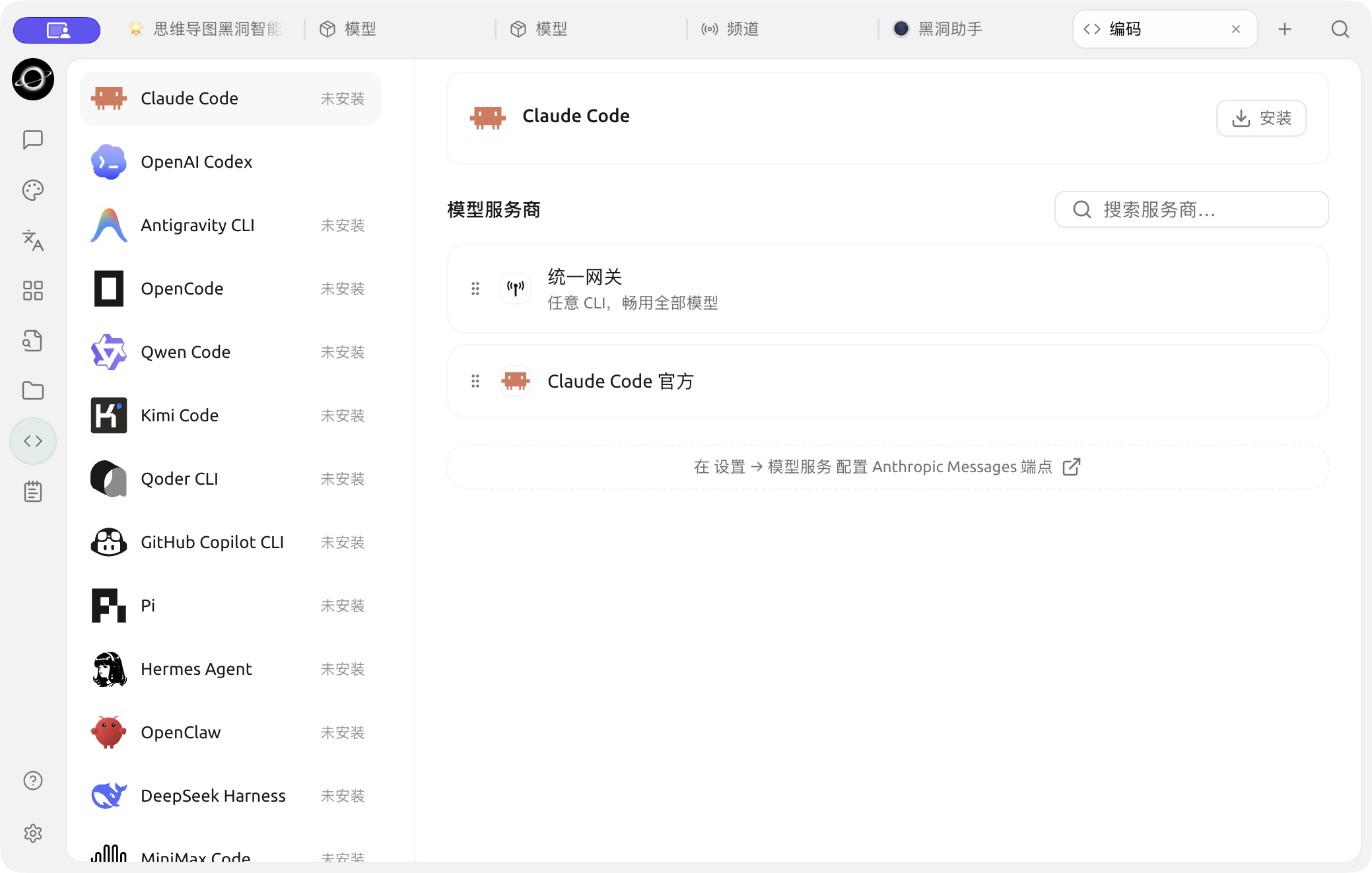
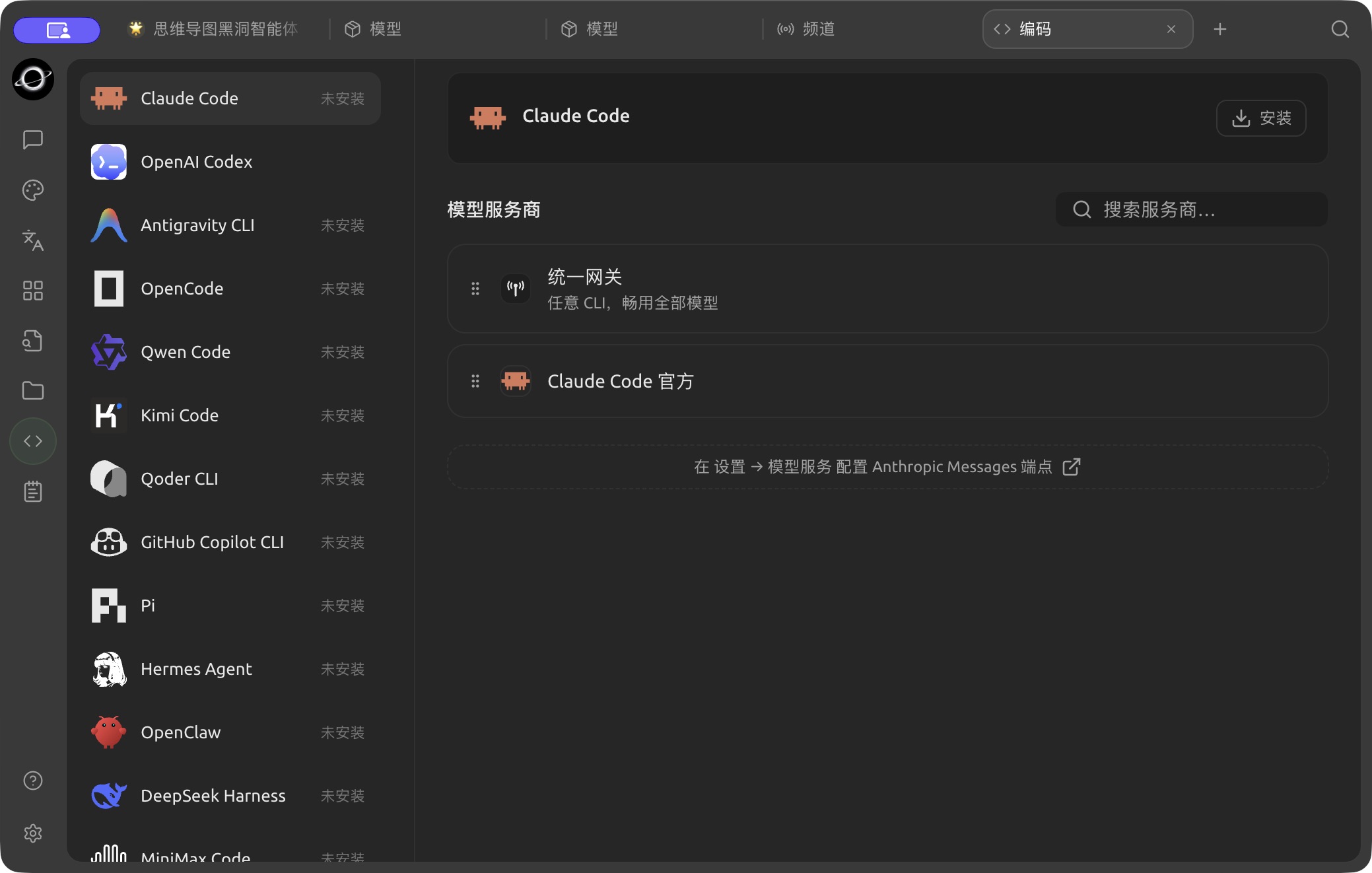
The Claude Code setup page in Code; the tool is not installed in this example. (Chinese interface.)
What the Page Can Do
- Check if a tool is installed and if updates are available;
- Install, update, or remove BLACK HOLE AGENT-managed tool copies;
- Detect tools already present in the system PATH;
- Select a provider, model, and parameters for CLIs that require model services;
- Preserve native login methods for CLIs that use their own account login;
- Select a working directory and a system-detected terminal to launch.
The page includes tools such as Claude Code, OpenAI Codex, Antigravity CLI, OpenCode, Qwen Code, Kimi Code, Qoder CLI, GitHub Copilot CLI, Pi, Hermes Agent, OpenClaw, DeepSeek Harness and MiniMax Code. The actual visible items may change with product updates; refer to the page list for the current status.
General Launch Process
1. Open Code Mate from Launchpad
Select the required tool and check whether its status is Not Installed, Managed by BLACK HOLE AGENT, or from the System.
2. Complete Installation or Login
If not installed, click Install. For CLIs that provide their own account login, follow the page prompts to complete native login. You do not need to select a provider from BLACK HOLE AGENT.
3. Configure Model Connection
For tools that require BLACK HOLE AGENT model services, you can select Unified Gateway or a compatible provider and model. The page filters by the interface type required by the CLI; incompatible providers are not listed.
4. Select Directory and Terminal
The working directory determines where the CLI launches. The terminal can only be selected from the list detected by the system; after launching, use read-only commands first to confirm the current path.
5. Launch and Verify
Click Launch, confirm that the account or model is correct, then execute file modifications or commands. If you need to adjust reasoning intensity, permissions, or tool-specific options, open Configuration.
DeepSeek Harness
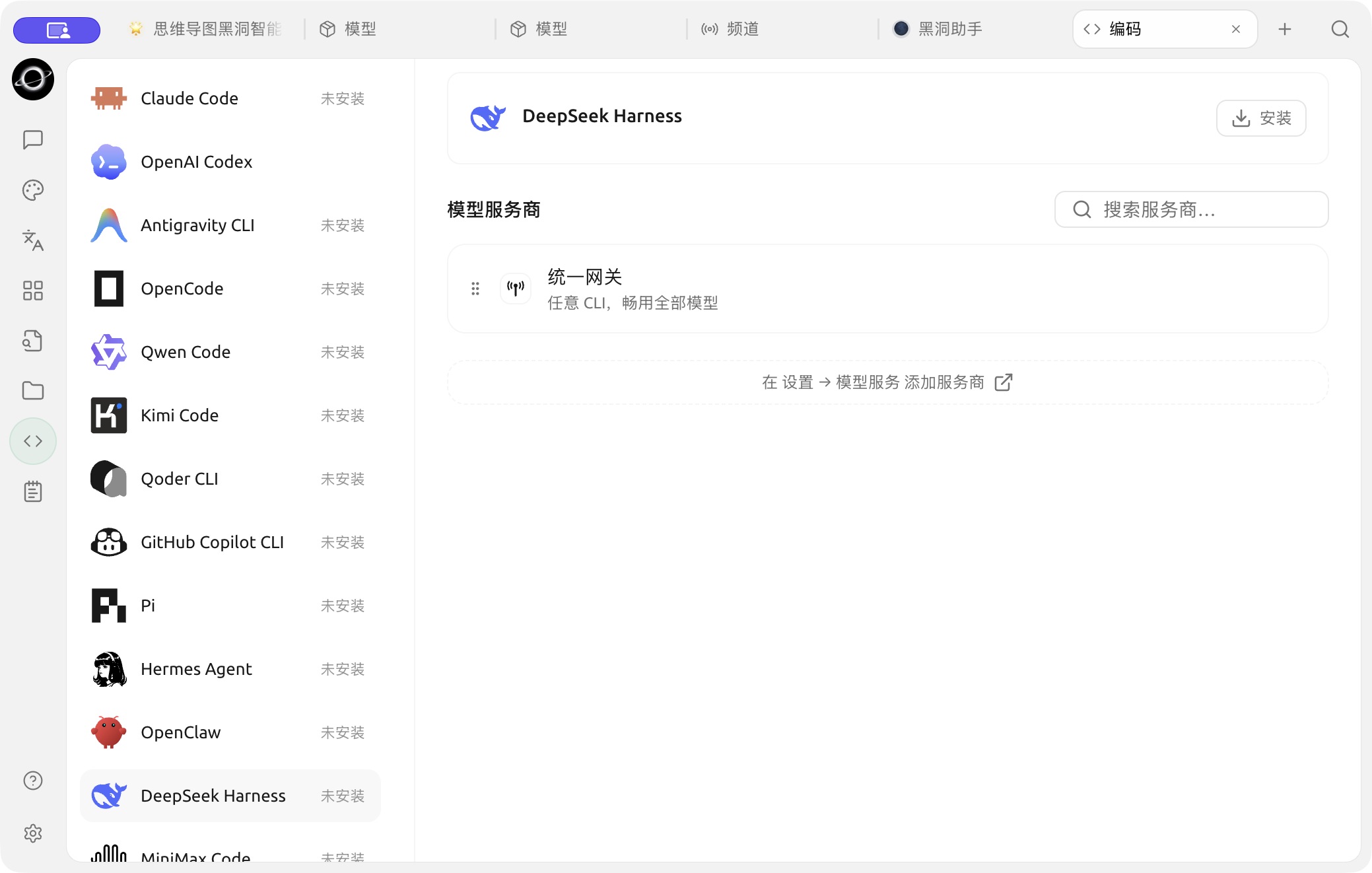
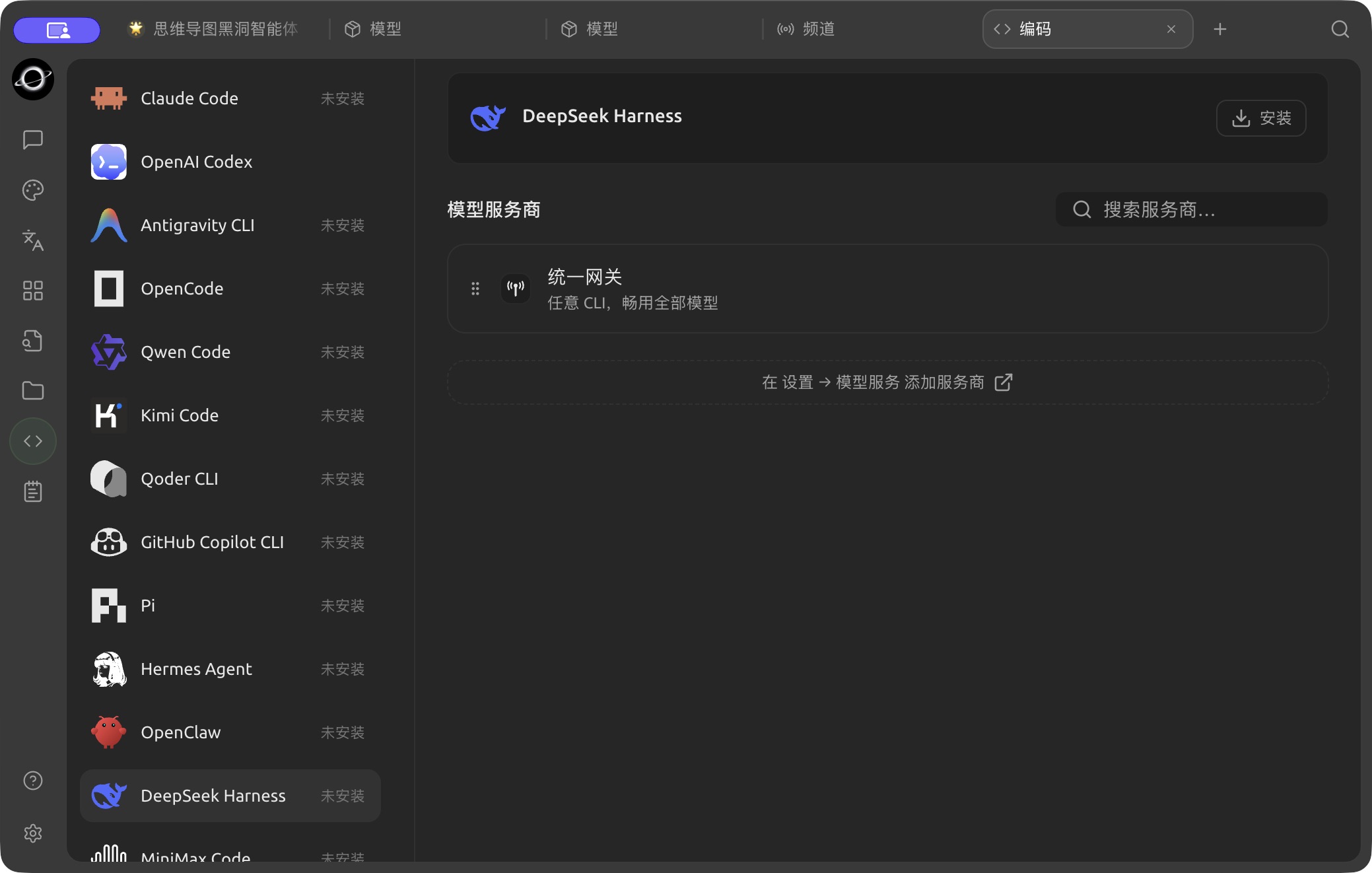
The DeepSeek Harness setup page in Code; the tool is not installed in this example. (Chinese interface.)
The process for DeepSeek Harness differs from standard terminal CLIs: after installation and provider selection, it is run under BLACK HOLE AGENT management, and a standalone Web UI can be opened. In the parameters, you can select the default Agent mode and default permissions:
| Configuration | Suitable For | Notes |
|---|---|---|
| Standard | May use files, Shell, retrieval, skills, planning, and sub-agents | Largest tool surface; use controlled permissions first |
| PTC Code | Requires combining multi-step tool operations via Code Mode | Better suited for complex coding tasks |
| Minimal | Only requires persistent Shell and text editor | Fewer dependencies, smaller capability scope |
| Read-Only | Inspect projects without writing files | Risky operations still request confirmation |
| Workspace Write | Allows modifying the current DSH workspace | Does not imply access to files outside the workspace |
| Full Access | Isolated, trusted, and recoverable environments | Does not request operation confirmation; highest risk |
Distinguish Installation Sources
| Source | What BLACK HOLE AGENT Does | How You Should Maintain It |
|---|---|---|
| BLACK HOLE AGENT Managed | Installs, updates, and uninstalls the corresponding managed copy | Manage in Code Mate or Dependencies |
| System PATH | Detects and uses directly, without overwriting | Update or uninstall using the original package manager |
| Tool Official Account | Preserves the tool's own login flow | Manage account and authorization in the tool's interface |
User Case: Launching Coding Tools in a Project Directory
Developers first select the current project directory, choose a verified model connection, and then launch Pi or another CLI. The first command only reads the repository status; after confirming the account, model, and directory are correct, allow the tool to modify files and run checks.
Why can't I find an already installed terminal or CLI?
BLACK HOLE AGENT detects tools from the login environment and standard locations. Ensure the command runs in the login terminal, then restart the app to refresh the environment. Portable or non-standard paths currently require manual launch from that terminal.